
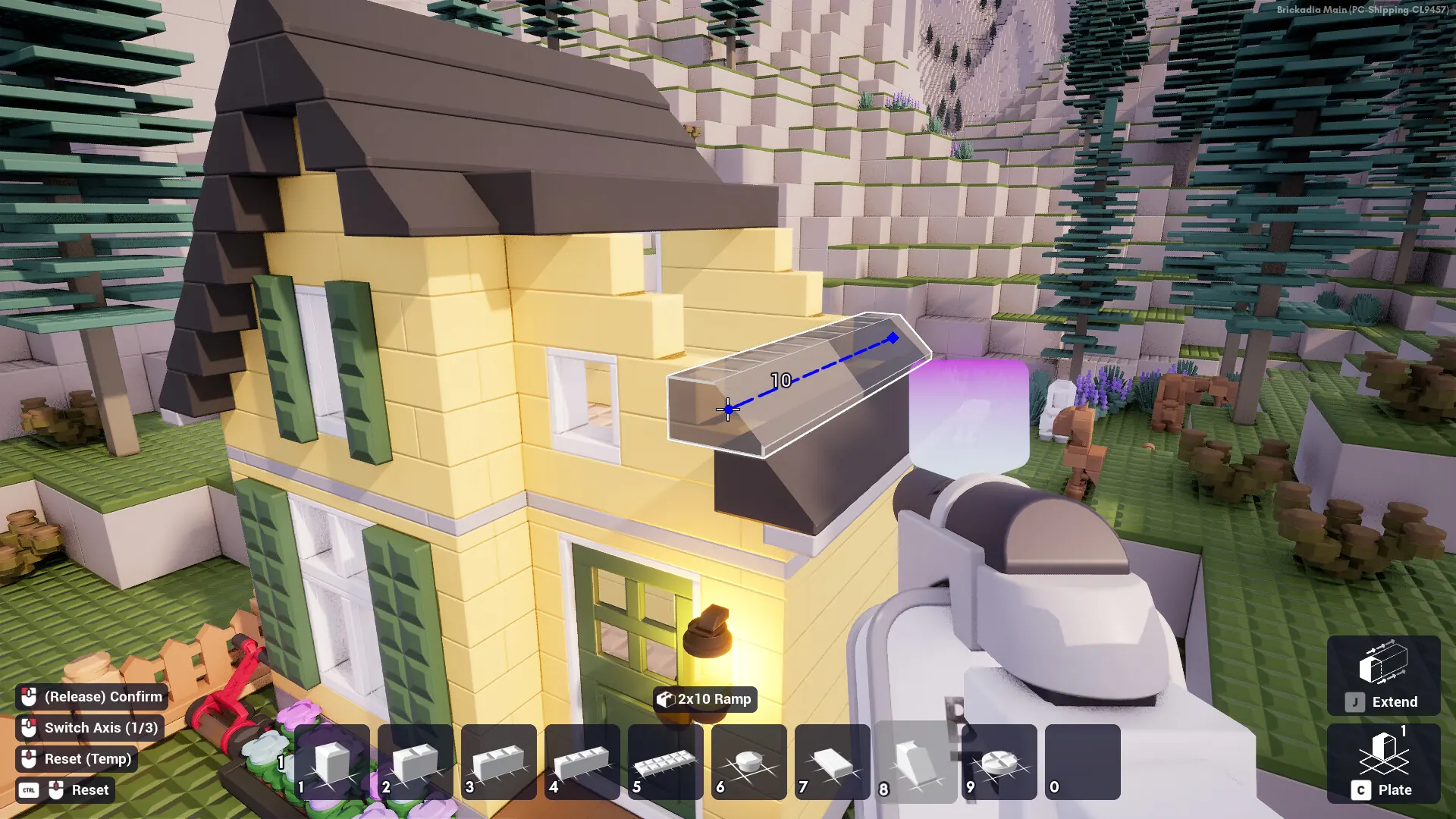
Brickadia servers are publicly listed by default, meaning anyone can find and join them from the in-game server browser. Here's how to make your server private.
Making Your Server Private
- 1Log in to Bropanel and select your server.
- 2In the sidebar, go to
Settings. - 3Set the
List Server Publiclysetting to disabled. - 4Optionally, set a
Server Passwordso only players with the password can join. - 5Click
Save & Restartto apply your changes.
Your server will no longer appear in the server browser, but players can still join directly using Manual Connect from our connect guide.