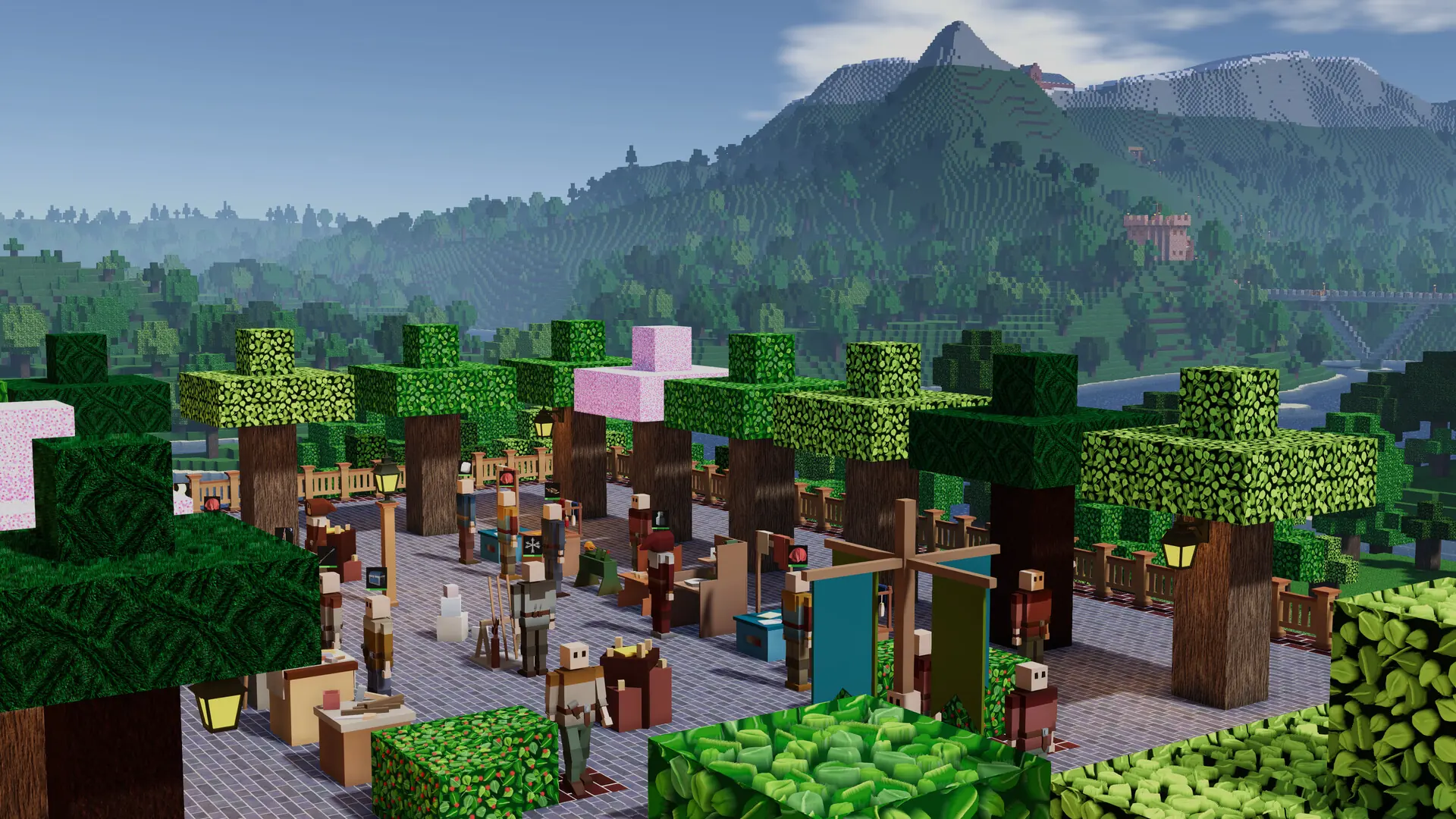
At Game Host Bros, we've integrated basic Colony Survival settings directly into our game panel. Here's how to configure your new Colony Survival server using Settings, or advanced manual configuration via its config file.
Using Settings
- Log in to Bropanel and select your server.
- In the sidebar, go to
Settings. - Edit the settings you'd like to change.
- Click
Save & Restartto apply your changes.
Advanced Manual Configuration
For full manual configuration, you can edit the server.json file directly.
- Log in to Bropanel and
Stopyour server. - In the sidebar, go to
Filesand open/gamedata/settings/server.json. - Make the changes you want, and save the file.
- Start your server.