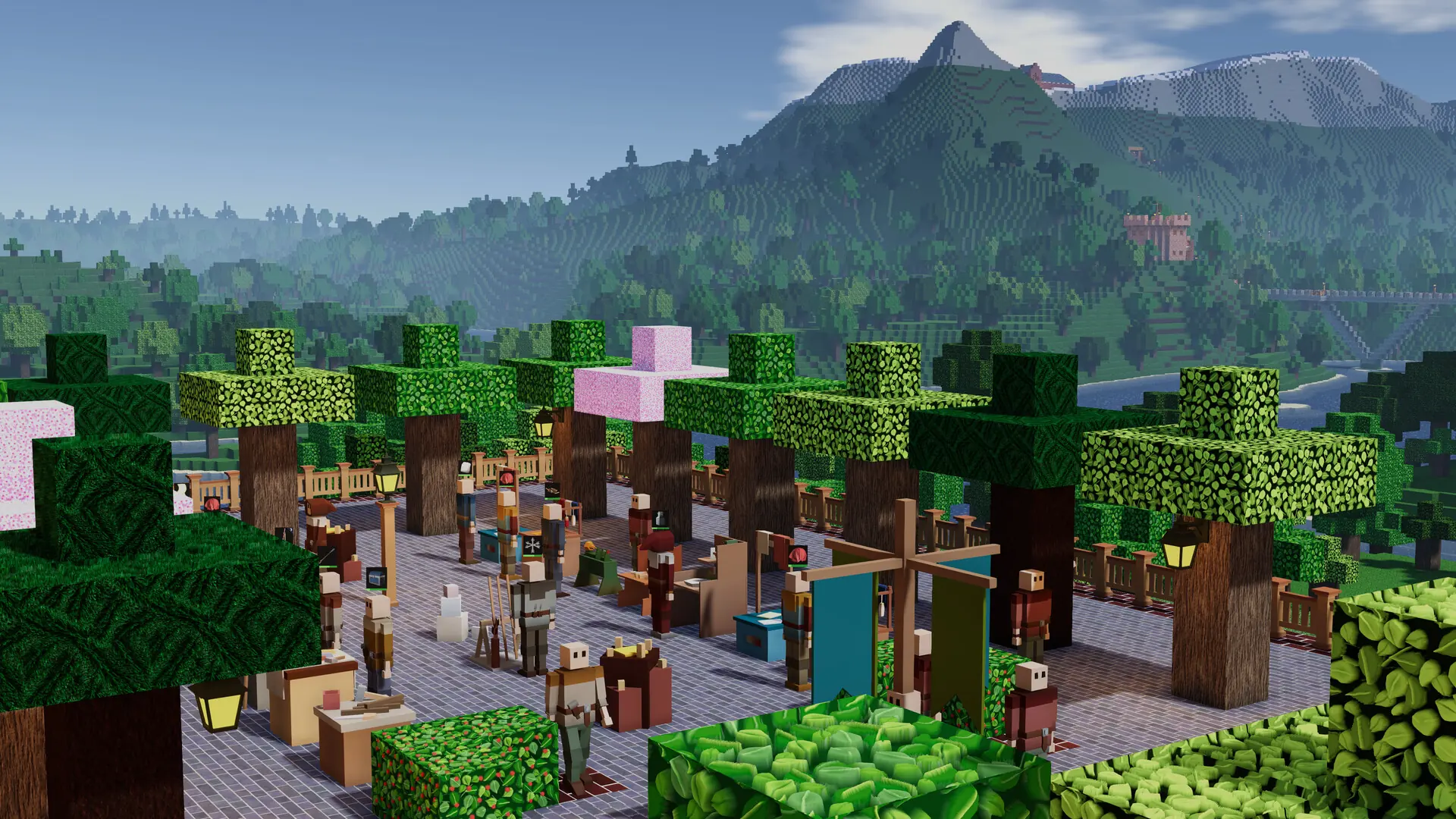
By default, Game Host Bros Colony Survival servers will automatically update whenever a new update releases, ensuring your server is up-to-date in a seamless manner. Automatic updates can also be disabled if you want full control over when your server updates. This is how you can update your server after a Colony Survival update.
Updating Your Colony Survival Server
- Log in to Bropanel and select your server.
- In the sidebar, go to
Settingsand open theUpdatestab. - Make sure
Automatic Updatesis turned on.
Whenever a new update is detected your server will now automatically restart to perform the update.