
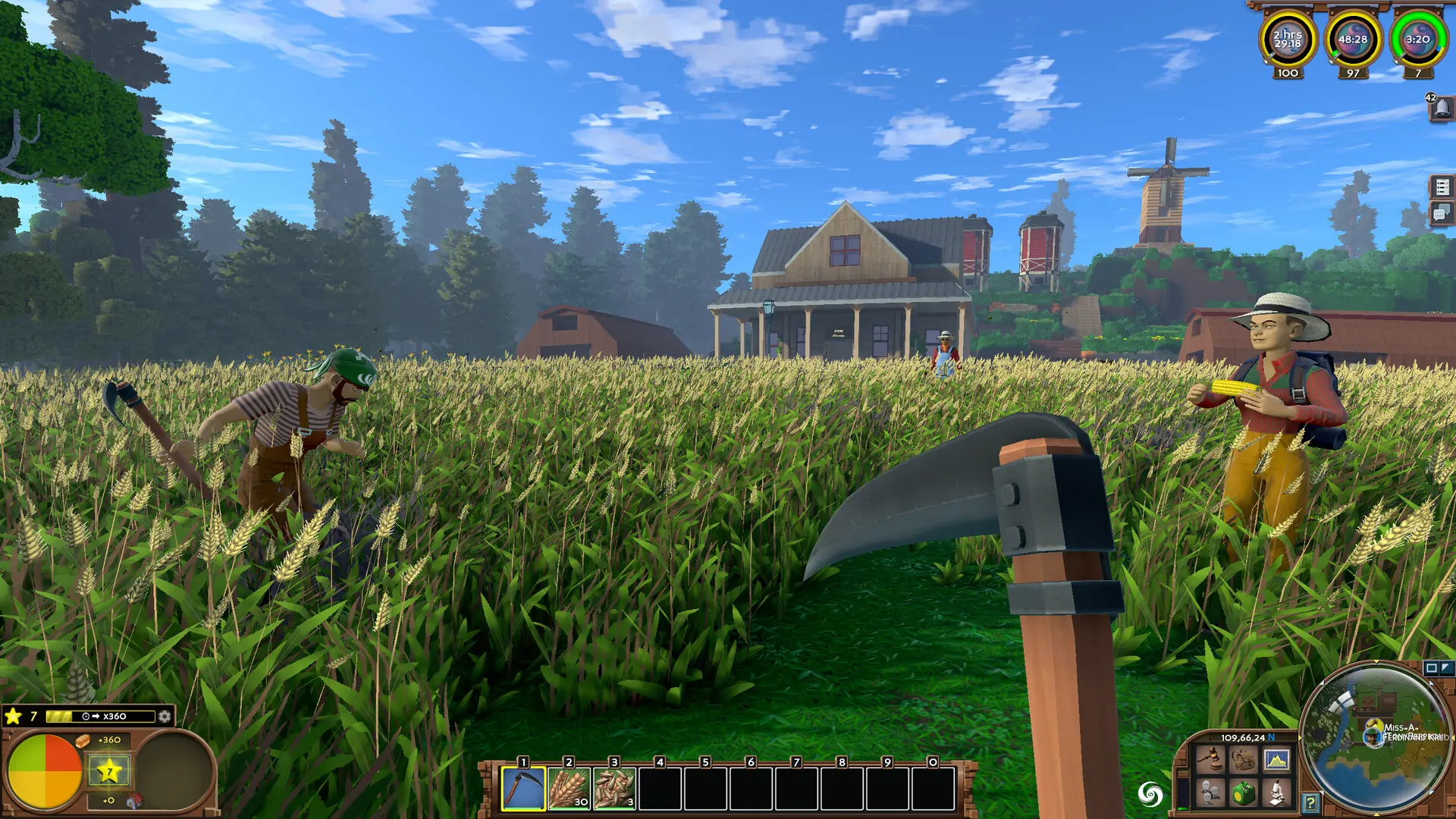
In this guide, you will learn how to install mods on your Eco server. You can download mods from mod.io.
Finding Eco Mods
Caution
Make sure the mods you're installing are compatible with your server version.
- 1Go to this website: mod.io.
- 2Select the mod you wish to download.
- 3Click the Manual Download button in the sidebar.
Uploading Mods To Your Eco Server
Here's what your server should now look like:
Mods
ExampleMod.zipExtract me!
UserCode Some mods are installed in here instead