
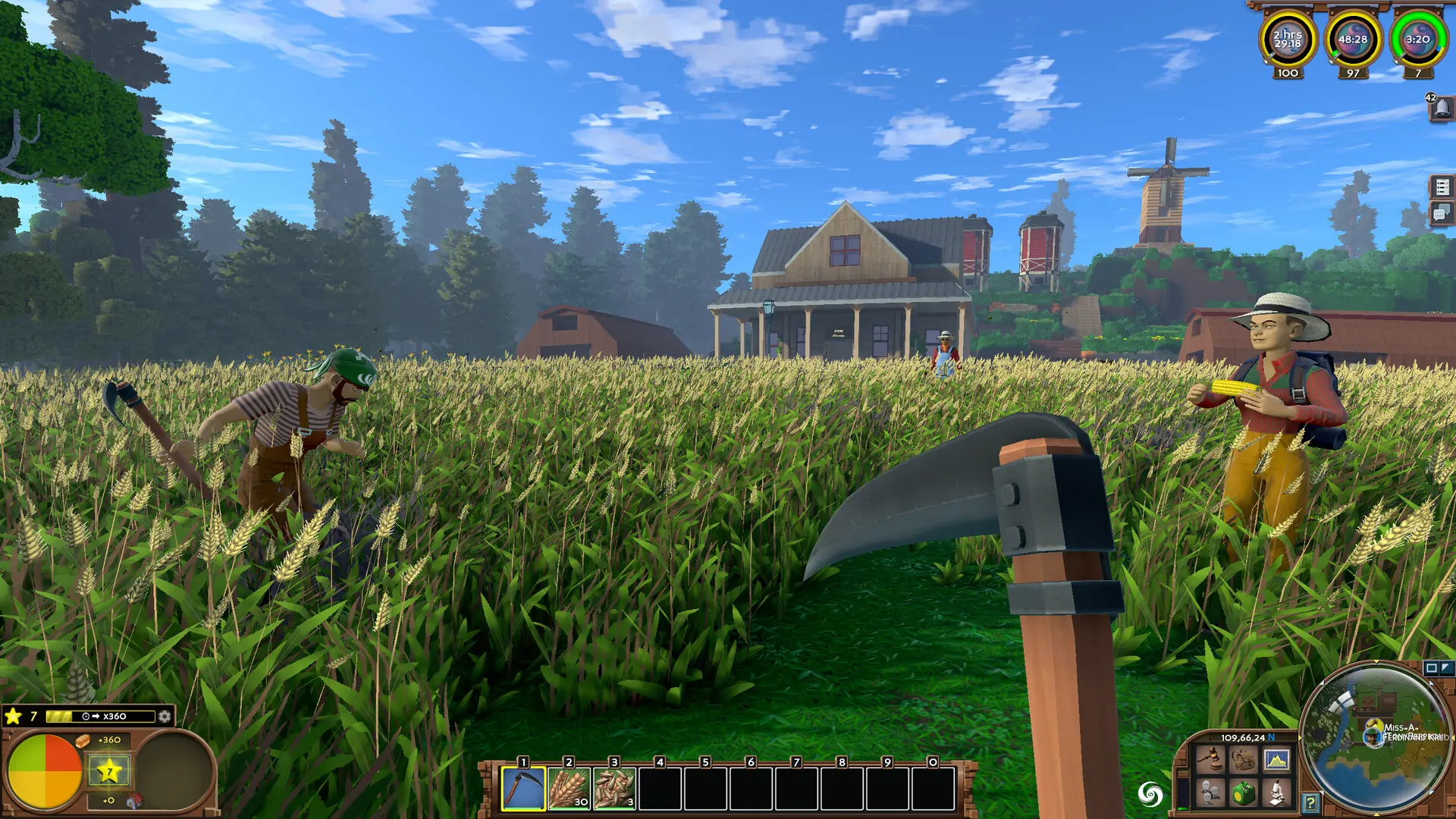
At Game Host Bros, we don't limit the amount of players that can join your server. If you're looking to change the amount of players allowed on your Eco server, here's how to do it.
Setting Max Players
- 1Log in to Bropanel and select your server.
- 2In the sidebar, go to
Settings. - 3Under
Basic, editMax Players. The default of-1means no limit. - 4Click
Save & Restartto apply your changes.