
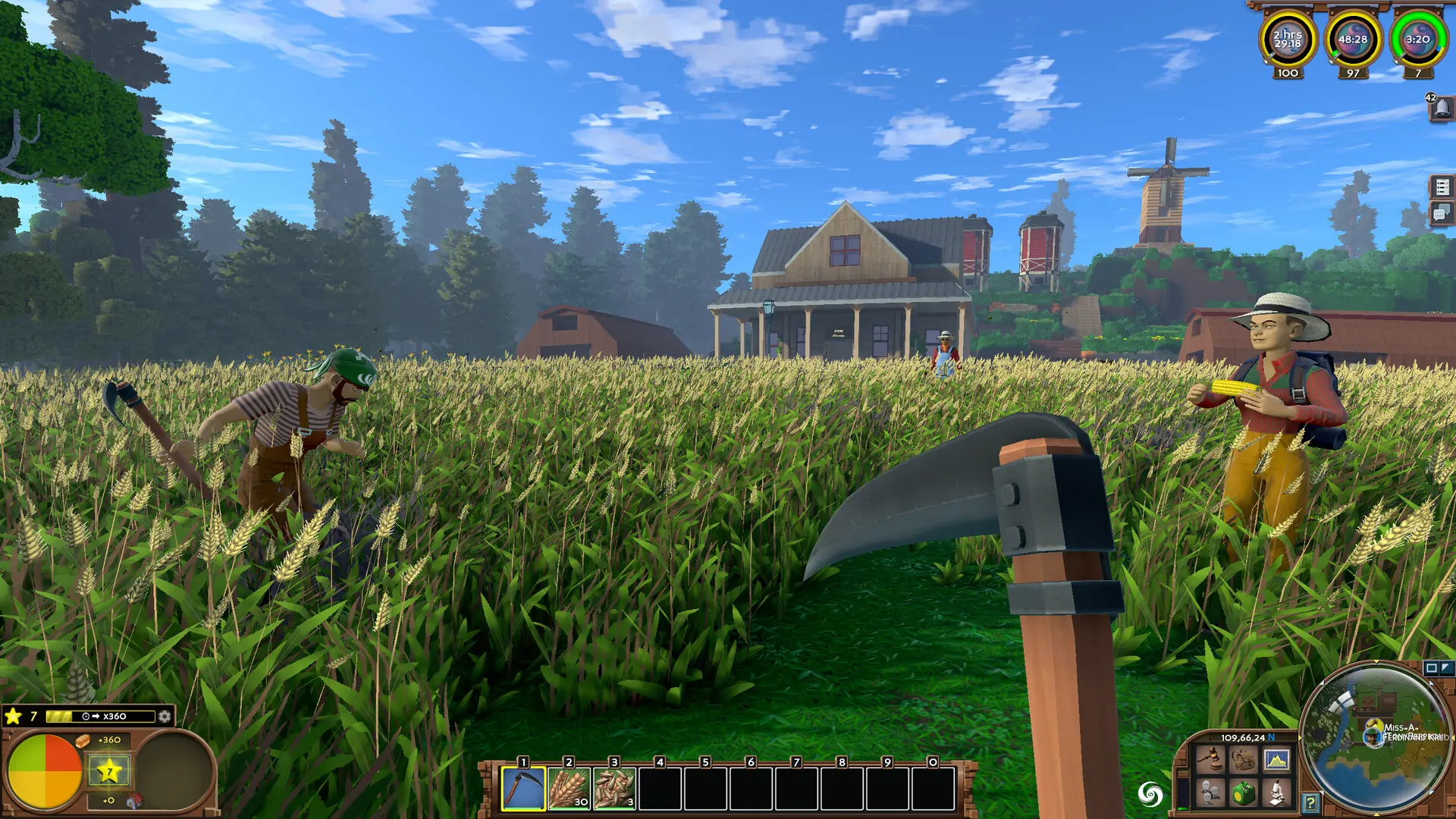
Here is how to upload an existing world from your local PC to your Eco server.
Finding Your Save Files
Your worlds are stored inside Eco's own game files, which can be found by doing this.
- 1Open your Steam games library, right-click Eco, and select
Manage → Browse Local Files. - 2Navigate to
Eco_Data/Server/Storage. - 3Copy your world's
.dband.ecofiles.
Eco
Eco_Data
Server
Storage
worldsave.db
worldsave.eco
Uploading Your Save
If you get stuck at any time, Game Host Bros offers free save transfers. Just reach out to a bro on Discord.