
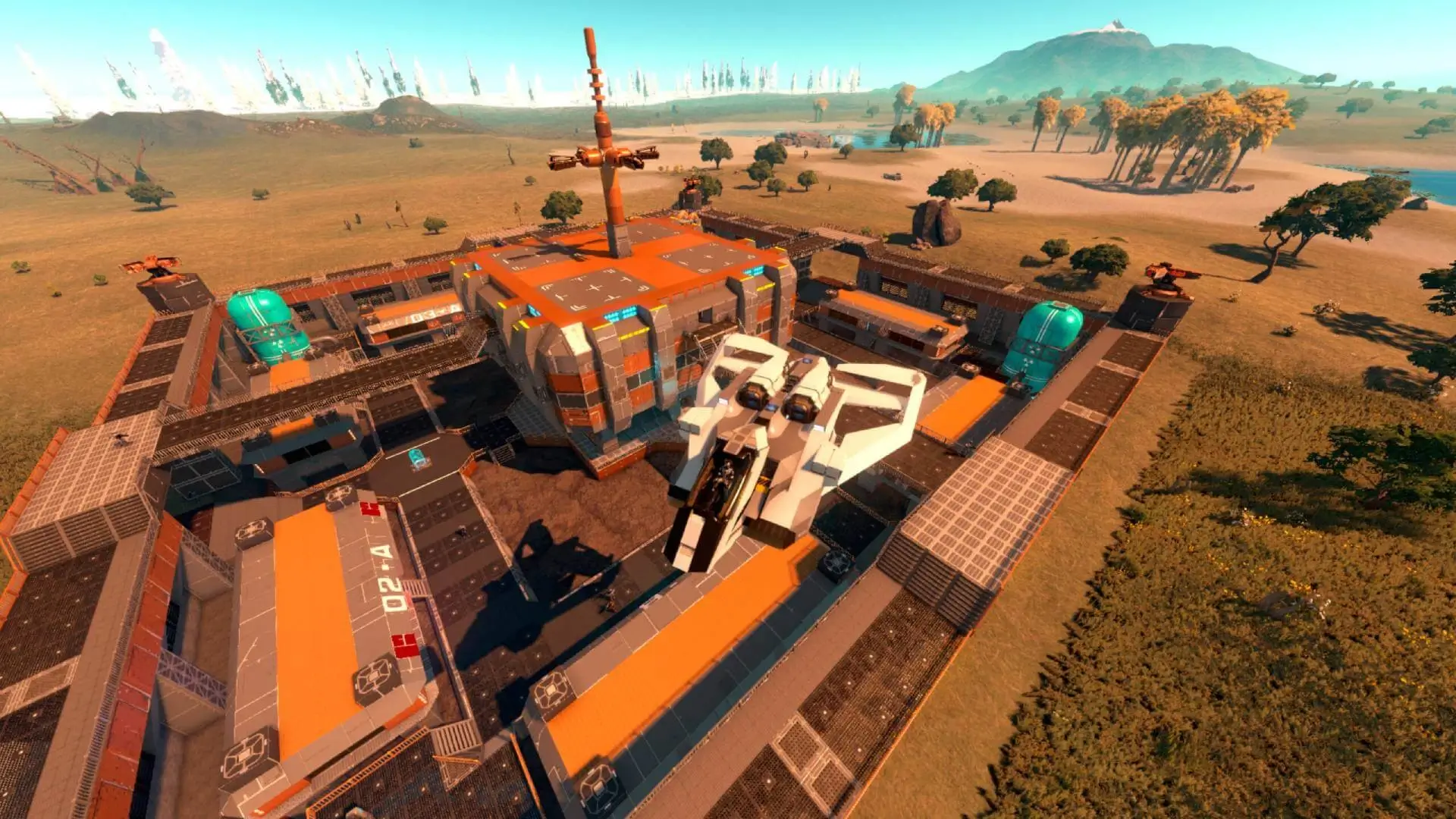
At Game Host Bros, we've integrated basic Empyrion Galactic Survival settings directly into our game panel. Here's how to quickly and easily configure your new Empyrion Galactic Survival server.
Basic Configuration Of Your Server
Basic settings such as Server Name, Max Players and more are integrated directly into our game panel.
- 1Log in to Bropanel and select your server.
- 2In the sidebar, go to
Settings. - 3Edit the settings you'd like to change.
- 4Click
Save & Restartto apply your changes.