
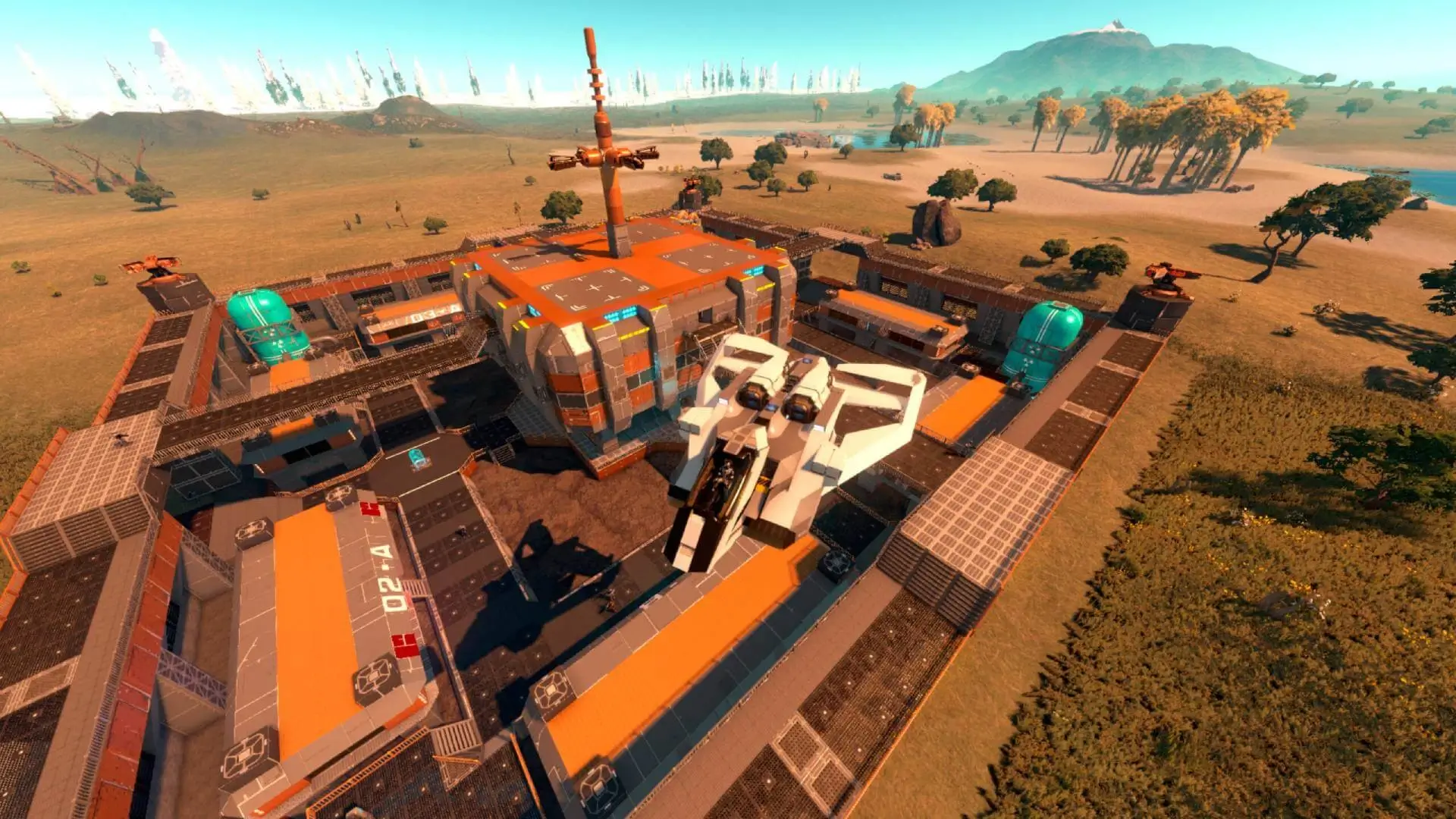
Here is how you can reset your Empyrion Galactic Survival server to start completely fresh with a new save. This is helpful in case you've made a mistake that cannot be undone.
Resetting Your Server
Caution
This should only be used as a last resort. If you keep having issues, then reach out to a bro; we're here to help you.
- 1Log in to Bropanel and select your server.
- 2In the sidebar, go to
Settingsand clickReinstallin the top-right. - 3Select
Format and reset, then confirm and wait for the install to finish.