
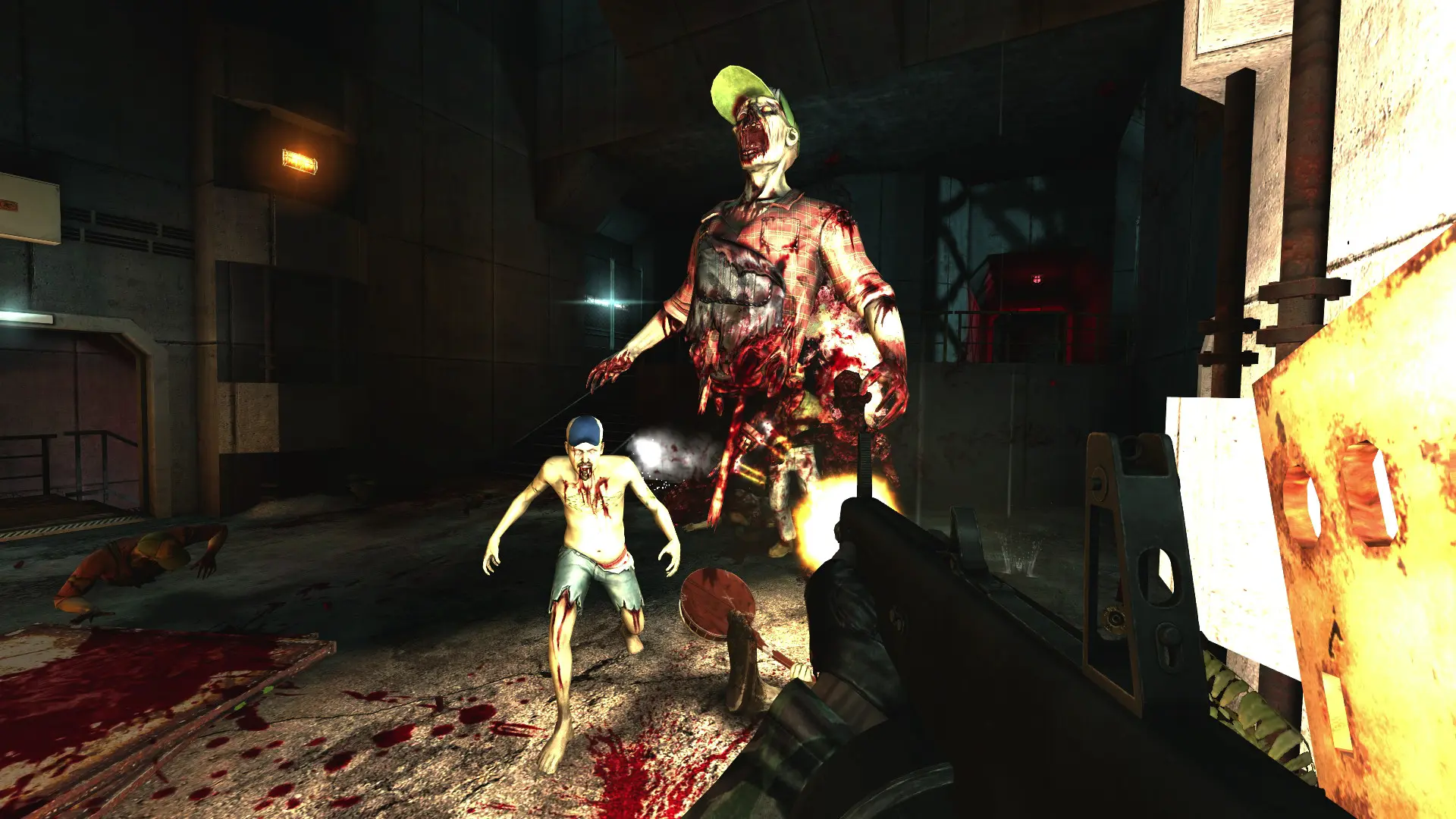
Your Killing Floor server can run one of two game modes.
| Game Mode | What it is |
|---|---|
Survival | The classic mode. Hold out against waves of Zeds, shop at the trader between waves and kill the Patriarch at the end. |
Objective | Story maps with goals to complete as you fight through the level. These maps start with KFO-. |
Changing The Game Mode
Note
With Map left empty, Survival starts on KF-BioticsLab and Objective starts on KFO-Steamland.