
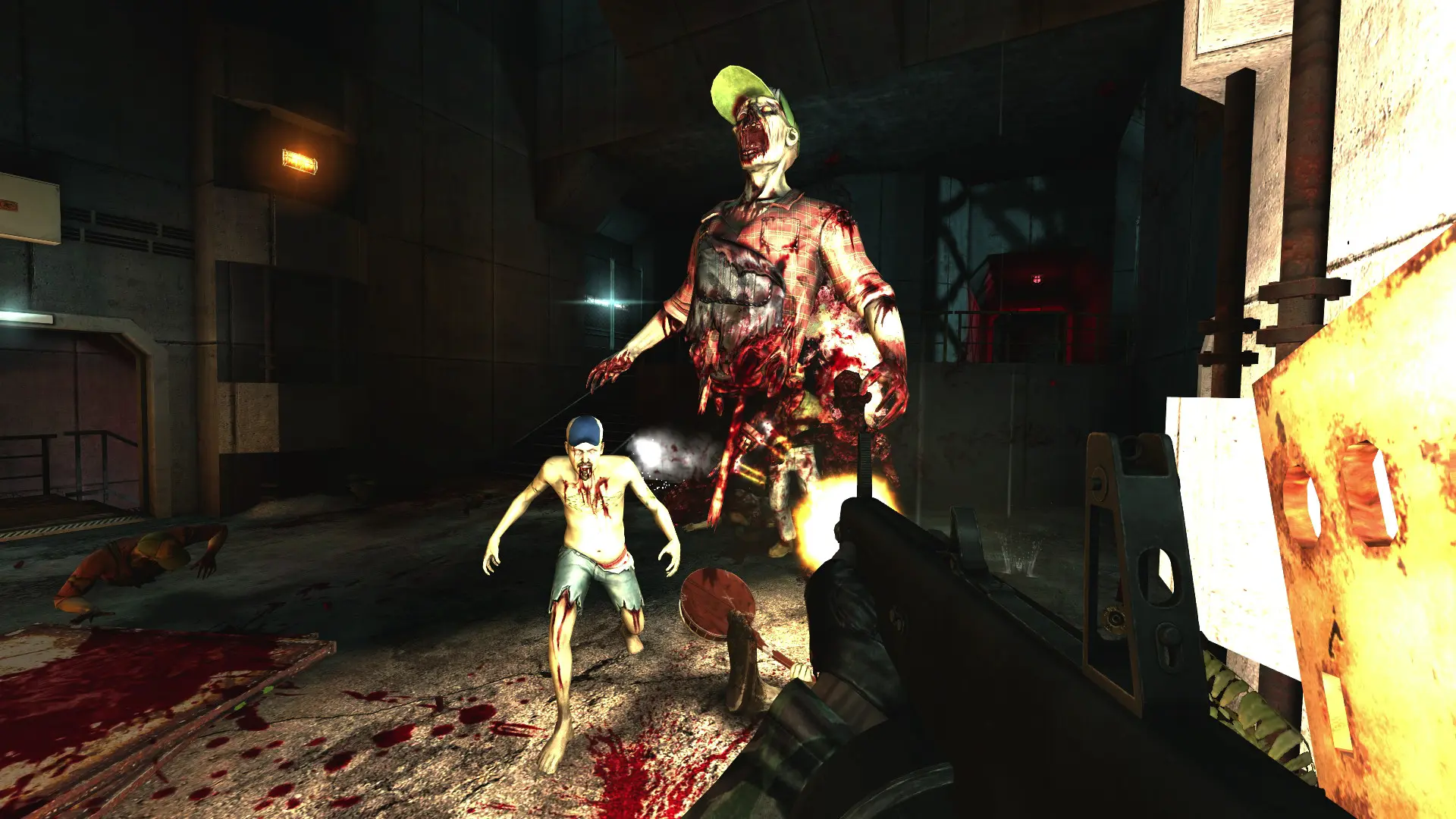
Mutators change the rules of every game on your Killing Floor server. You can run several at once.
| Mutator | What it does |
|---|---|
BeatDown | Melee weapons only. |
Clots | Only Clots appear. |
Bloats | Only Bloats appear. |
Gorefasts | Only Gorefasts appear. |
Sirens | Only Sirens appear. |
Fleshpounds | Only Fleshpounds appear. Bring a big gun. |
MachinePistols | The 9mm pistols fire fully automatic. |
Adding Mutators
- 1Log in to Bropanel and select your server.
- 2In the sidebar, go to
Settings. - 3Under
Gameplay, findMutatorsand enter the mutators you want, separated by commas, for exampleBeatDown, Clots. - 4Click
Save & Restartto apply your changes.
To turn mutators off, clear the Mutators field and click Save & Restart.
Tip
For a custom mutator, upload its files to the System folder and enter its class name in Mutators, for example MyMutator.MutMyMutator. The mutator's readme tells you the class name.