
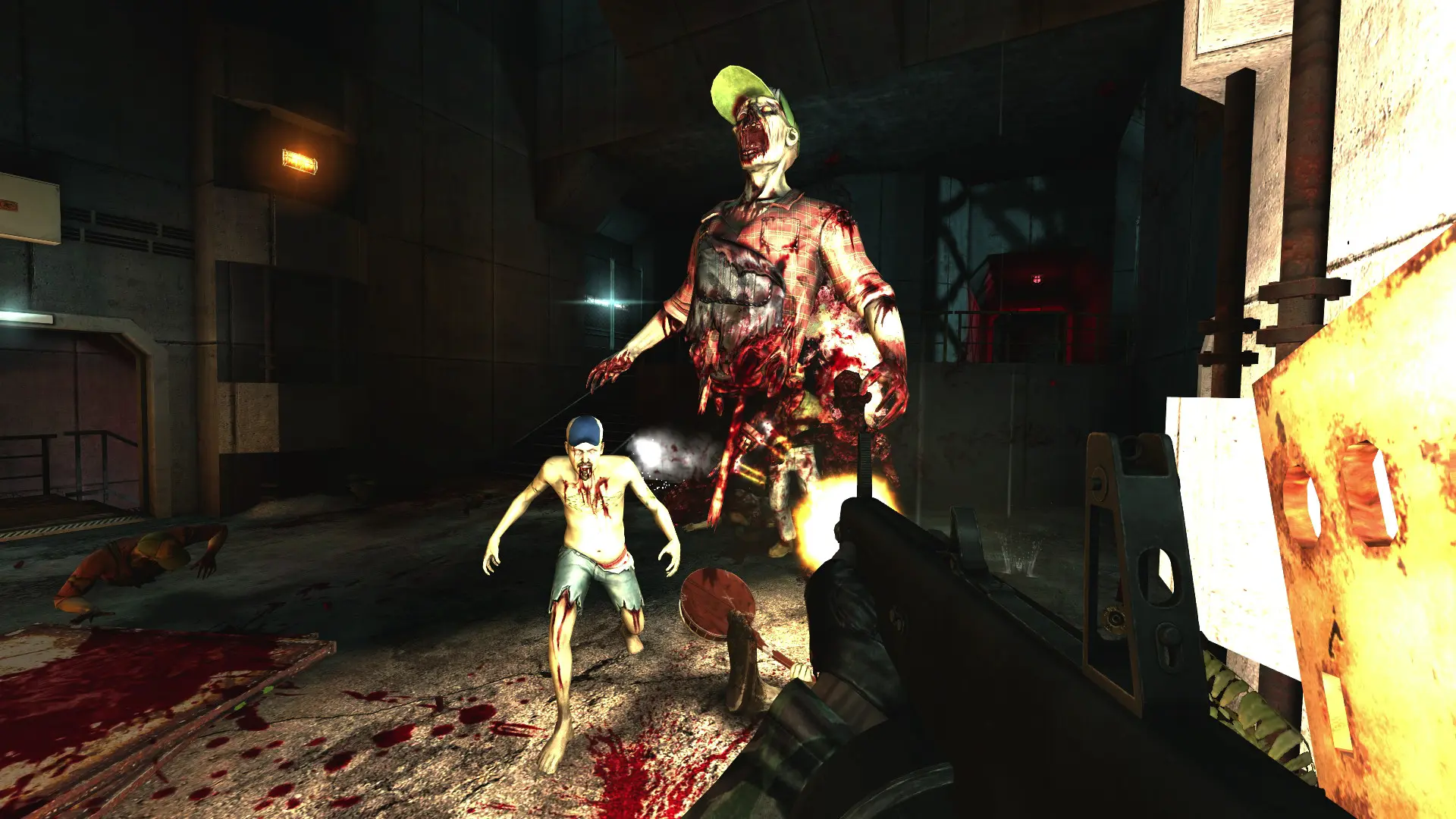
This is what you do if you want your Killing Floor server to start on a different map.
Changing The Map
- 1Log in to Bropanel and select your server.
- 2In the sidebar, go to
Settings. - 3Under
Gameplay, findMapand enter the map name, for exampleKF-Farm. - 4Click
Save & Restartto apply your changes.
Leave Map empty to use the stock map for your game mode. If the map isn't found on the server, it starts on the stock map instead and says so in the console.
Stock Maps
Survival maps: KF-AbusementPark, KF-Aperture, KF-Bedlam, KF-Biohazard, KF-BioticsLab, KF-Clandestine, KF-Crash, KF-Departed, KF-EvilSantasLair, KF-Farm, KF-FilthsCross, KF-Forgotten, KF-Foundry, KF-FrightYard, KF-Hell, KF-Hellride, KF-HillbillyHorror, KF-Hospitalhorrors, KF-IceCave, KF-Icebreaker, KF-Manor, KF-MoonBase, KF-MountainPass, KF-Offices, KF-SirensBelch, KF-Steamland, KF-Stronghold, KF-Suburbia, KF-ThrillsChills, KF-Transit, KF-Waterworks, KF-WestLondon, KF-Wyre.
Objective maps: KFO-FrightYard, KFO-Steamland, KFO-Transit.
Tip
You can also play community maps. See Adding Custom Maps.