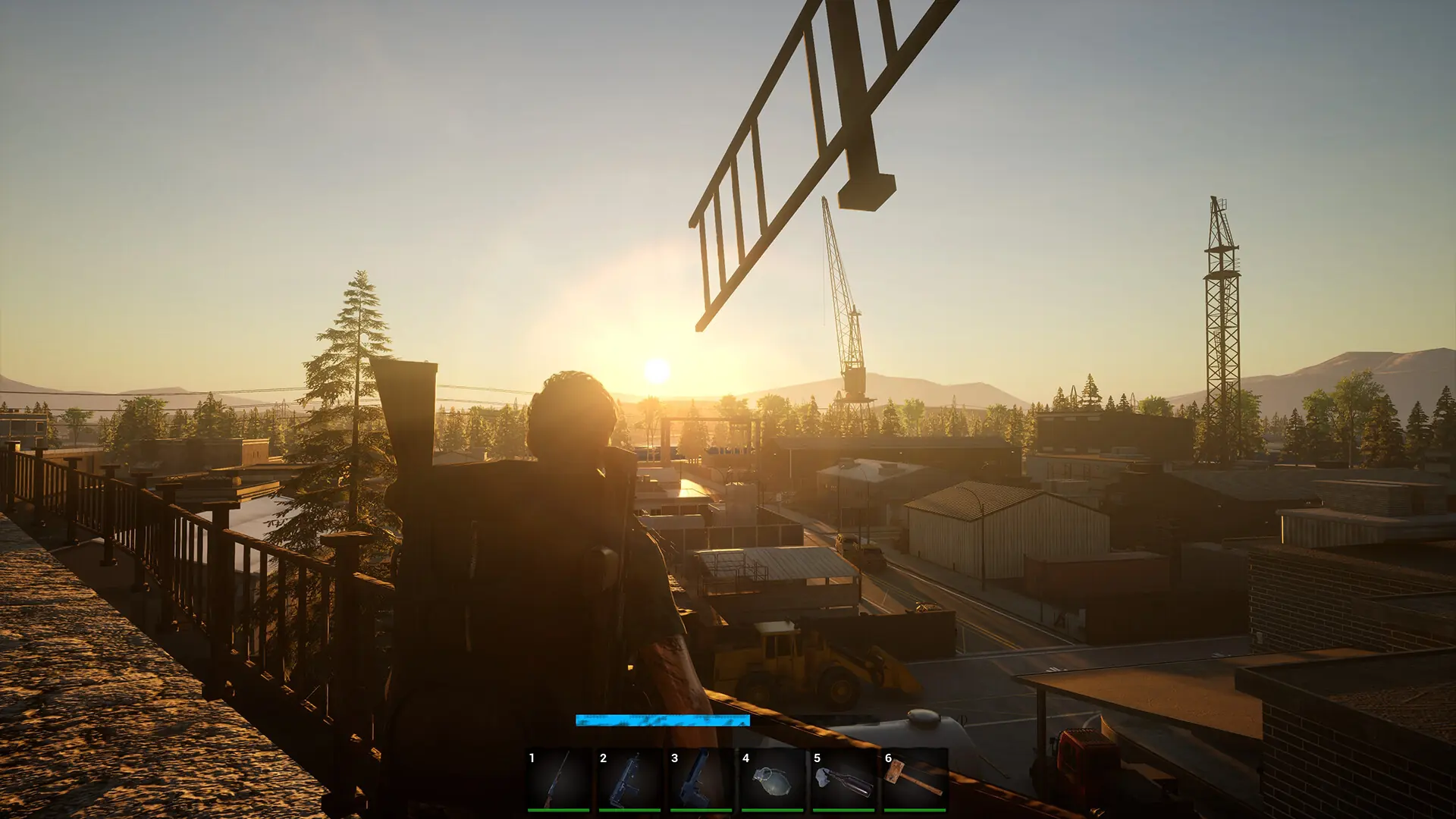
At Game Host Bros, we've integrated No One Survived's gameplay settings directly into our game panel. Here's how to quickly and easily configure your new No One Survived server.
Editing Gameplay Settings
- 1Log in to Bropanel and select your server.
- 2In the sidebar, go to
Settings. - 3Under
Gameplay, edit the settings you'd like to change. - 4Click
Save & Restartto apply your changes.
Available Gameplay Settings
| Setting Name | Description |
|---|---|
| Day Length | How many real-time minutes make up one in-game day. |
| Days Per Year | How many in-game days pass before the year (and seasons) cycle. |
| Horde Day | How frequently the corpse tide horde event occurs. |
| Horde Intensity | How strong each corpse tide wave is. |
| Horde Size | How many zombies spawn in each corpse tide horde. |
| Item Spawn Rate | How often loot refreshes around the map. |
| NPC Item Spawn Rate | How often merchant NPCs restock their inventory. |
| Permadeath | When enabled, dead characters can't respawn. |
| PVP | When enabled, players can deal damage to one another. |
| Resource Amount | How much harvestable material is available in the world. |
| Running Zombie Ratio | What share of zombies are fast runners instead of slow walkers. |
| Special Zombies | When enabled, mutated zombie variants can appear. |
| Starter Gift Bag | When enabled, new players spawn in with a bag of basic supplies. |
| Virus Fatality Rate | How deadly the infection is once a character catches it. |
| Zombie Hordes | When enabled, the corpse tide horde event can occur. |
| Zombie Population | How many zombies spawn across the map overall. |
| Zombie Strength | How tough zombies are in a fight. |