
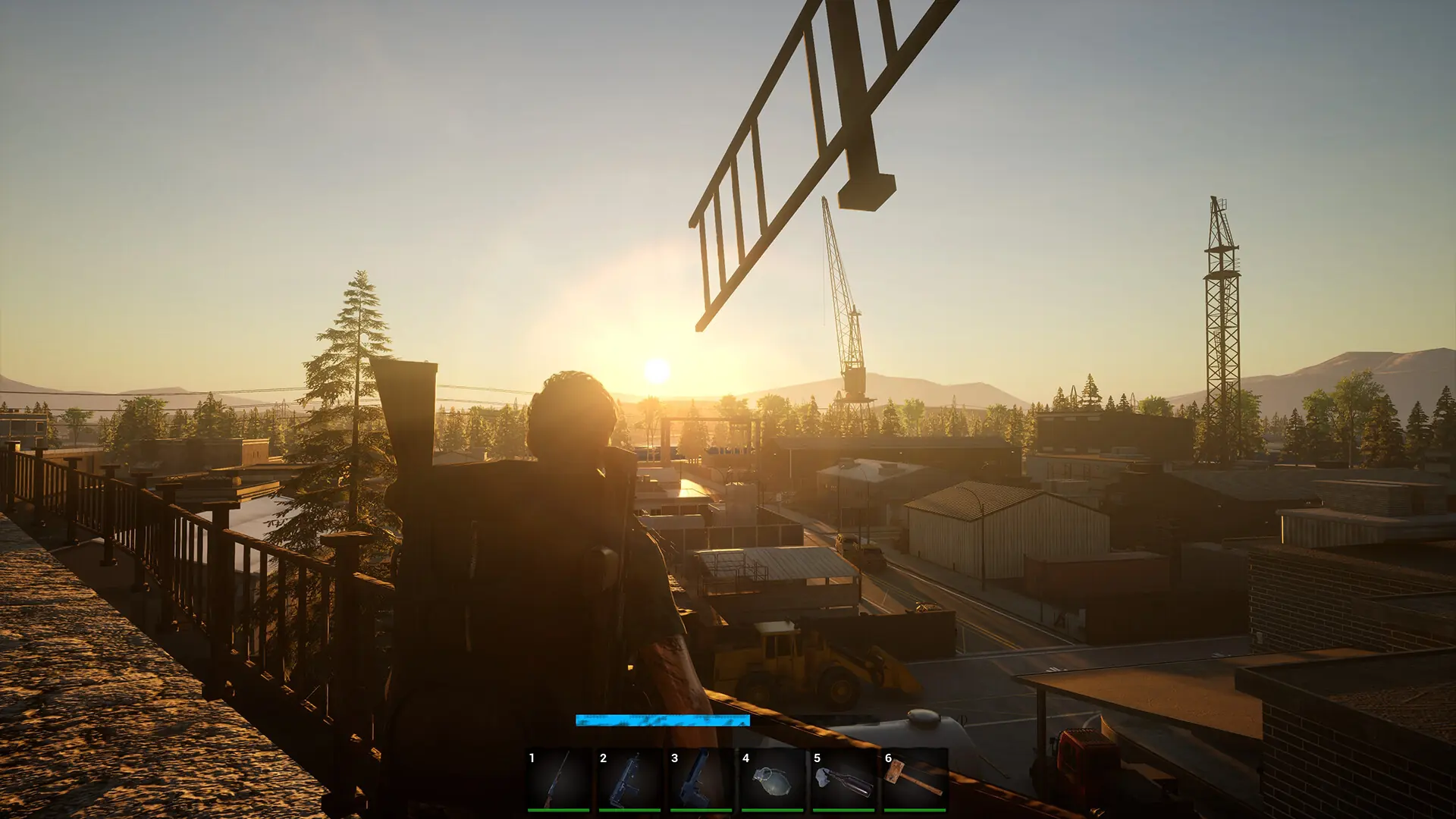
No One Survived has an in-game admin panel that lets you spawn items, change the weather, time of day and season, refresh loot, and kick or ban players. Anyone who knows your server's admin password can open it. Here's how to set that password and become an admin on your No One Survived server.
Setting Your Admin Password
Every new server starts with the default admin password changeme, and anyone who knows it can become an admin. Change it before any other player joins your server.
- 1Log in to Bropanel and select your server.
- 2In the sidebar, go to
Settings. - 3Under
Basic, setAdmin Passwordto a password of up to 8 characters. - 4Click
Save & Restartto apply your changes.
Caution
No One Survived has no admin list. Anyone who knows the admin password can become an admin, so only share it with people you trust.
Becoming an Admin In-Game
- 1Launch No One Survived and join your server.
- 2Press
Alt+Shift+O(the letter O, not zero) to open the admin login. - 3Enter your
Admin Passwordand confirm.
The admin panel now opens. Press Alt + Shift + O again to close it. If nothing happens, check that the Admin Password you entered matches the one in Settings, and that you restarted your server after changing it.