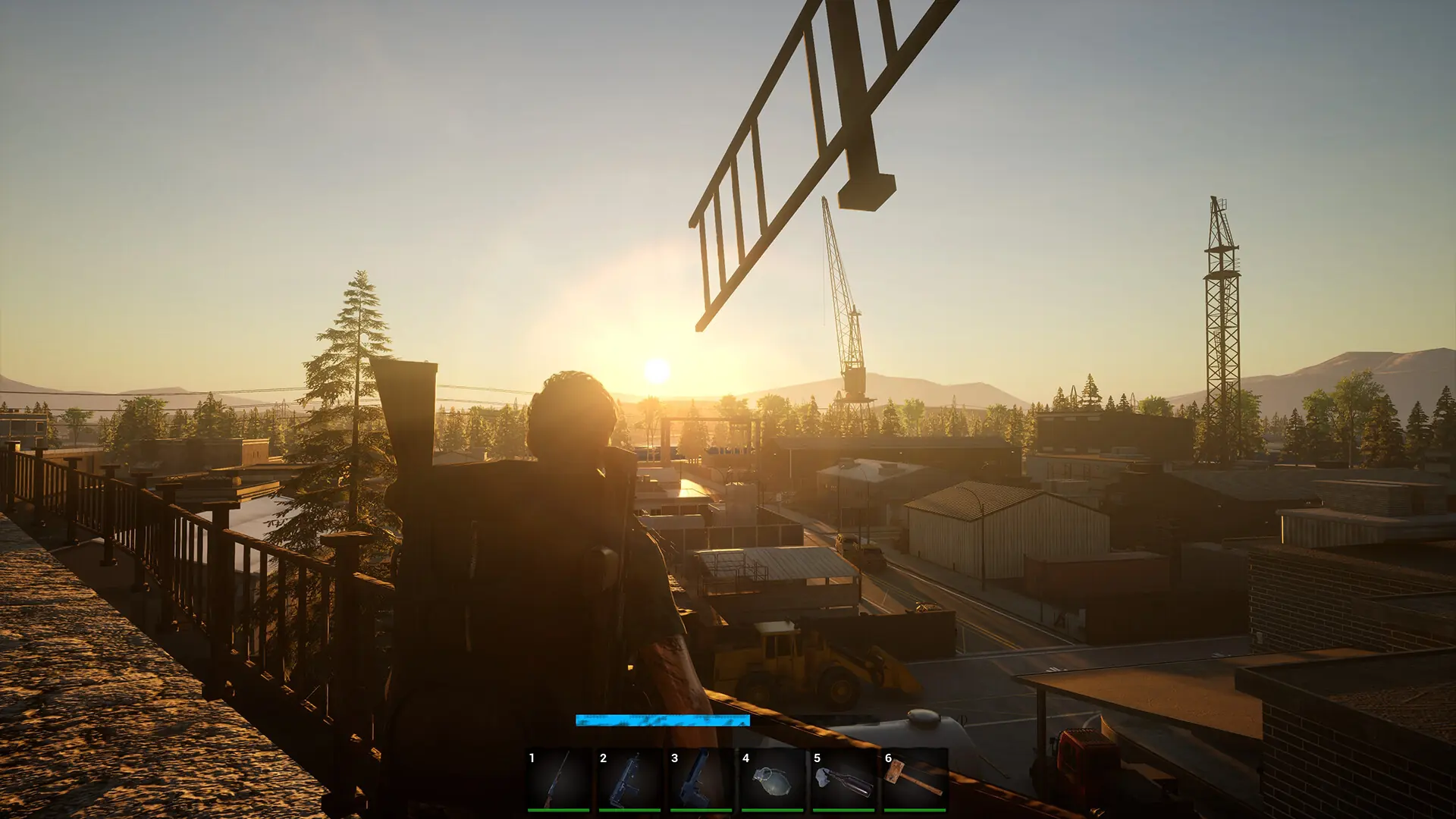
Here's how you can join your No One Survived server.
Connecting In-Game
- 1Log in to Bropanel and select your server.
- 2In the sidebar, go to
Settings, set aServer Name, and clickSave & Restartto apply your changes. - 3Launch No One Survived and select
Multiplayerfrom the menu. - 4Confirm your character.
- 5Click
Private Server.- The first time you do this, you'll need to restart your game.
- 6Search for your
Server Name, select your server, and clickJoin In.