
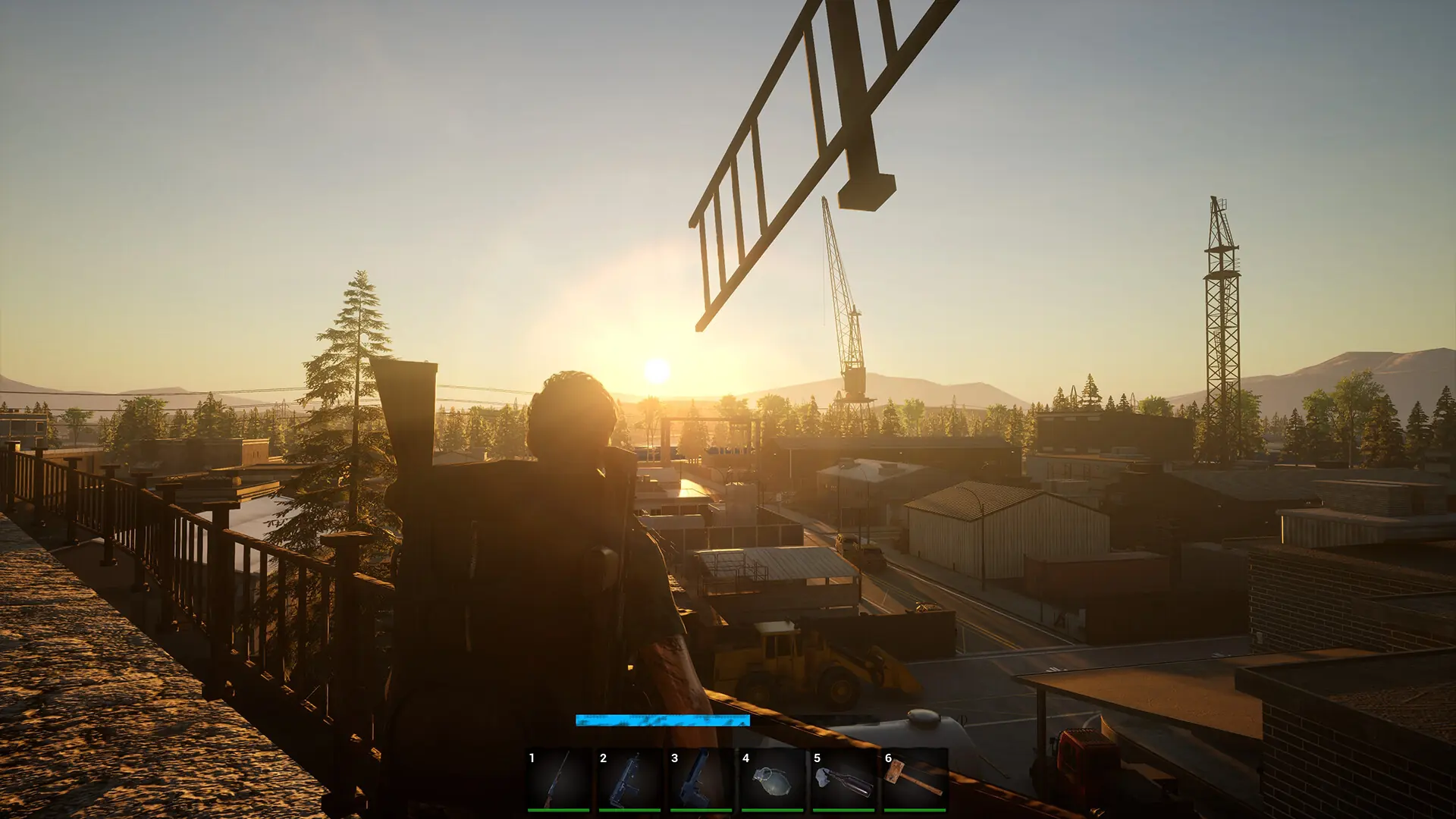
Your No One Survived server can run one of two maps:
| Map | Setting value |
|---|---|
| Large map (default) | Map01 |
| Small map, the game's original map | Map02 |
A world is tied to the map it was created on, so the map only changes when your server starts a new save. That's why the steps below also give the new map its own Save Name.
Changing the Map
- 1Log in to Bropanel and select your server.
- 2In the sidebar, go to
Settings. - 3Under
Basic, setMaptoMap01orMap02. - 4Under
Basic, changeSave Nameto a name you haven't used before, such asSmallMap. - 5Click
Save & Restartto apply your changes.
Your old world isn't deleted. To go back to it, set Map and Save Name back to what they were before, then click Save & Restart to apply your changes.