
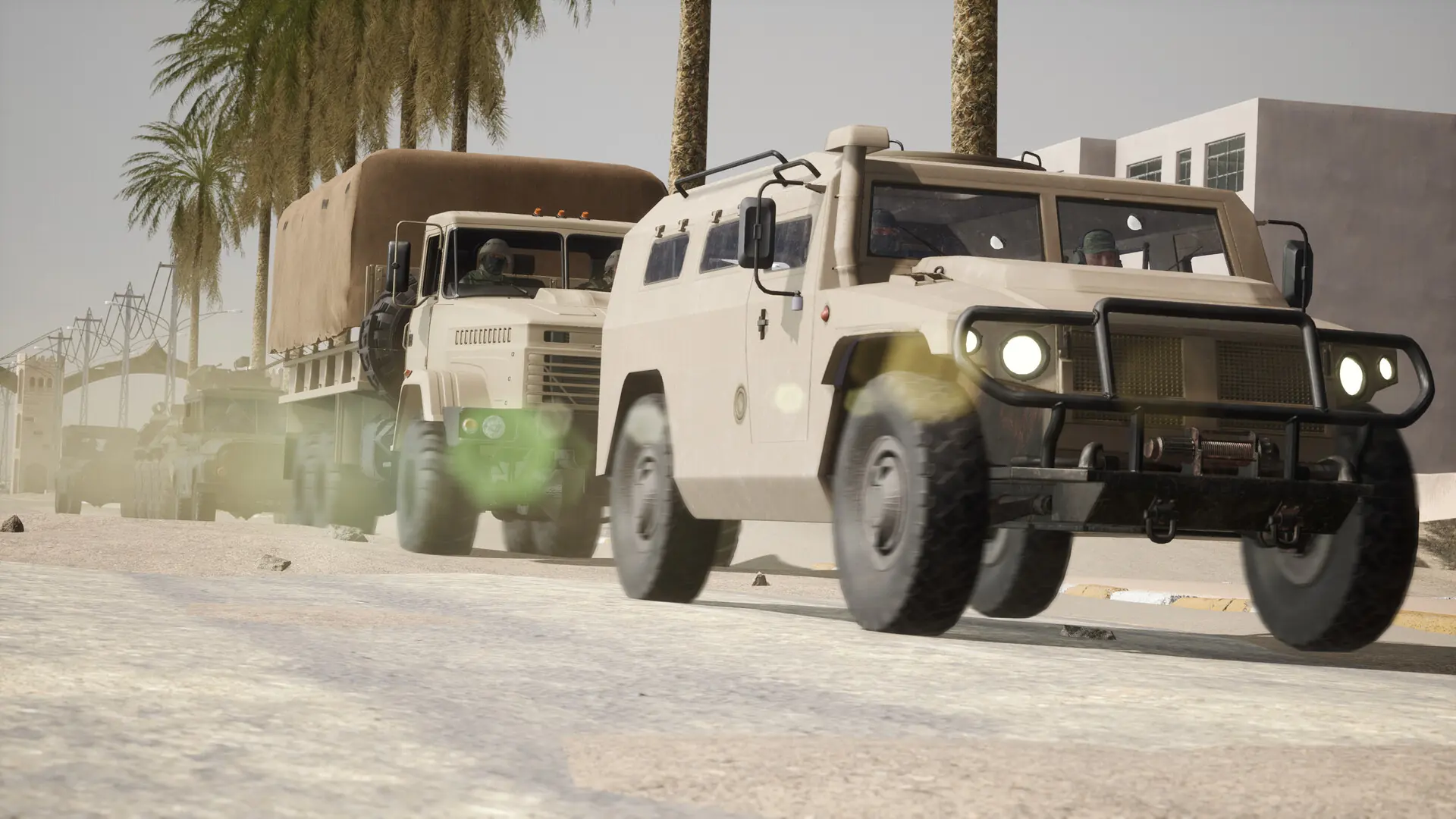
Your Operation: Harsh Doorstop server can run mods from the Steam Workshop, such as custom maps, factions and game modes. Your server downloads them when it starts.
How To Get Your Workshop Mod IDs
You can browse the Operation: Harsh Doorstop Workshop here. Once you find a mod you want, open it and copy its URL, for example:
https://steamcommunity.com/sharedfiles/filedetails/?id=3439869776
The number at the end of the URL is the mod ID, here 3439869776.
Installing Mods in Settings
- 1Log in to Bropanel and select your server.
- 2In the sidebar, go to
Settings. - 3Under
Modding, editWorkshop Modsand enter the mod IDs, separated by commas:- For a single mod:
3439869776 - For multiple mods:
3439869776,3367344709
- For a single mod:
- 4Click
Save & Restartto apply your changes.
The console shows Downloading Workshop mods... while your server fetches them, and names any mod that couldn't be downloaded. To remove a mod, delete its ID and restart; your server removes its files too.
While Auto Update is on, your mods also update on every restart, so they match the versions players download.
Tip
To play a Workshop map, add its map name to your map rotation too. Map mods usually give the map name to use on servers in their Workshop description.