
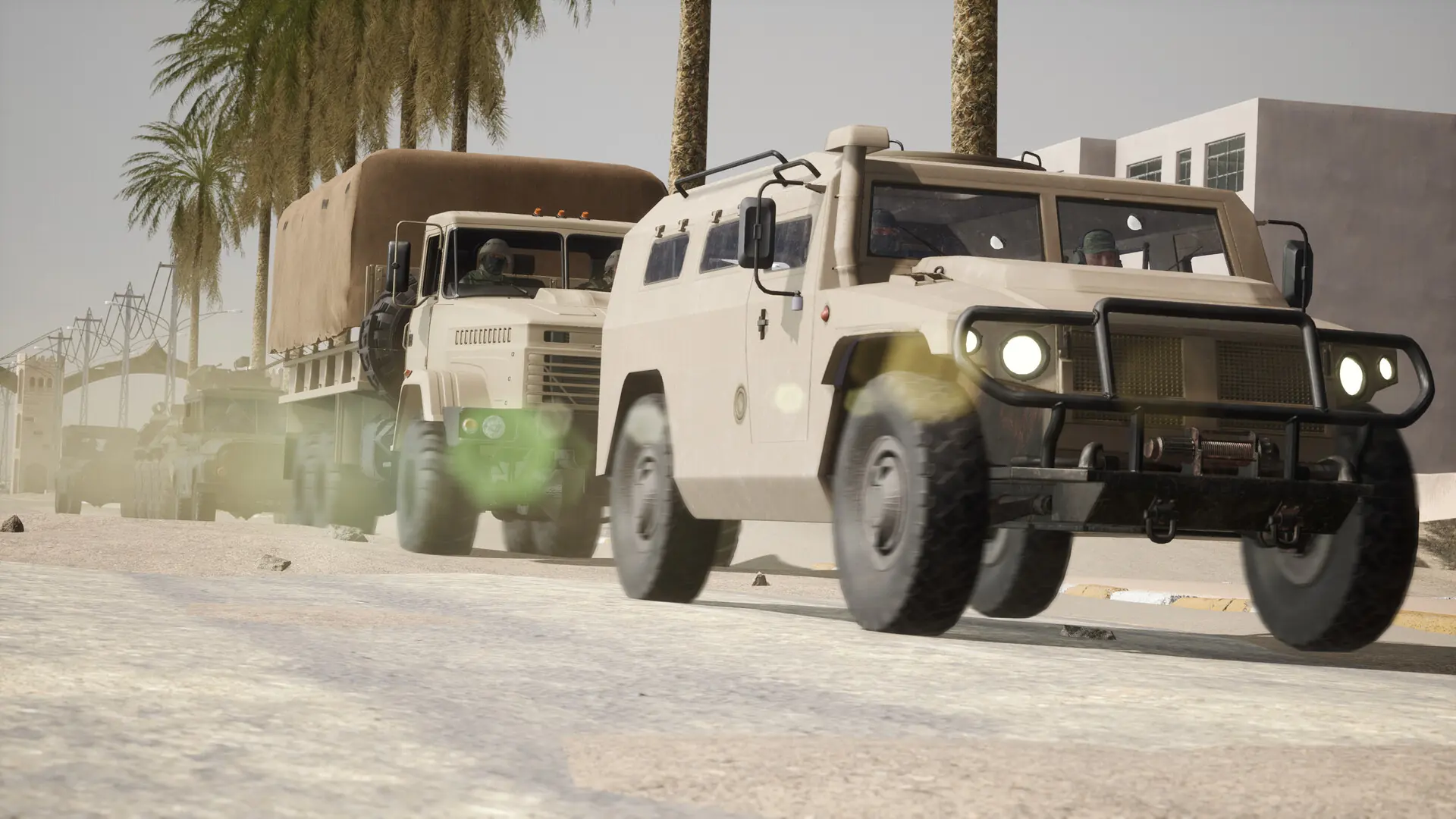
The map rotation is the list of maps your Operation: Harsh Doorstop server plays in order. Your server starts on the first map, and when a match ends, the next map on the list loads. Here's how to set it.
Setting the Map Rotation
- 1Log in to Bropanel and select your server.
- 2In the sidebar, go to
Settings. - 3Under
Gameplay, editMap Rotationand type the map names separated by spaces, for exampleRisala Khafji Argonne. - 4Click
Save & Restartto apply your changes.
Leave Map Rotation empty to play the first five maps below: Risala Khafji Argonne Montecassino LamDong.
Type the names exactly as shown below. If your server can't find a map, it loads a small test map in its place.
Maps
Every player can play these maps.
| Map | Name to use |
|---|---|
| Risala (Fallujah) | Risala |
| Khafji | Khafji |
| Meuse-Argonne | Argonne |
| Monte Cassino | Montecassino |
| Lam Dong | LamDong |
| Al Dhakir | AlDhakir |
| Jaziira | Jaziira |
| Saint-Quentin | SaintQuentin |
| Carentan | Carentan |
| Omaha Beach | OmahaBeach |
| Tan Binh | TanBinh |
Saint-Quentin, Carentan, Omaha Beach and Tan Binh used to be DLC maps. Since update 0.14 they're part of the free game, so players don't need any DLC to join.
Game Modes
Maps play Advance and Secure by default. To play Team Deathmatch on a map instead, add ?game=TDM to its name, for example:
Risala Argonne?game=TDM Khafji
Changing The Map Right Away
To skip to the next map in the rotation, type NextMap in the Console. To load any map, type servertravel and the map name, for example servertravel Khafji. See the RCON guide for more commands.