
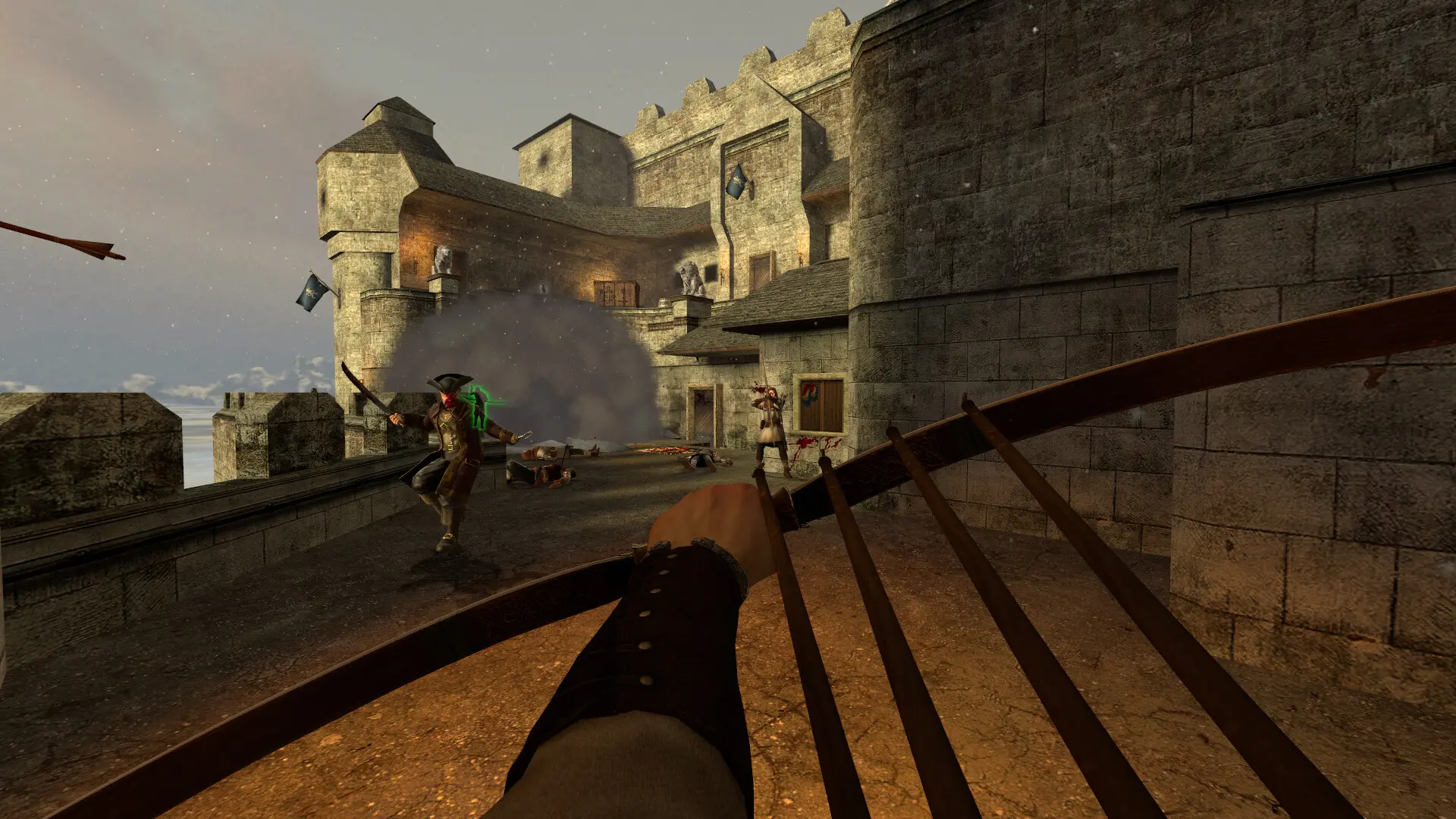
Your server starts on the map set in Settings, then moves through the map rotation as each map ends. The game mode comes from the map, so a Booty map plays Booty and a Territory map plays Territory.
Changing The Starting Map
- 1Log in to Bropanel and select your server.
- 2In the sidebar, go to
Settings. - 3Under
Gameplay, editMap. - 4Click
Save & Restartto apply your changes.
Enter the map name without .bsp, for example bt_island, tw_tortuga or lts_arena. To see which maps your server has, open pvkii/maps in Files.
Changing The Map Rotation
- 1Log in to Bropanel and select your server.
- 2In the sidebar, go to
Files. - 3Open the
pvkiifolder and editmapcycle.txt. - 4Put one map name per line, without
.bsp. - 5Click
Saveand restart your server.
To play your own maps, see Adding Custom Maps.