
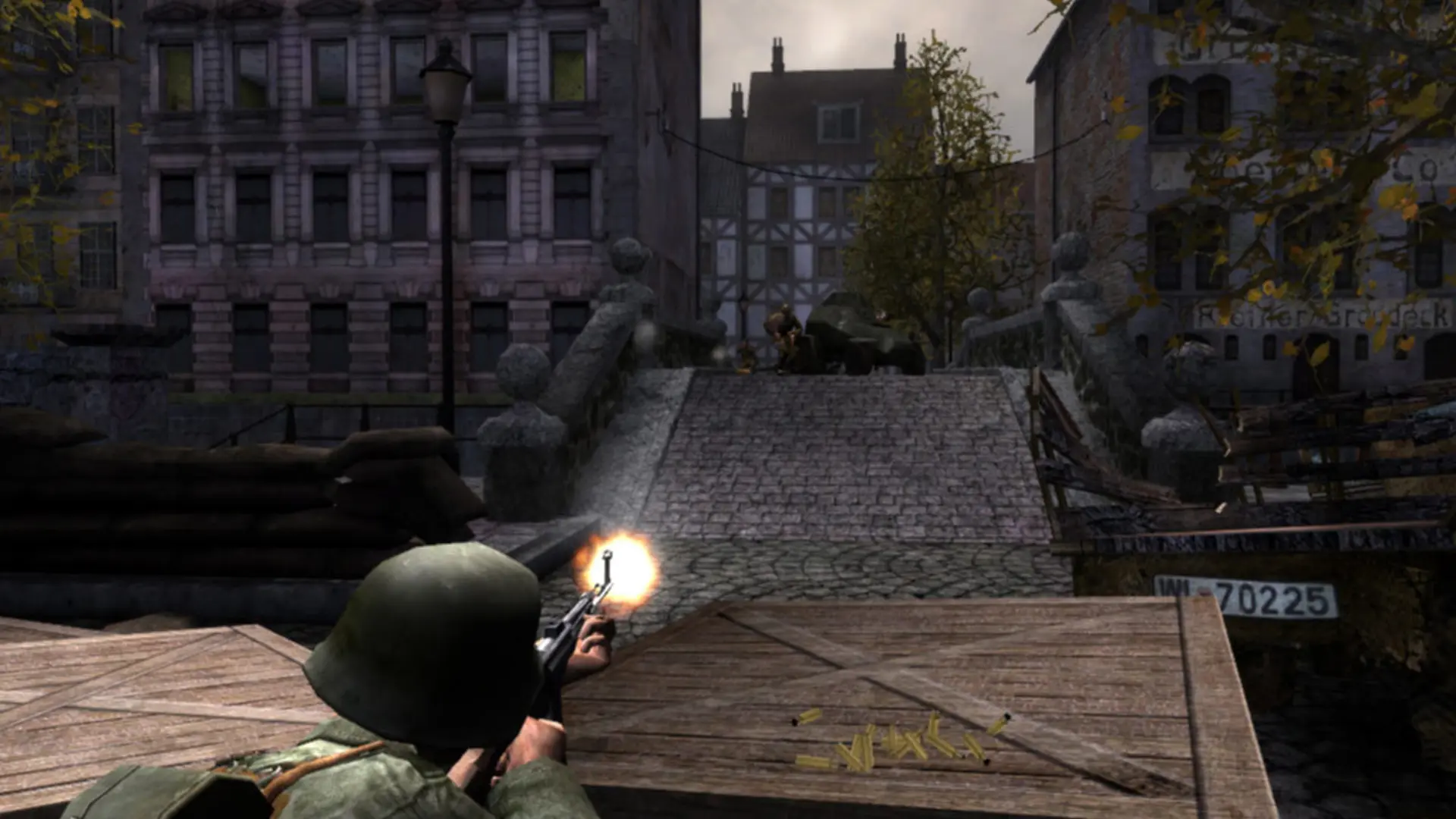
This is what you do if you want your Red Orchestra: Ostfront 41-45 server to start on a specific map. After that map, the server moves through its map list as normal.
Changing The Map
- 1Log in to Bropanel and select your server.
- 2In the sidebar, go to
Settings. - 3Under
Gameplay, findMapand enter the map name, for exampleRO-DanzigorRO-KonigsPlatz. - 4Click
Save & Restartto apply your changes.
Note
If the server can't find the map, it starts on RO-Arad instead and says so in the Console. To play a map that isn't in the base game, add it to your server first.