
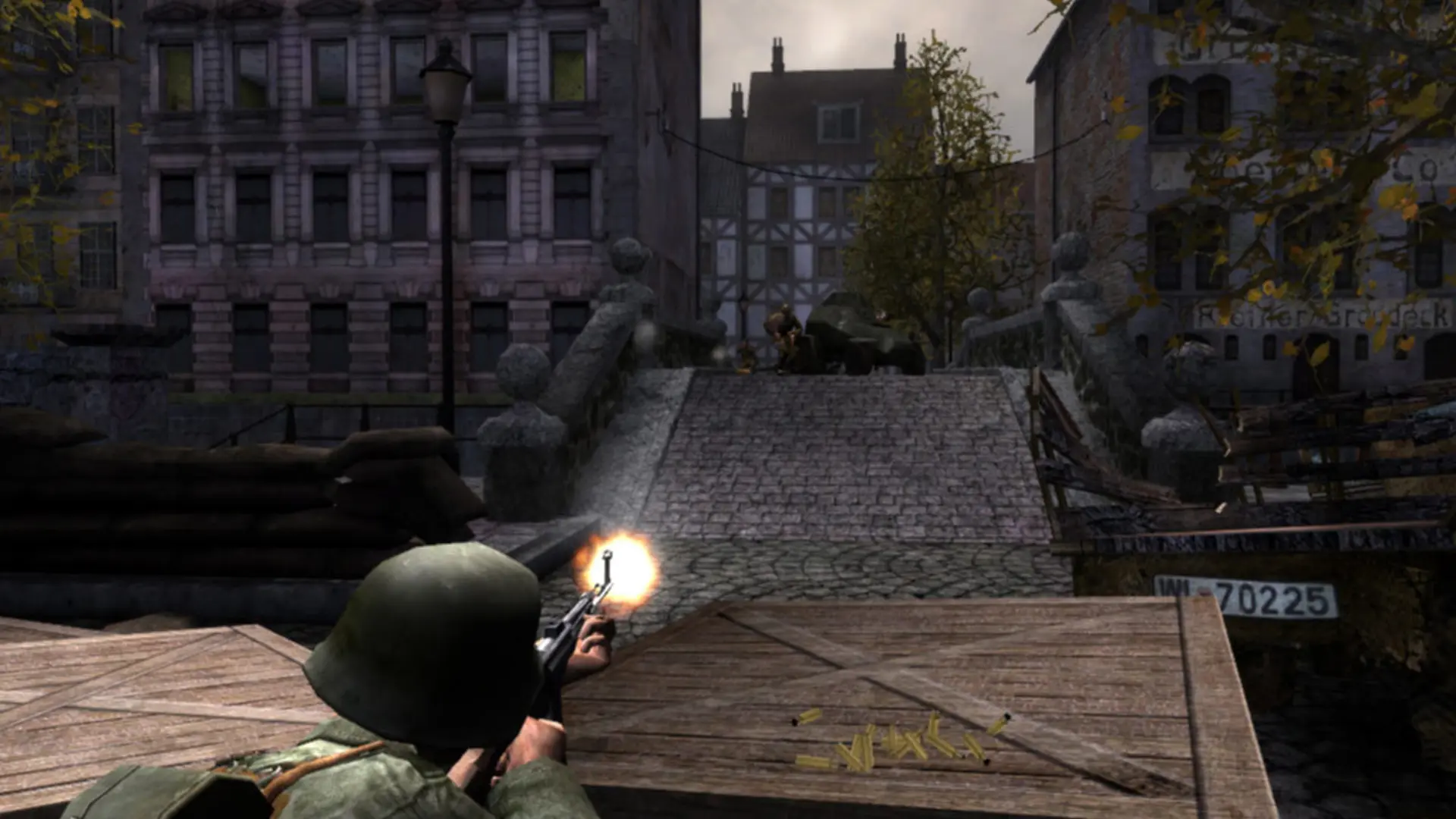
Friendly fire controls how much damage you do when you hit a teammate. It's on at full damage by default, which is how most Red Orchestra servers play.
Changing Friendly Fire
- 1Log in to Bropanel and select your server.
- 2In the sidebar, go to
Settings. - 3Under
Gameplay, findFriendly Fireand enter a number from0to1.0turns it off,0.5deals half damage and1deals full damage. - 4Click
Save & Restartto apply your changes.
Note
Players who kill too many teammates are kicked automatically. You can change that and the other team-kill rules in system/RedOrchestra.ini under [ROEngine.ROTeamGame].