
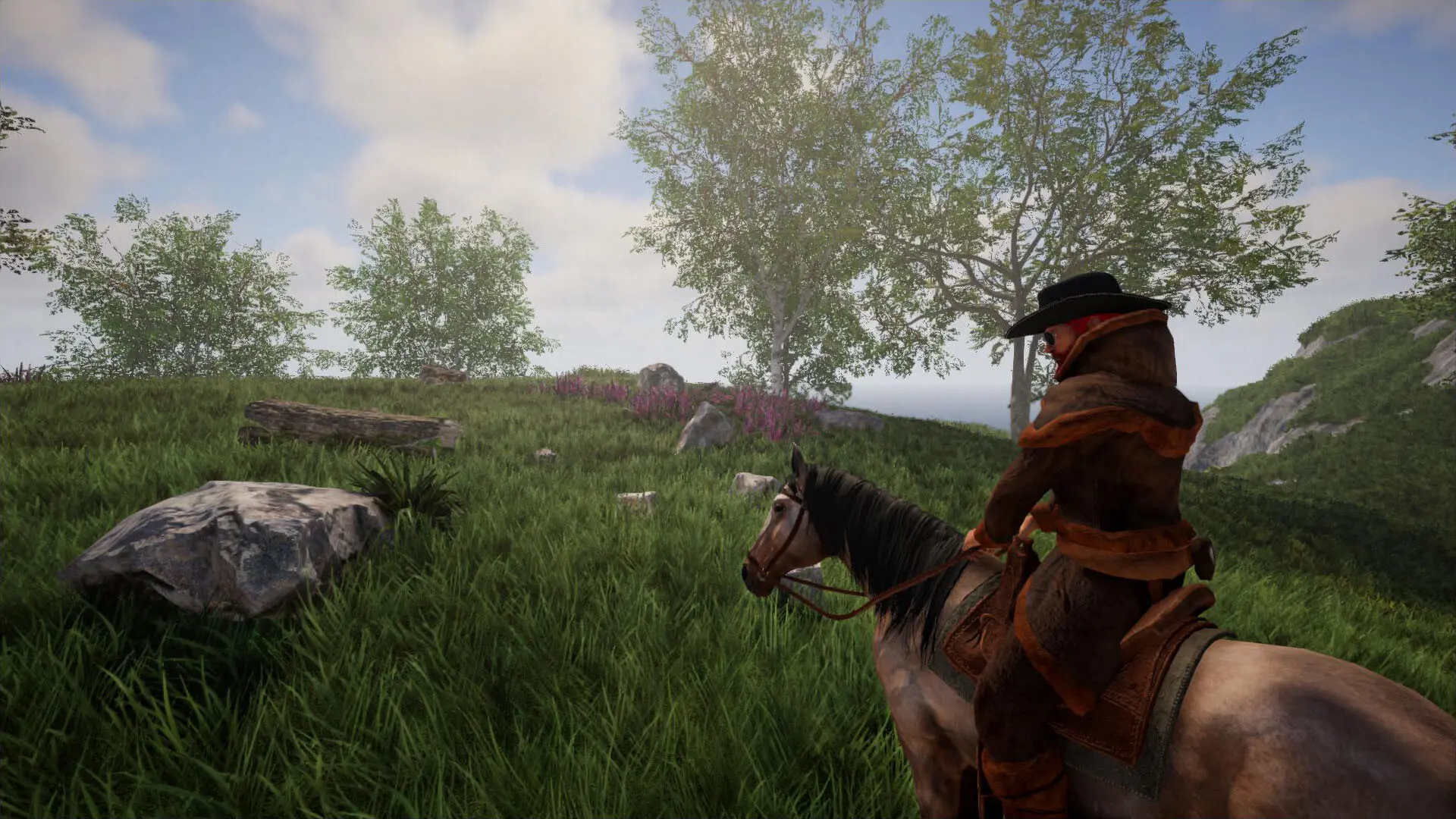
Day Length sets how many real minutes one full in-game day takes on your Rising World server. The default is 60 minutes. Higher values give longer days and nights, lower values make time pass faster.
Changing The Day Length
- 1Log in to Bropanel and select your server.
- 2In the sidebar, go to
Settings. - 3Under
Gameplay, editDay Length. - 4Click
Save & Restartto apply your changes.