
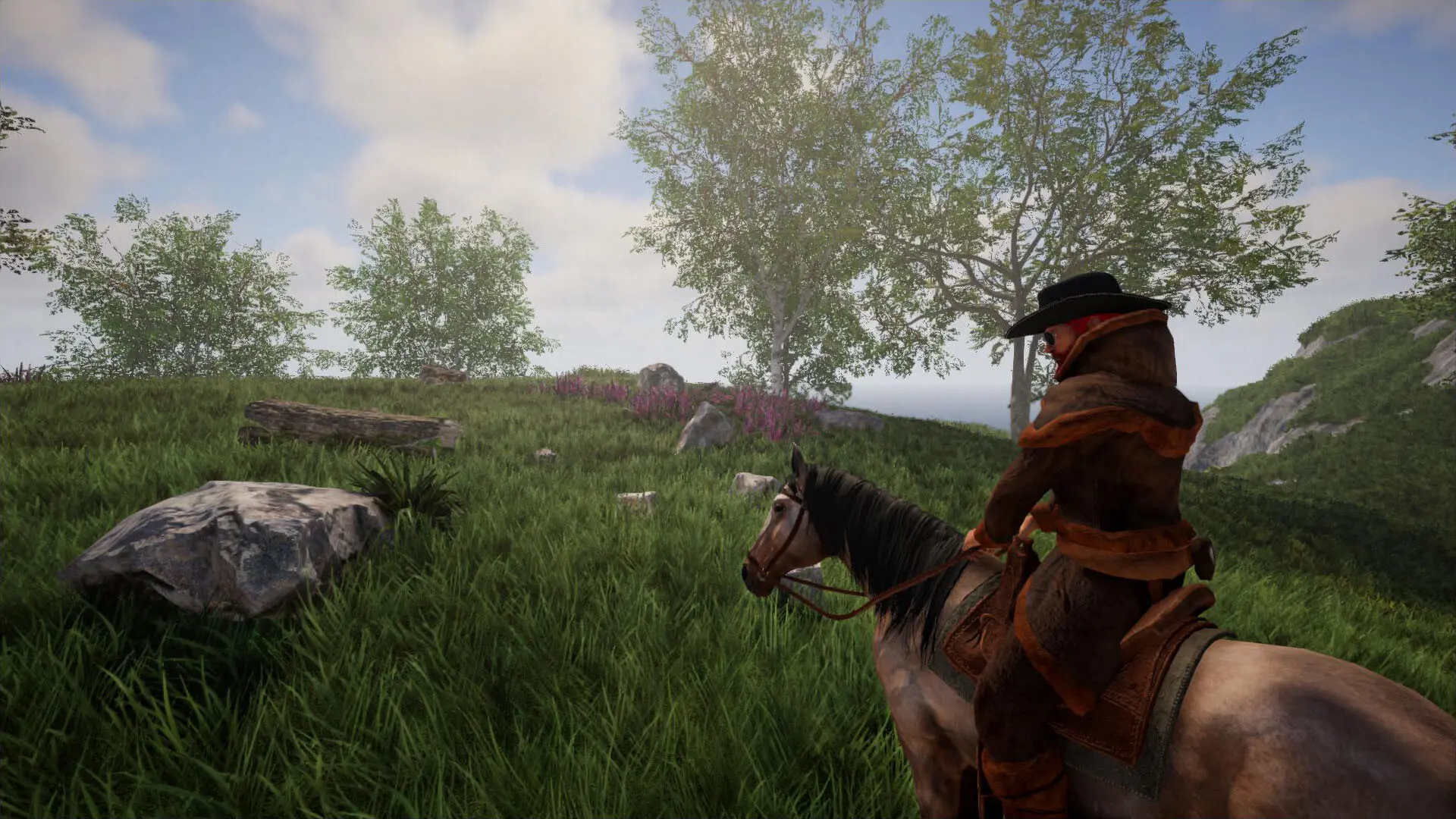
The world seed decides how a new Rising World map is generated. The same seed always creates the same terrain, so you can share or replay a map you like. Leave it blank for a random seed.
The seed is only used when a world is created, so it does not change a world that already exists. To use a new seed, also enter a new World Name.
Setting A World Seed
- 1Log in to Bropanel and select your server.
- 2In the sidebar, go to
Settings. - 3Under
Gameplay, editWorld Seed. - 4Click
Save & Restartto apply your changes.