
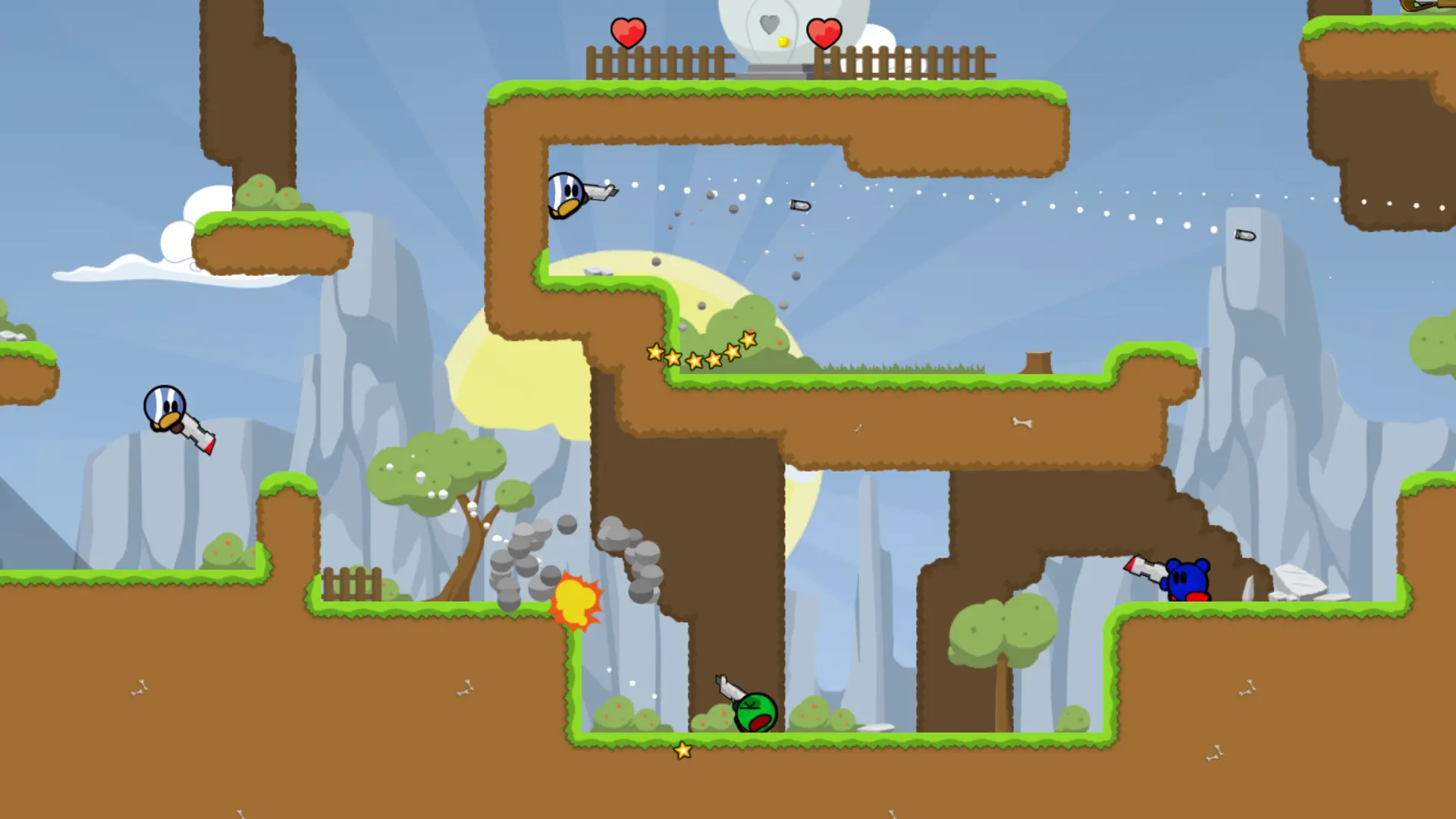
The start map is the map your Teeworlds server loads when it starts. Here's how to change it.
Changing the Start Map
- 1Log in to Bropanel and select your server.
- 2In the sidebar, go to
Settings. - 3Under
Gameplay, editStart Mapand type the map name without.map, for exampledm1orctf2. - 4Click
Save & Restartto apply your changes.
Leave Start Map empty to start on the first map of your map rotation. If the name doesn't match a map on your server, the server starts on the first map of the rotation instead.
The official maps are dm1, dm2, dm3, dm6, dm7, dm8, dm9, lms1 and ctf1 to ctf8. You can also add custom maps.
Admins can change the map right away with change_map ctf3 in the remote console.