
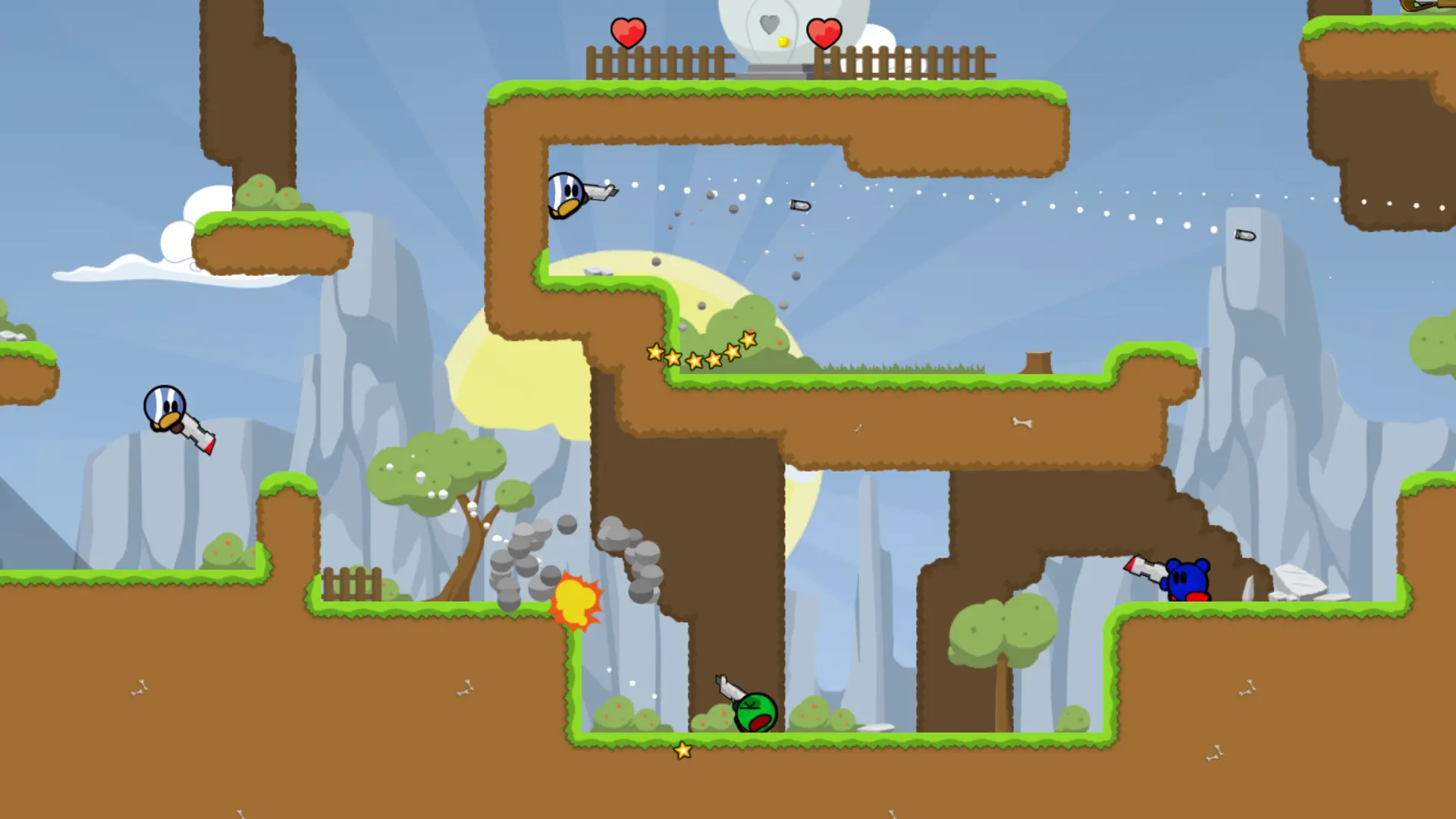
The game type decides how matches are played on your Teeworlds server. Here's how to change it.
Changing the Game Type
- 1Log in to Bropanel and select your server.
- 2In the sidebar, go to
Settings. - 3Under
Gameplay, editGame Typeand pick one of the game types below. - 4Click
Save & Restartto apply your changes.
| Game type | How it plays |
|---|---|
Deathmatch | Every player for themselves. The first to reach the score limit wins. |
Team Deathmatch | Red against blue. Every kill scores a point for your team. |
Capture the Flag | Red against blue. Grab the enemy flag and bring it to your own for 100 points. |
Last Man Standing | No respawns during a round. The last player alive wins the round. |
Last Team Standing | Like Last Man Standing, but in teams. The last team with a player alive wins the round. |
Each game type plays its own official maps unless you set a map rotation. Capture the Flag needs a map with flags, such as ctf1 to ctf8.