
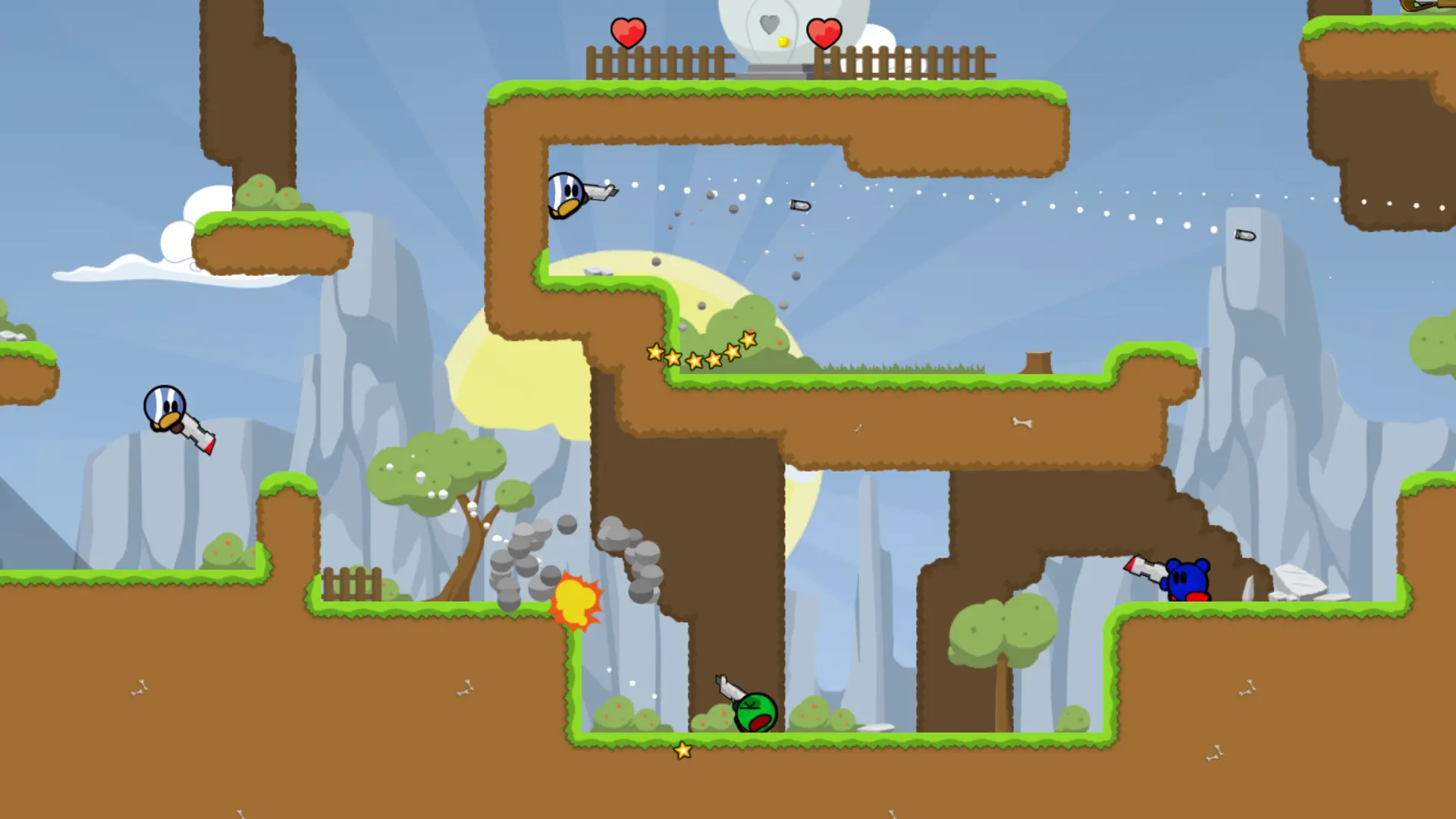
The map rotation is the list of maps your Teeworlds server plays in order. When a match ends, the next map on the list loads. Here's how to set it.
Setting the Map Rotation
- 1Log in to Bropanel and select your server.
- 2In the sidebar, go to
Settings. - 3Under
Gameplay, editMap Rotationand type the map names without.map, separated by spaces, for examplectf1 ctf2 ctf5. - 4Click
Save & Restartto apply your changes.
Leave Map Rotation empty to play the official maps of your game type:
| Game type | Maps |
|---|---|
| Deathmatch and Team Deathmatch | dm1 dm2 dm3 dm6 dm7 dm8 dm9 |
| Capture the Flag | ctf1 ctf2 ctf3 ctf4 ctf5 ctf6 ctf7 ctf8 |
| Last Man Standing and Last Team Standing | lms1 dm1 dm2 dm3 dm6 dm7 dm8 dm9 |
Maps that aren't on your server are skipped, and the console shows which ones. You can use custom maps in the rotation too.