
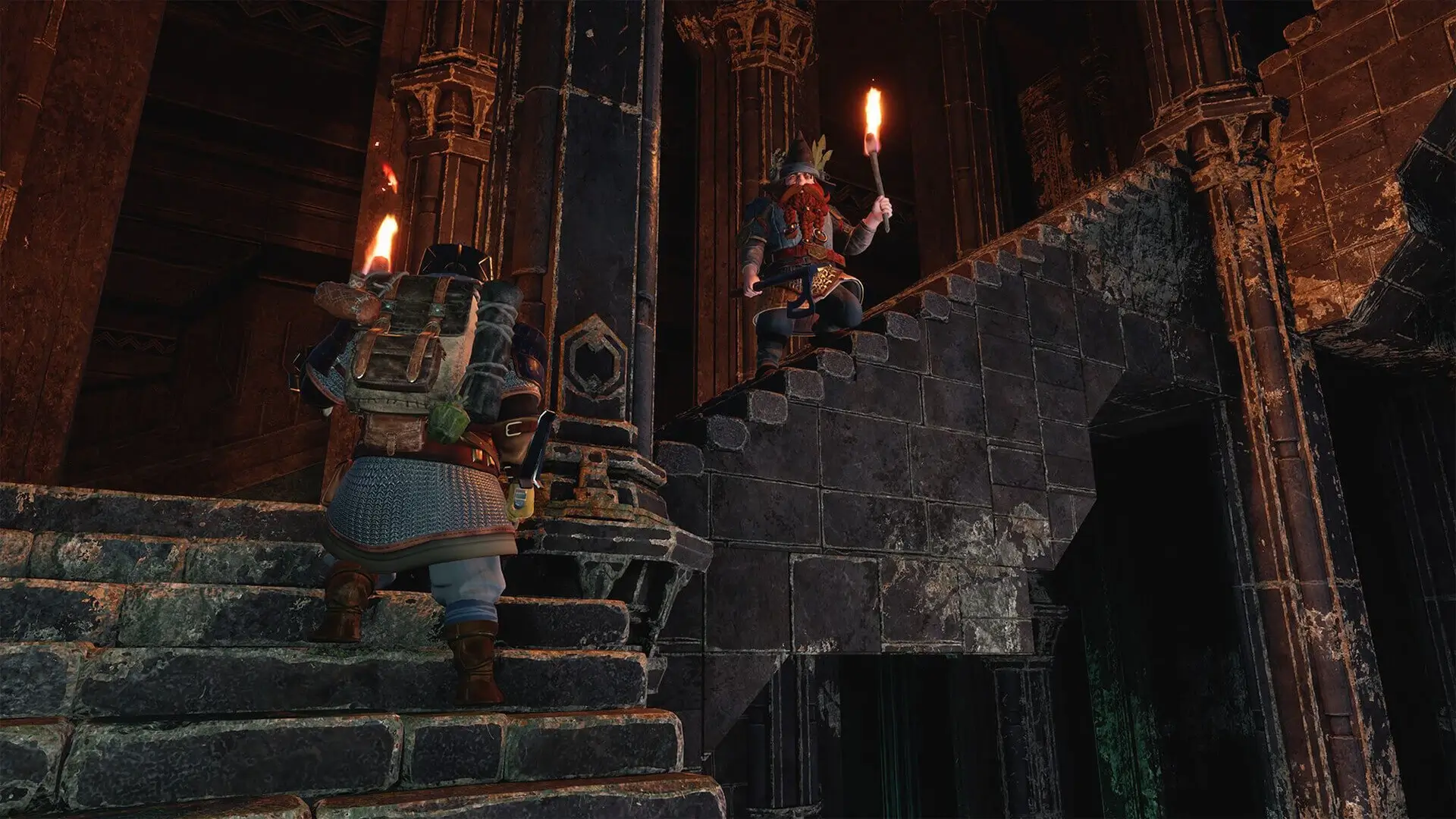
The Lord of the Rings Return to Moria includes multiple difficulty presets to quickly configure your server; this guide will cover using existing presets along with how to use custom difficulty settings.
Changing Difficulty Presets
Note
You must create a new world to change difficulty settings. You can do so by changing World Name in Settings.
- 1Log in to Bropanel and
Stopyour server. - 2In the sidebar, go to
Filesand openMoriaServerConfig.ini. - 3Under [World.Create] look for
Difficulty.Presetand enter one of the following presets:- story, solo, normal or hard.
- 4In the sidebar, go to
Settings. - 5Change
World Nameto generate a new world. - 6Click
Save & Restartto apply your changes.
Custom Difficulty Configuration
Here's how to set custom difficulty settings in LotR Return to Moria; this allows you to adjust individual settings.
- 1Log in to Bropanel and
Stopyour server. - 2In the sidebar, go to
Filesand openMoriaServerConfig.ini. - 3Under [World.Create] edit
Difficulty.Presettocustom. - 4Edit your desired custom difficulty settings and click save.
- 5In the sidebar, go to
Settings. - 6Change
World Nameto generate a new world. - 7Click
Save & Restartto apply your changes.
Here are all of the difficulty settings for LotR Return To Moria, and what each of their possible values are:
| Setting | Possible Values verylow, low, default, high, veryhigh |
|---|---|
| CombatDifficulty | verylow, low, default, high, veryhigh |
| EnemyAggression | low, default, high, veryhigh |
| SurvivalDifficulty | verylow, low, default, high |
| MiningDrops | verylow, low, default, high |
| WorldDrops | verylow, low, default, high |
| HordeFrequency | verylow, low, default, high, veryhigh |
| SiegeFrequency | verylow, low, default, high, veryhigh |
| PatrolFrequency | verylow, low, default, high, veryhigh |
Tip
The possible values are verylow, low, default, high and veryhigh. Not all settings have these parameters, however, they will automatically default to the nearest value, for example low or high instead.