
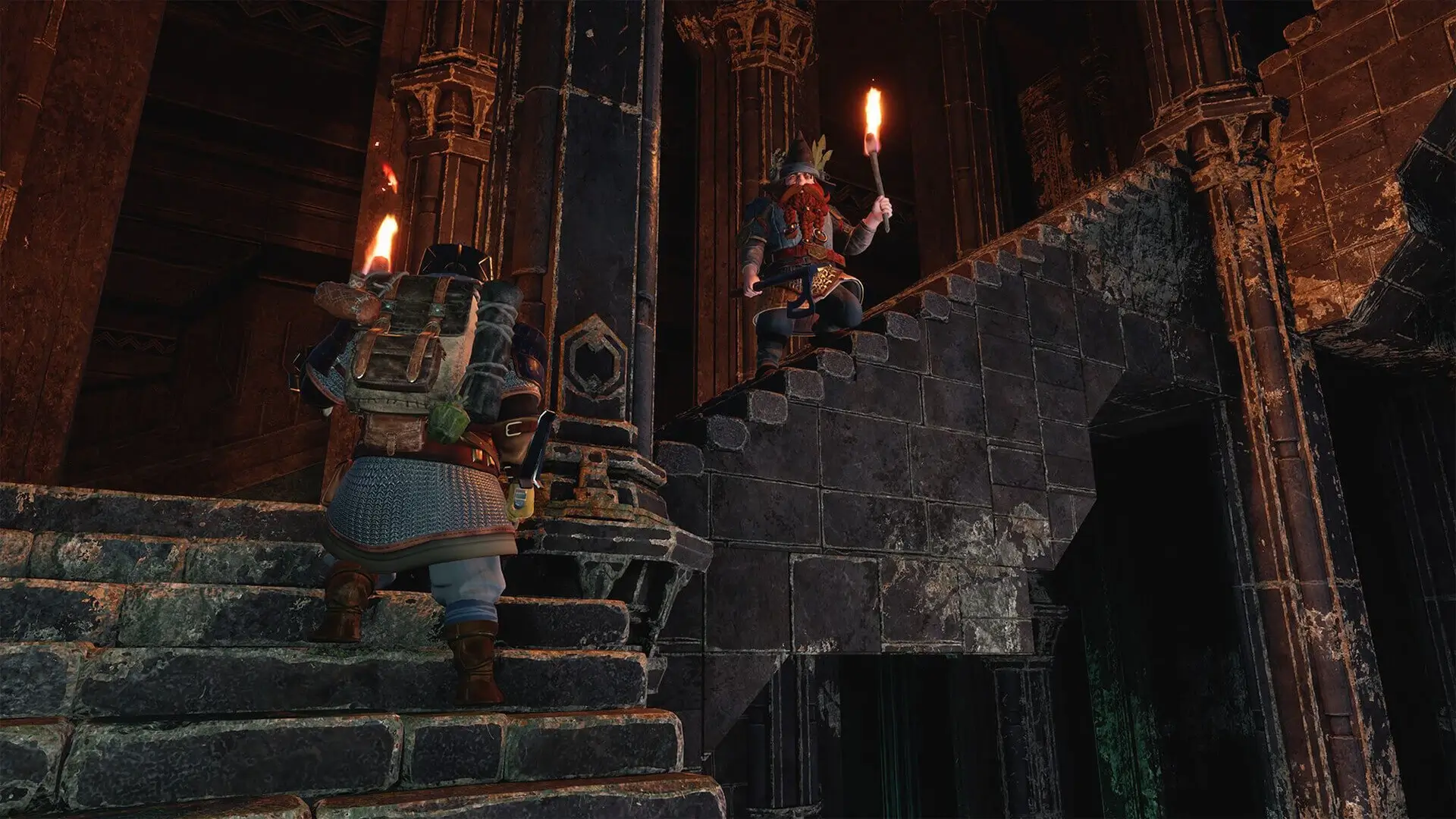
Managing player permissions, including granting administrative privileges or banning players, is essential for maintaining a healthy gaming environment. The Lord of the Rings Return to Moria uses a file called MoriaServerPermissions.txt to handle player permissions.
Configuring Permissions
Here's how to configure permissions on your server, ensure that you've already connected to your server before following these steps.
- 1Log in to Bropanel and
Stopyour server. - 2In the sidebar, go to
Files. - 3In the home directory, open
MoriaServerPermissions.txt. - 4Scroll to the bottom and find your account name.
- 5Configure your desired permissions.
- 6Click save and start your server.
| Permission | Description |
|---|---|
| Blocked | Will block a user with that account name. |
| Default | Will use the default permissions. |
| NoConstruction | Prevents user using any build or quickbuild functions, or deconstructing any player constructions. |
| QuickBuild | Allows quick-build of platforms and rope ladders, but prevents other construction or deconstruction. |
| AllConstruction | Allows all construction and deconstruction. |
| NoStorage | Prevents interaction with storage containers, and disallows using shared base storage for crafting. |
| AllStorage | Allows all use of storage containers and contents. |
Here are some permission examples:
GHB = AllConstruction,AllStorage
Jerry = Blocked
Tom = Default
This example does the following:
- Grants the player GHB access to all construction and storage permissions.
- Blocks Jerry from connecting to your server.
- Sets Tom's permissions to default.