
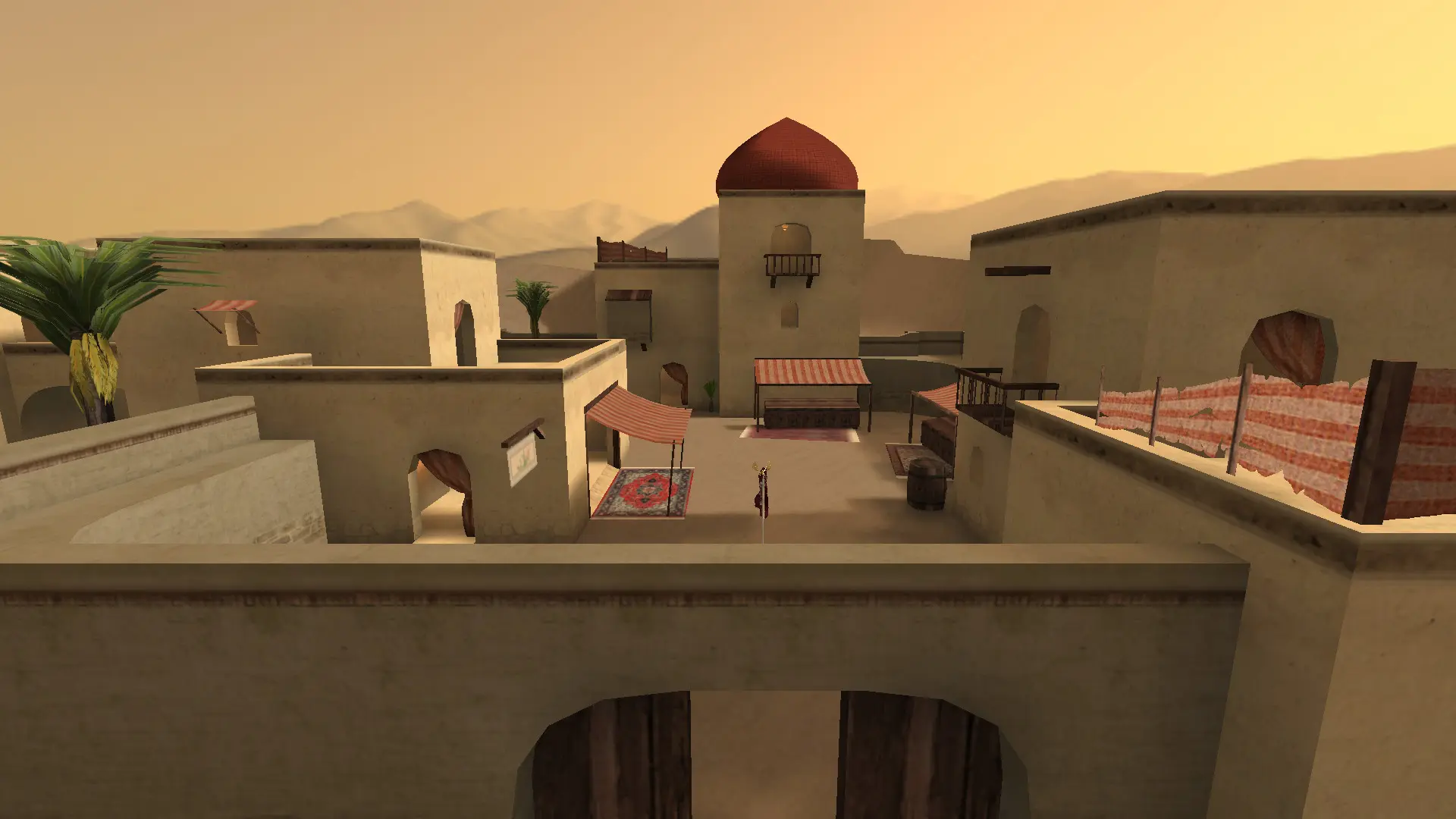
The game type decides how matches are played on every map in your rotation.
| Game Type | How it plays |
|---|---|
Free For All | Everyone for themselves. |
Last Man Standing | Free for all with one life per round. |
Team Deathmatch | Red against Blue, most kills wins. |
Team Survivor | One life per round, the last team standing wins the round. |
Follow The Leader | Each team has a leader who must reach the enemy flag. |
Capture And Hold | Hold flag points around the map to score. |
Capture The Flag | Take the enemy flag back to your base. Default. |
Bomb Mode | One life per round. Attackers plant a bomb, defenders stop them. |
Jump | No fighting, players race through jump maps against the clock. |
Freeze Tag | Killed players freeze until a teammate thaws them. |
Gun Game | Every kill moves you to the next weapon; the first through all of them wins. |
Changing The Game Type
- 1Log in to Bropanel and select your server.
- 2In the sidebar, go to
Settings. - 3Under
Gameplay, choose aGame Type. - 4Click
Save & Restartto apply your changes.
Jump is played on jump maps, which you can add to your server.