
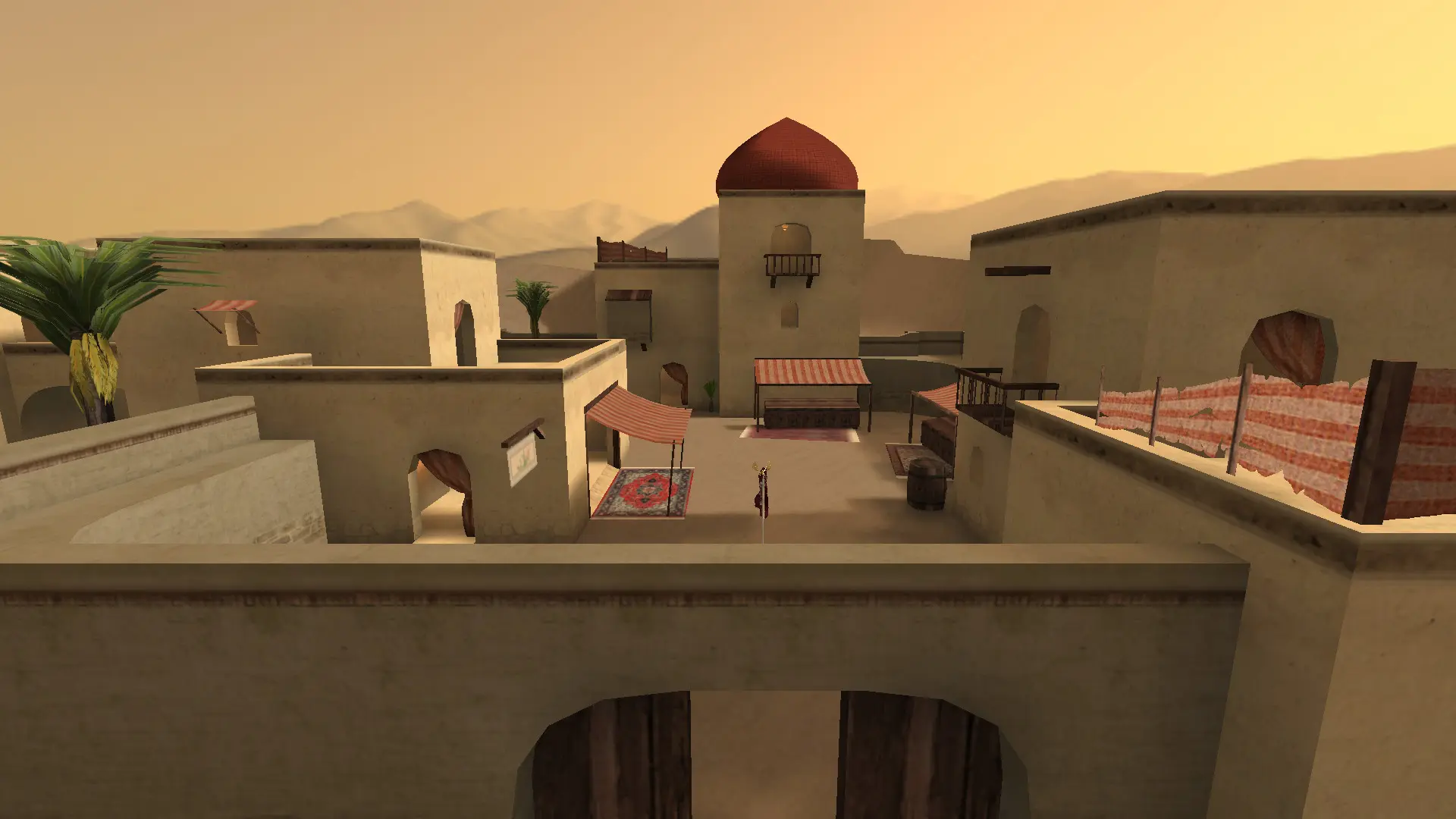
The map rotation is the list of maps your server plays, in order. When a map ends, the server moves to the next map in the list.
Changing The Map Rotation
- 1Log in to Bropanel and select your server.
- 2In the sidebar, go to
Files. - 3Open the
q3ut4folder and clickmapcycle.txt. - 4Put one map name on each line, in the order you want, for example
ut4_turnpike,ut4_abbeyandut4_casa. - 5Click
Saveand restart your server.
The first map after a restart is your Start Map. Players can also vote for a map with /callvote map ut4_casa when voting is allowed.
These are some of the stock maps: ut4_abbey, ut4_algiers, ut4_austria, ut4_bohemia, ut4_casa, ut4_cascade, ut4_docks, ut4_eagle, ut4_elgin, ut4_ghosttown, ut4_herring, ut4_kingdom, ut4_kingpin, ut4_mandolin, ut4_mykonos_a17, ut4_oildepot, ut4_paris, ut4_prague, ut4_prominence, ut4_raiders, ut4_ramelle, ut4_ricochet, ut4_riyadh, ut4_sanc, ut4_suburbs, ut4_subway, ut4_swim, ut4_thingley, ut4_tombs, ut4_turnpike and ut4_uptown.