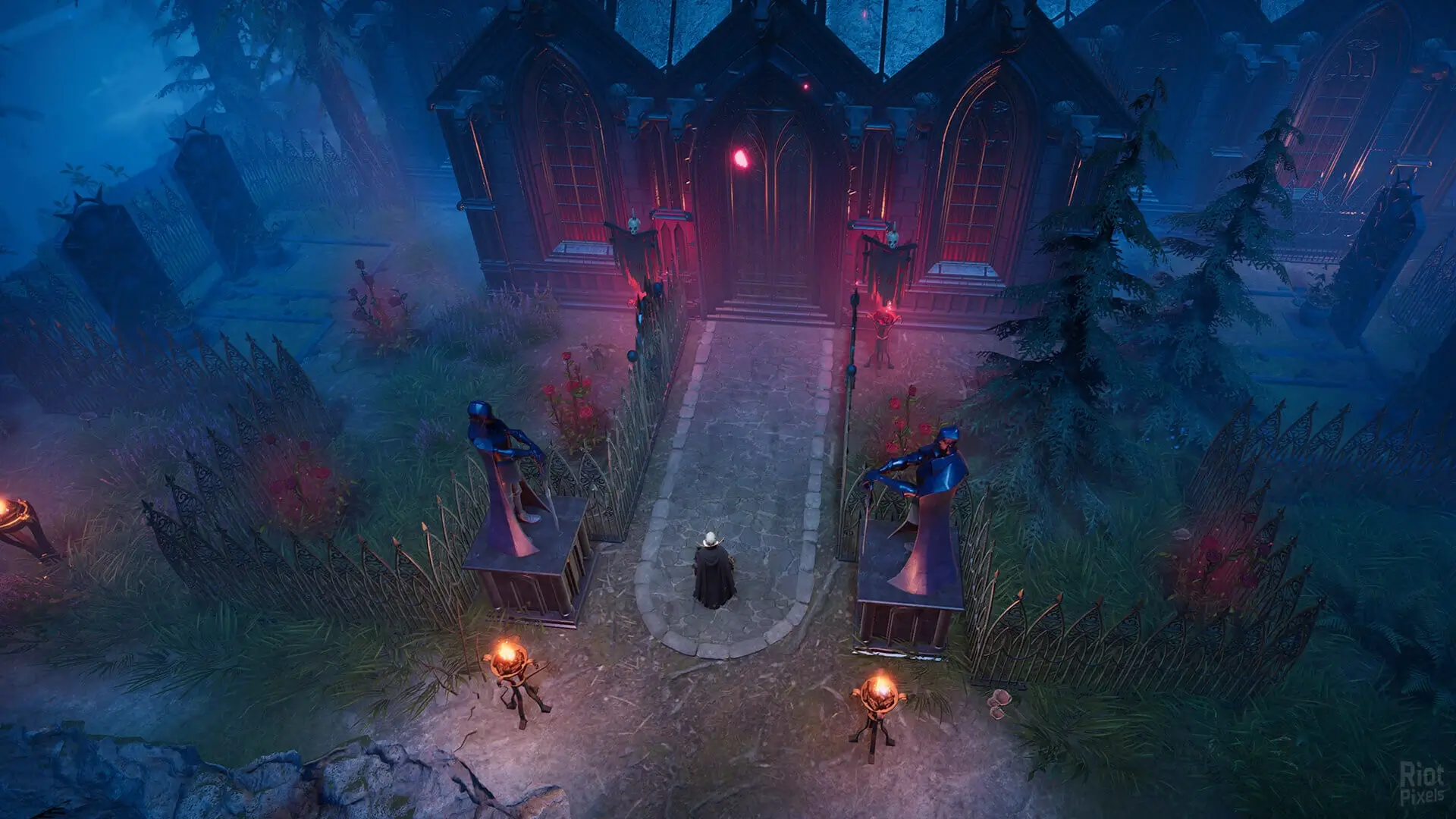
In this guide, we will teach you how to configure your V Rising server using both game presets or by using a custom ServerGameSettings.json file.
Using Game Presets
If you only want to play specific game modes, then game presets are filled with options you can use to quickly get up and running.
- 1Log in to Bropanel and select your V Rising server.
- 2In the sidebar, go to
Settings. - 3Find the
Game Setting Presetsetting and change it to the desired mode. - 4Click
Save & Restartto apply your changes.
Using ServerGameSettings.json
We allow you to make custom settings using the ServerGameSettings.json file, however you must make sure Game Setting Preset and Game Difficulty Preset are set to blank/Unknown under Settings to use custom settings. If you have a Game Setting Preset set then this file is ignored.
- 1Log in to Bropanel and select your V Rising server.
- 2In the sidebar, go to
Settings, set bothGame Settings PresetandGame Difficulty PresetstoBlank/Unknown. - 3In the sidebar, go to
Filesand open/save-data/Settings/ServerGameSettings.json. Make the changes you want. - 4Restart your server.
If you need to know what all the settings do, we have a PDF that you can download here. This is released by the game developers that contains all the latest settings and descriptions.