
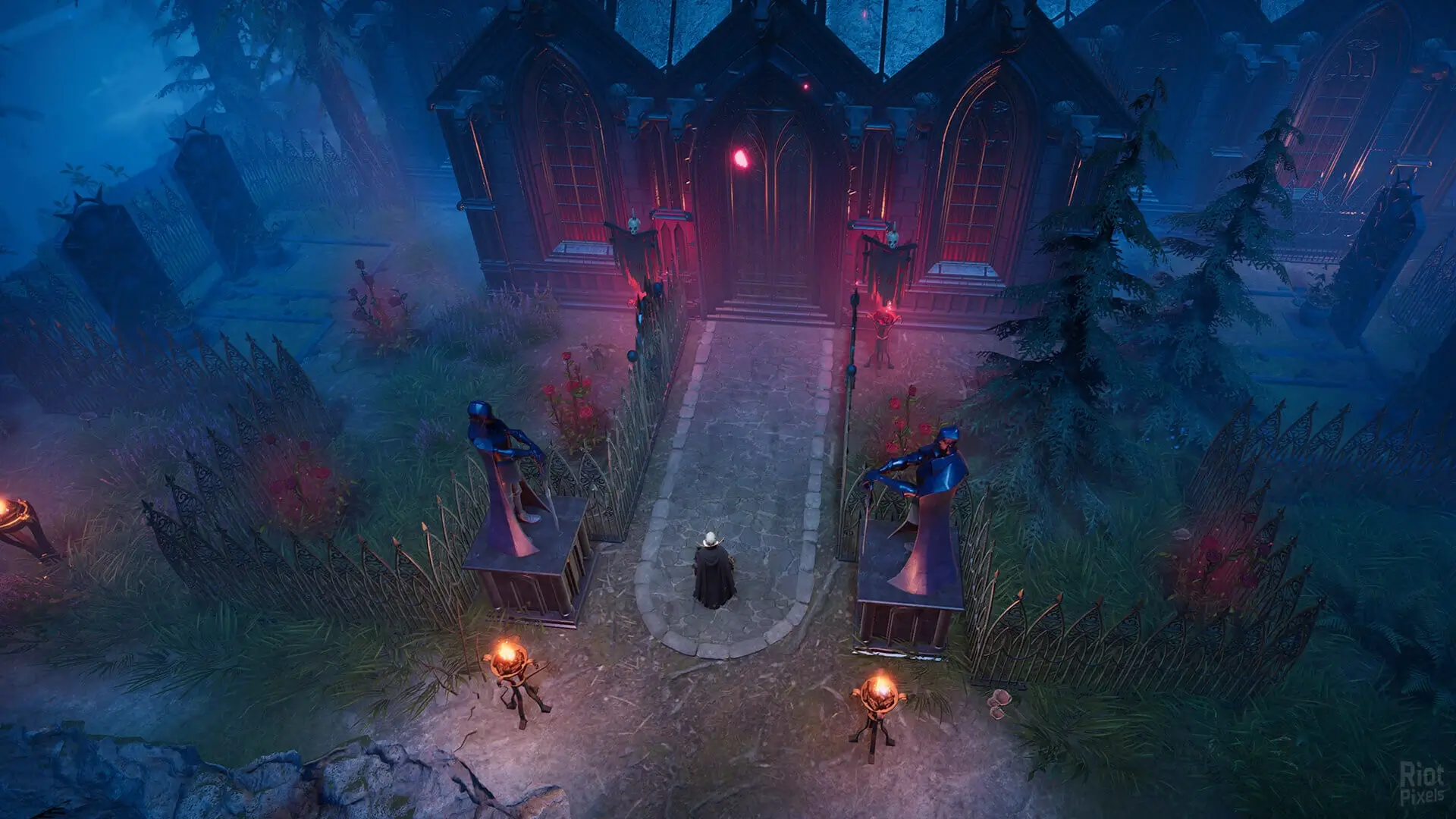
If you don't want to play V Rising on the latest public version, and would rather play an older release of the game, here's how to change the version of your V Rising server.
Note
This is required to play worlds from 1.0 and prior versions on a V Rising server, furthermore you must direct connect by IP to join outdated servers.
Danger
As this deletes everything, download a backup to your PC first if you want to keep your save.
Changing Steam Beta Version
- 1Log in to Bropanel and
Stopyour server. - 2In the sidebar, go to
Settings. - 3Edit
Steam Beta Branch. - 4Click
Reinstallin the top-right. - 5Select
Format (keep settings), then confirm and wait for the install to finish.
Here are the currently available beta branches to choose from. They can be found here: