
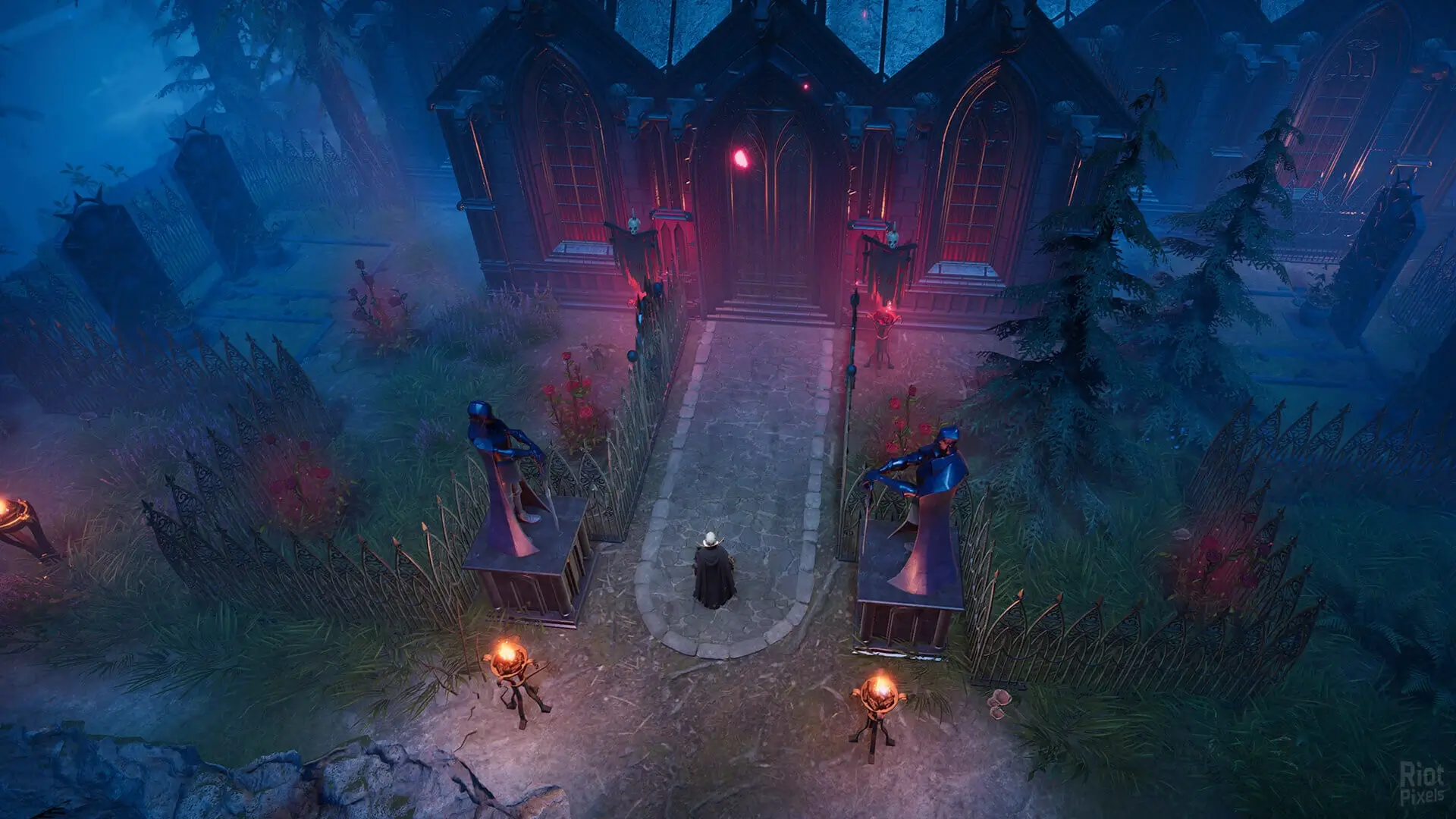
Here's how PlayStation players can connect to your V Rising PS5 server using the in-game server browser.
Tip
On PC and looking to direct connect with your server IP? See our general connection guide.
Connecting on PS5
Note
PlayStation players must use the server browser to find servers. Make sure to set a unique and memorable server name to help players find your server easily.
- 1Log in to Bropanel and select your V Rising server.
- 2In the sidebar, go to
Settingsand set aServer Name. - 3Click
Save & Restartto apply your changes. - 4Open V Rising and navigate to
Play → Online Play. - 5Select
Show All Serversto browse available servers. - 6Search for your
Server Namein the server browser. - 7Select your server from the list and click
Join Game.
If you get stuck at any time, you can reach out to us on Discord.