
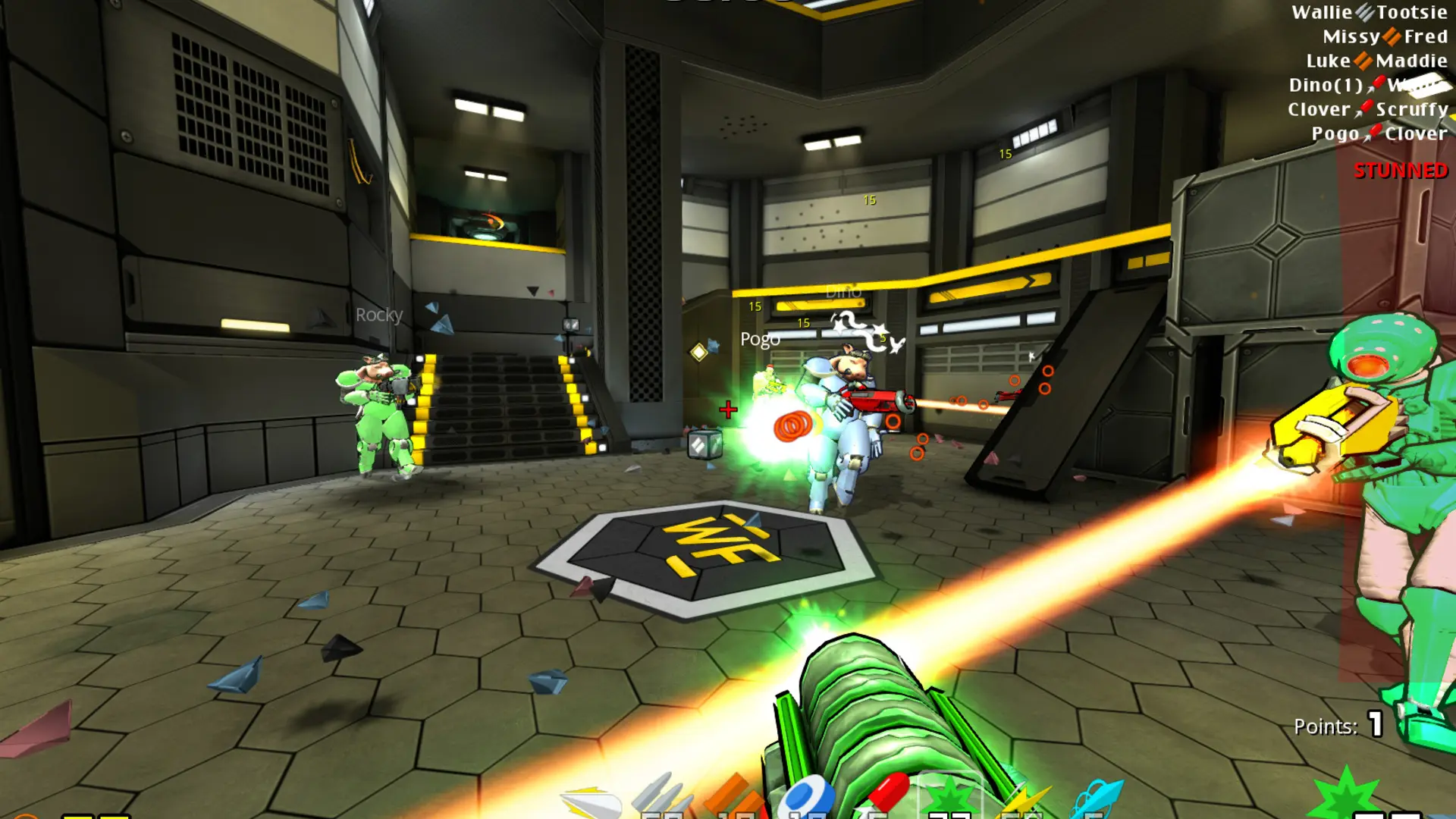
Community maps for Warfork come as .pk3 files. Upload them to your server and players download them automatically when they join.
Uploading A Map
To play the map, set it as your Start Map, change to it with RCON, for example rcon map mymap, or let players vote for it with callvote map mymap. The map name is the .bsp file inside the .pk3, without .bsp.
If you'd rather host map downloads on your own web server, see Download Redirect.