
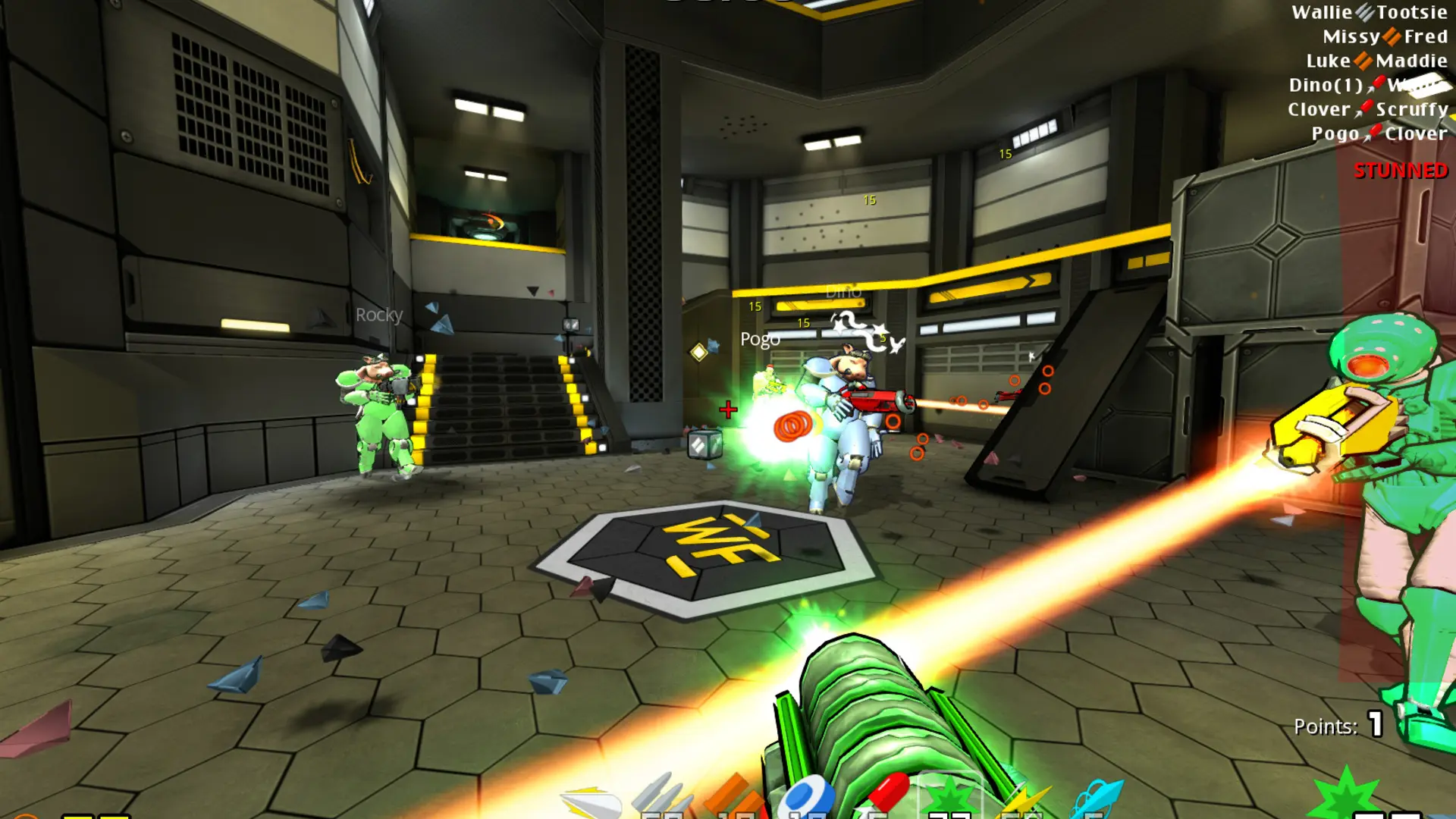
The start map is the map your server loads when it starts or restarts. When it's blank, the server uses the first map of your Game Mode, for example wfca1 for Clan Arena.
Changing The Start Map
- 1Log in to Bropanel and select your server.
- 2In the sidebar, go to
Settings. - 3Under
Gameplay, editStart Mapand enter the map name, for examplewfdm4orwfctf2. - 4Click
Save & Restartto apply your changes.
Official maps are named after their mode: wfdm1 to wfdm20, wfca1, wfca2, wfctf1 to wfctf6, wfda1 to wfda5, wfbomb1 to wfbomb6, wfrace1, plus return, pressure and shredder. If the map you enter isn't on your server, it starts on the mode's first map instead. To use a community map, add it to your server first.