
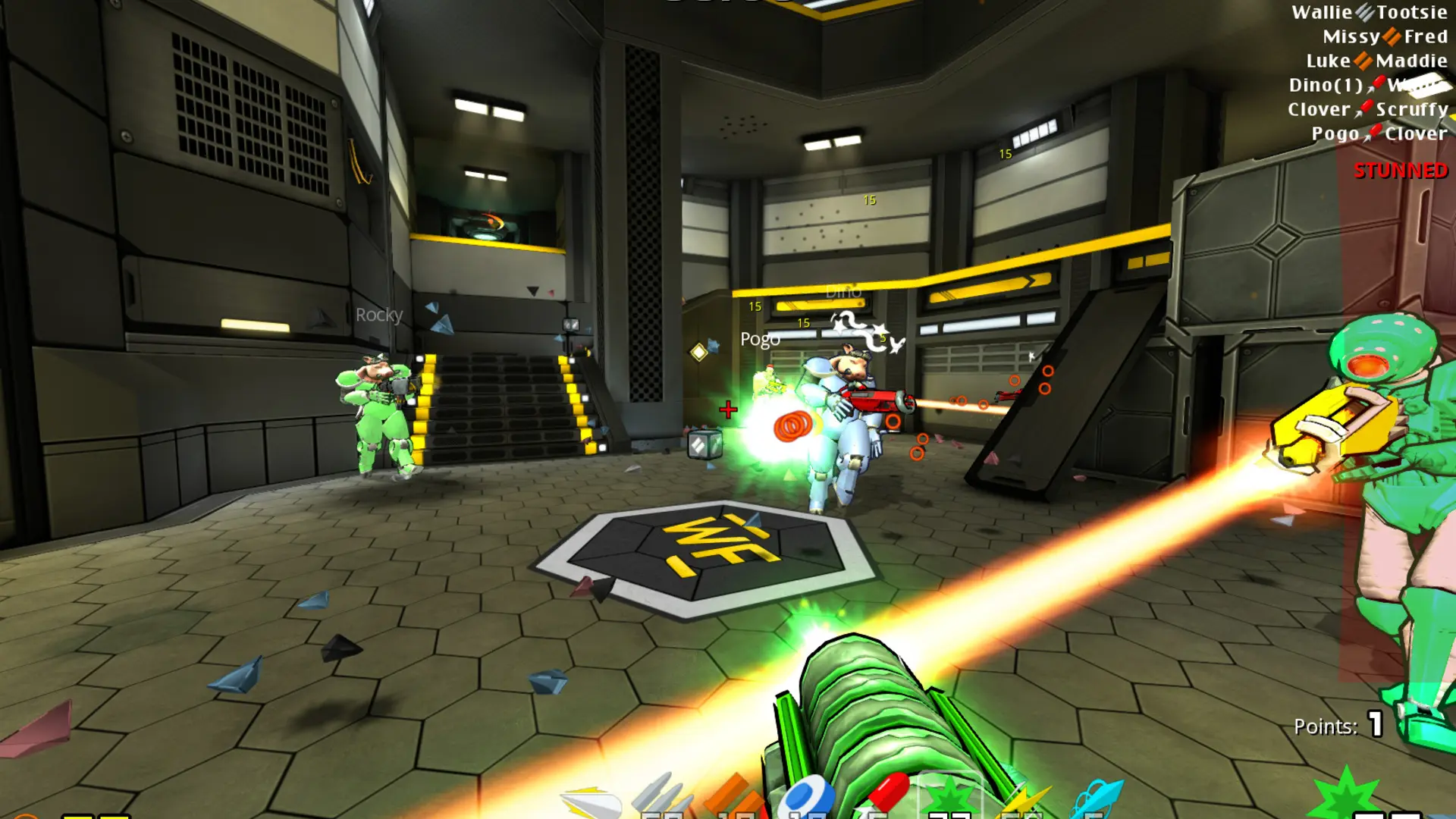
Your server starts in Clan Arena. Each game mode brings its own rules and map rotation.
Changing The Game Mode
- 1Log in to Bropanel and select your server.
- 2In the sidebar, go to
Settings. - 3Under
Gameplay, select a mode fromGame Mode. - 4Click
Save & Restartto apply your changes.
| Game Mode | What it is |
|---|---|
| Clan Arena | Teams start with every weapon and full armor; the last team standing wins the round. |
| Deathmatch | Everyone for themselves; players drop their weapon and powerups when fragged. |
| Free For All | Everyone for themselves with item pickups. |
| Team Deathmatch | Two teams compete for the most frags. |
| Duel | One on one; other players wait in the queue. |
| Duel Arena | Round based one on one with full loadouts. |
| Capture The Flag | Take the enemy flag back to your base. |
| CTF Tactics | Capture The Flag with player classes, turrets and revives. |
| Bomb and Defuse | One team plants the bomb, the other defends or defuses it. |
| Headhunt | Deathmatch with a tagged target that earns bonus points. |
| Race | Race through maps against the clock. |
The server starts on the first map of the mode unless you choose a Start Map.