
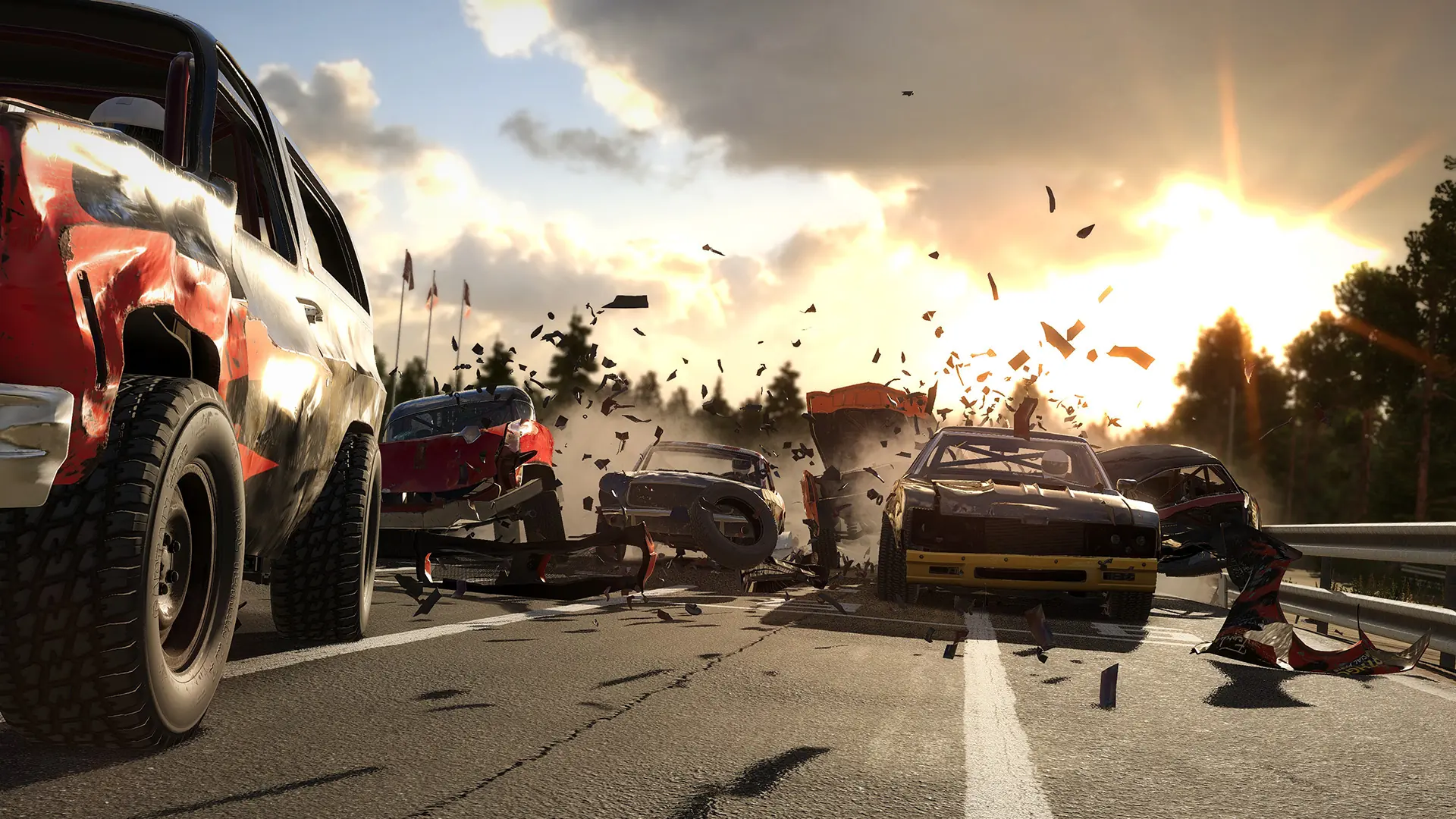
Managing a Wreckfest server can be a big responsibility, especially when you're focused on creating an enjoyable racing experience for everyone. One way to share the load is by granting admin privileges to trusted players. Admins can help manage the server, enforce rules, and keep gameplay running smoothly.
Tip
Only grant admin privileges to players you trust, as admins have significant control over your server.
In this guide, we'll show you how to add admins to your Wreckfest server by editing the server configuration file. This method ensures that admin privileges are automatically granted each time the server starts, making it easier to maintain consistent server management.
How to Find Your Steam ID
If you're unsure of a player's Steam ID, you can easily find it by visiting SteamID.io. Simply input the player's Steam profile URL or username, and the site will provide the corresponding SteamID64, which you can use in your configuration file.
Steps to Add Admins on Your Wreckfest Server
- 1Log in to Bropanel and select your Wreckfest server.
- 2In the sidebar, go to
Files. - 3Open the
server_config.cfgfile. - 4Locate the Admin and Moderator Sections:
- Look for the line that begins with
#admin_steam_ids=. This is where you'll add the Steam IDs of the players you want to grant admin privileges to. - Similarly, find the line that begins with
#op_steam_ids=to add Steam IDs for moderator privileges.
- Look for the line that begins with
- 5Add the Steam IDs:
- Remove the
#at the beginning of the line to uncomment it. - Enter the Steam IDs of the players you wish to grant admin or moderator privileges to, separated by commas. For example:
admin_steam_ids=12345678912345678,12345678912345678
op_steam_ids=12345678912345678,12345678912345678
- Remove the
- 6Save the
server_config.cfgfile to apply the changes. - 7Restart your server.
You will now be able to use Admin Commands from the in-game chat menu.
By following these steps, you can ensure that your Wreckfest server is well-managed and that you have reliable support in keeping the gameplay fair and fun for everyone.