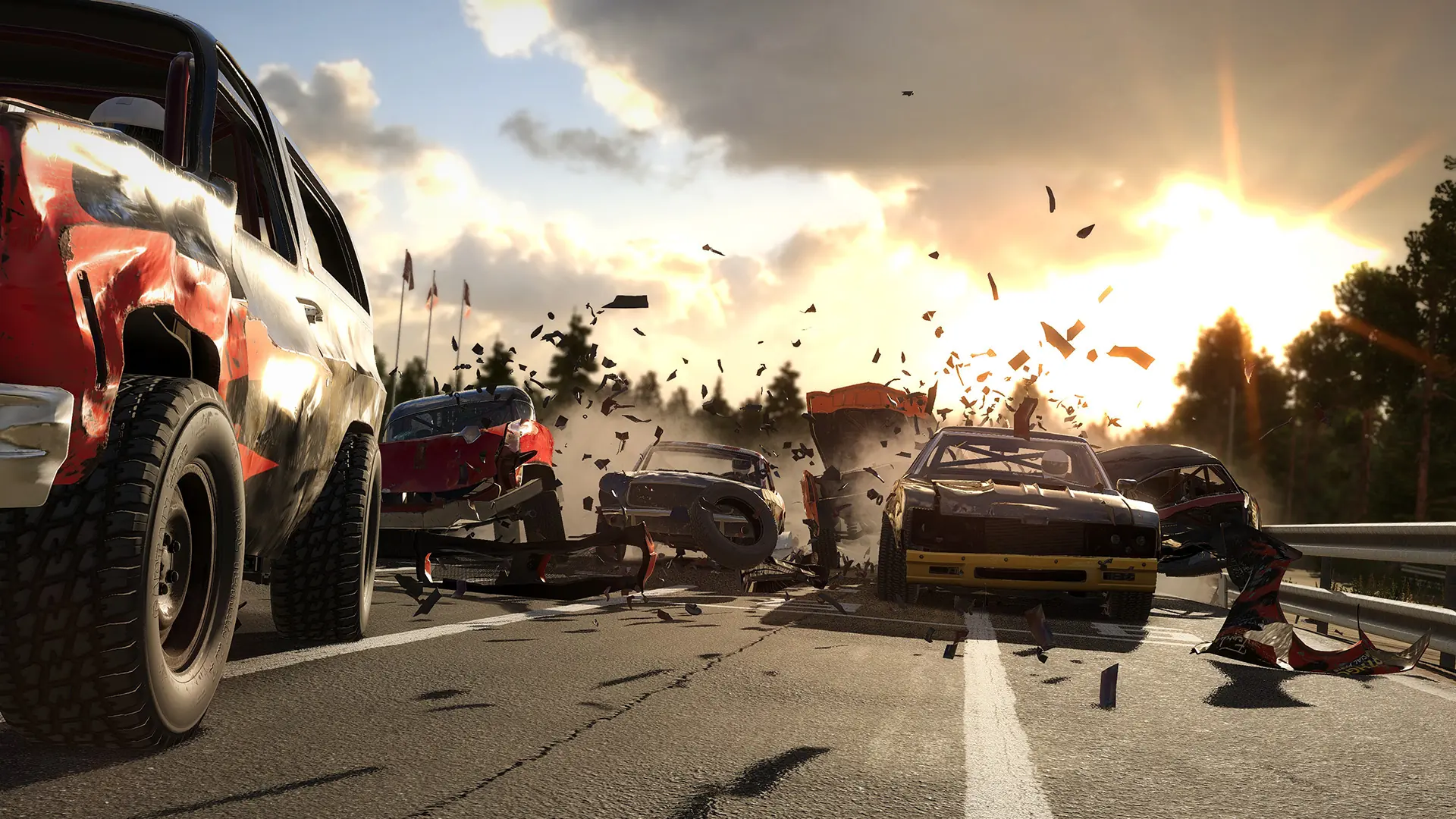
If you don't have enough players to fill the map, Wreckfest servers can fill the remaining player slots with AI bots. Here's how to add AI bots to your server.
Adding AI Bots
- Log in to Bropanel and select your Wreckfest server.
- In the sidebar, go to
Settings. - Under
Basic, setAI Botsto the number of bots you want. - Set
Bot DifficultytoNovice,Amateur, orExpert. - Click
Save & Restartto apply your changes.
Adding Bots In-Game
As an alternative, admins can also add bots on the fly from the lobby without restarting the server.
- In the lobby, press
Cto add a bot. - (Optional) Under
Server Optionsin the lobby sidebar, change the bot difficulty.