
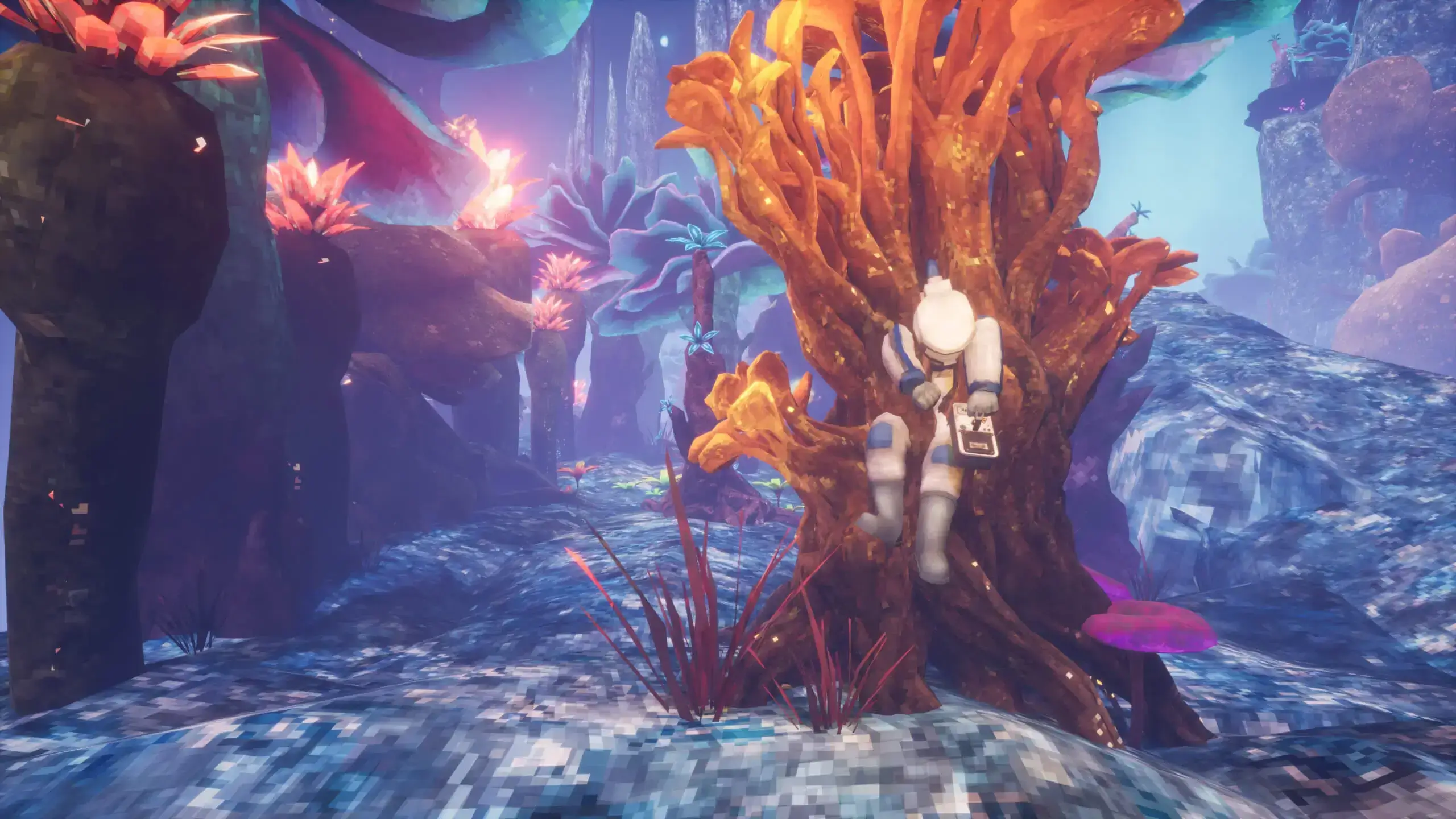
Eventually, creating a new world becomes essential to keep your server fresh and enjoyable for both new and older players. Here is how you can create a new world on your Abiotic Factor server.
Caution
Creating a new world will disable your current world and generate a completely new world save for your server.
Creating A New World
- 1Log in to Bropanel and select your server.
- 2In the sidebar, go to
Settings. - 3Under
Advanced, change theWorld Save Namesetting to a new name. - 4Click
Save & Restartto apply your changes.
Upon starting, your server will automatically generate a fresh world. To return to your original world, simply change World Save Name back to the previous name.