
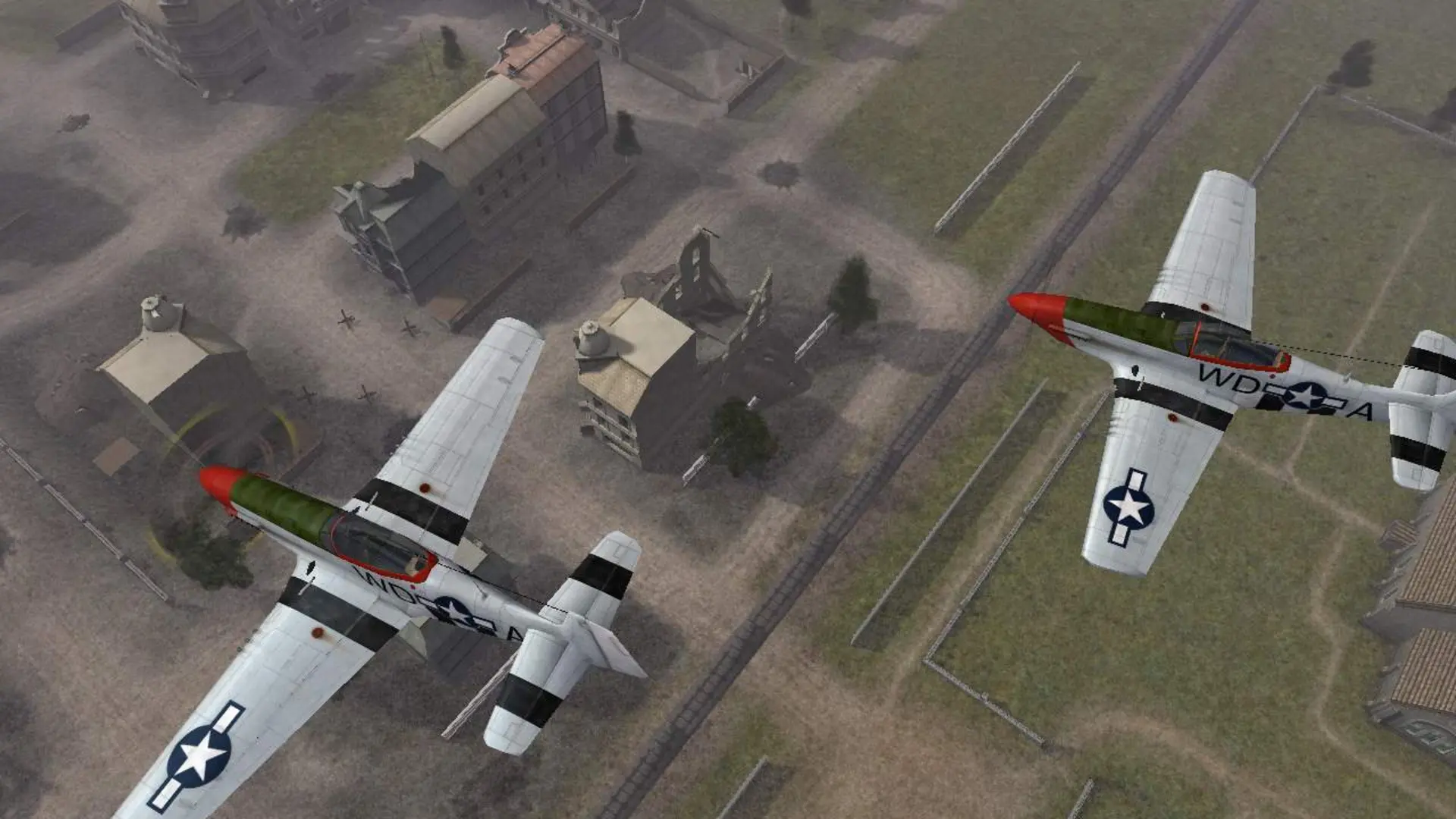
Here is how you can join your Battlefield 1942 dedicated server. Your server runs version 1.61, so players need the 1.61 patch.
| Your game | Can join? |
|---|---|
| Battlefield 1942 1.61 with the master.bf1942.org patch | Yes, and sees the server in the browser |
| Battlefield 1942 1.61 | Yes, by IP address |
| Older than 1.61 | No, update your game first |
To join Road to Rome, Secret Weapons of WWII or modded maps, players need that expansion or mod installed too.
Connecting From the Server Browser
GameSpy shut down in 2014, so the game's server browser needs the community master server patch from bf1942.org. It replaces BF1942.exe and points the browser at master.bf1942.org, where your server is listed.
- 1Open Battlefield 1942 and go to
Multiplayer>Internet. - 2Wait for the list to load, then find your server name. Click a column header to sort if the list is long.
- 3Double-click your server to join. If you set a server password, enter it when asked.
Note
It can take a few minutes for a new server to appear in the server browser after it starts.
Connecting With the IP Address
- 1Log in to Bropanel and select your Battlefield 1942 server.
- 2Copy the server IP address and port from the
Overviewpage, for example123.45.67.89:14567. - 3Make a shortcut to
BF1942.exein your Battlefield 1942 folder. - 4Right-click the shortcut, choose
Propertiesand add+restart 1 +joinServer 123.45.67.89:14567with your own IP and port to the end ofTarget. - 5Start the game from the shortcut.
If your server has a password, also add +password yourpassword. For an expansion or mod server, add +game xpack1 (Road to Rome), +game xpack2 (Secret Weapons) or +game with the mod's folder name.