
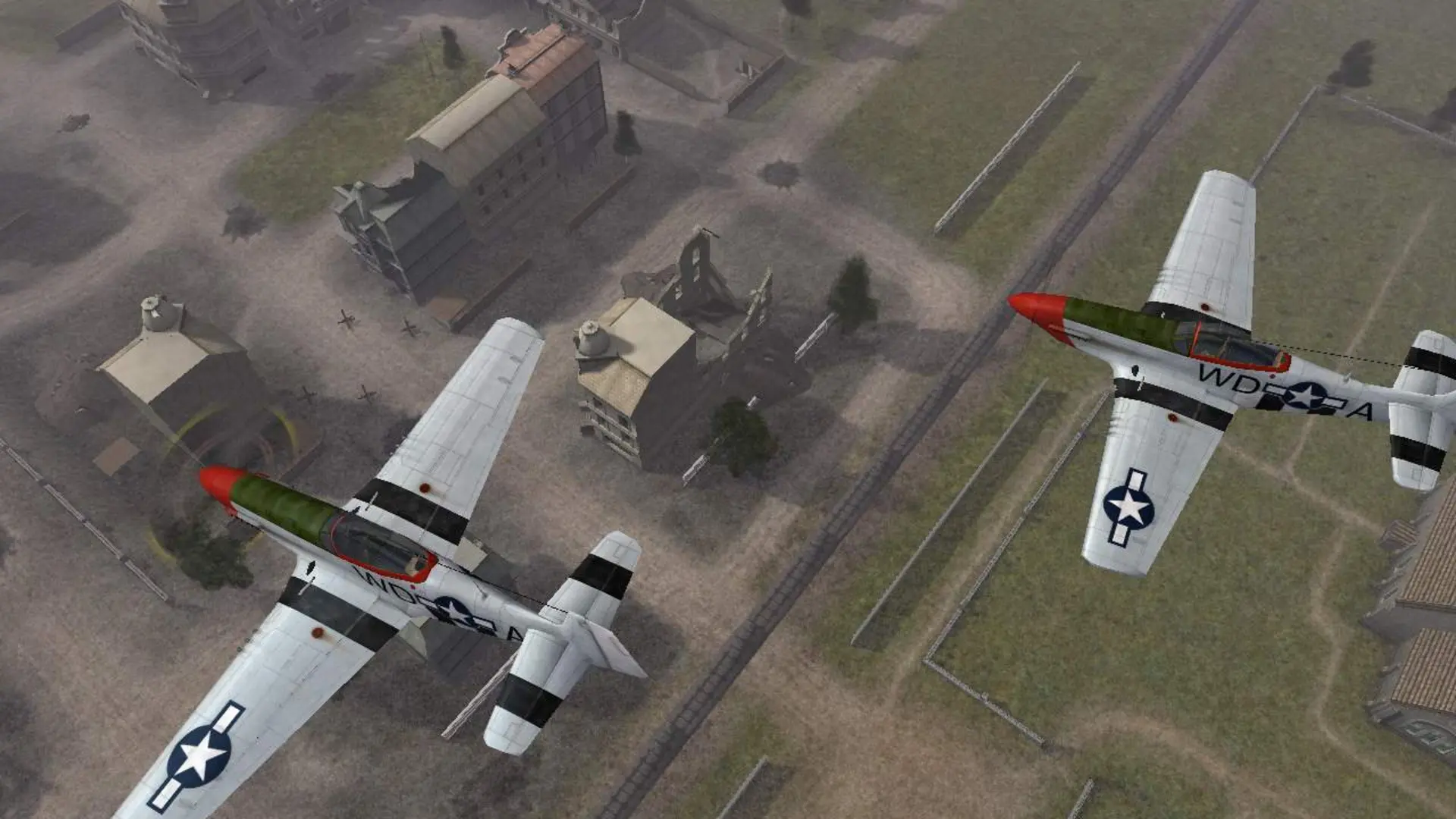
Desert Combat is the best known Battlefield 1942 mod. It moves the fighting to modern day, with M1 Abrams tanks, helicopters and jets. Your server can install Desert Combat 0.7 and Desert Combat Final for you.
Installing Desert Combat
- 1Log in to Bropanel and
Stopyour server. - 2In the sidebar, go to
Settings. - 3Under
Modding, turn onDesert Combat. - 4Click
Reinstallin the top-right. - 5Select
Verify integrity, then confirm and wait for the install to finish.
Playing Desert Combat
- 1Log in to Bropanel and select your server.
- 2In the sidebar, go to
Settings. - 3Under
Modding, findModand typedc_finalfor Desert Combat Final ordesertcombatfor Desert Combat 0.7. - 4Click
Save & Restartto apply your changes.
Your game mode and map rotation settings work the same with the mod. Clear Mod to go back to the stock game.
Note
Players need the same mod version installed to join. Desert Combat Final needs Desert Combat 0.7 installed under it on the player's computer too.