
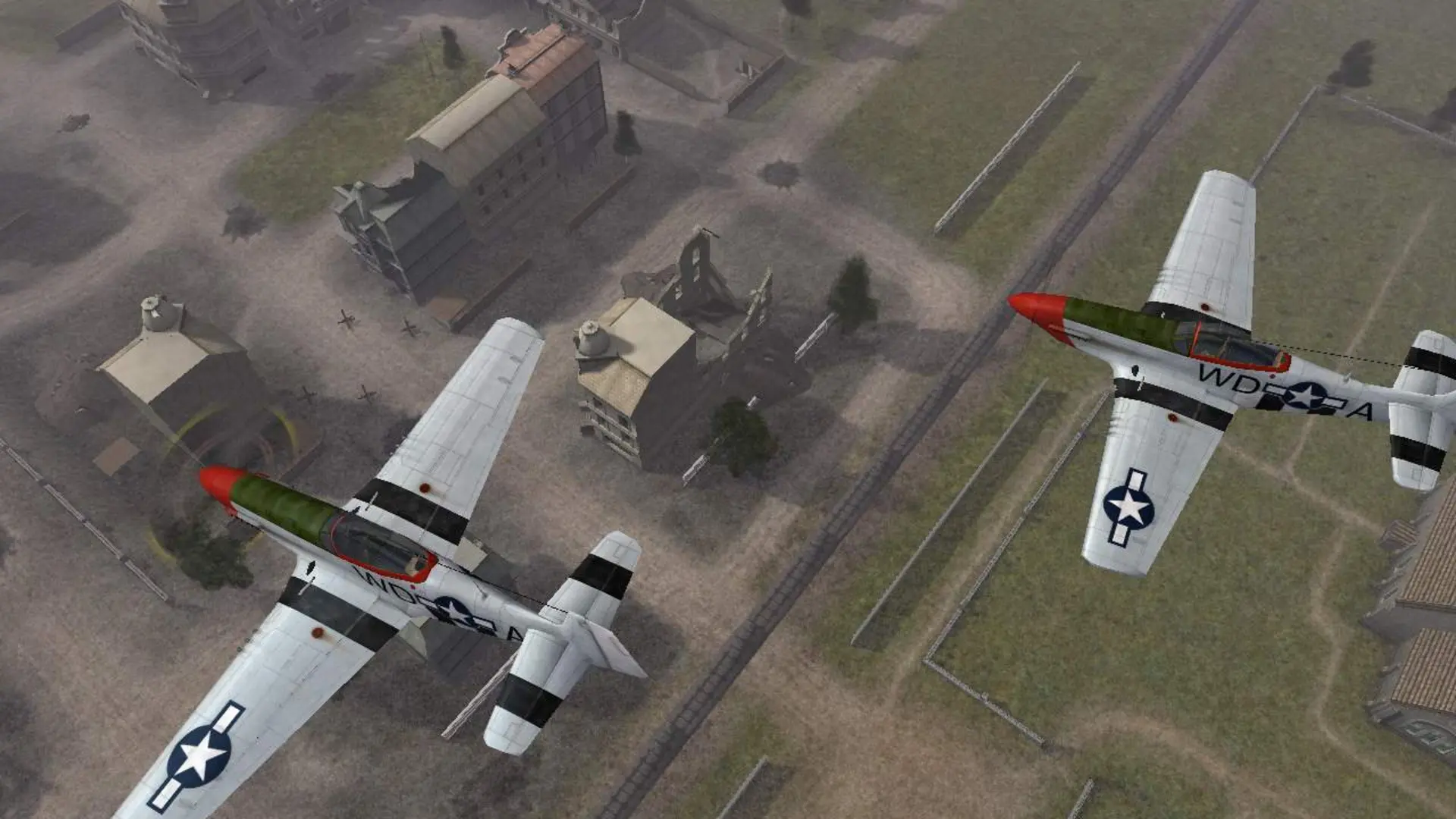
Battlefield 1942 has many community mods. For Desert Combat, use the one-click install instead. Here's how to add any other mod.
Uploading A Mod
- 1Download the mod's server files and unzip them on your computer. You'll get a folder such as
fhthat holds aninit.confile and anarchivesfolder. - 2Log in to Bropanel and
Stopyour server. - 3In the sidebar, go to
Filesand open themodsfolder. - 4Upload the mod folder so it sits next to the
bf1942folder. - 5Start your server.
Playing The Mod
- 1Log in to Bropanel and select your server.
- 2In the sidebar, go to
Settings. - 3Under
Modding, findModand type the mod's folder name, for examplefh. - 4Click
Save & Restartto apply your changes.
The server reads the mod's maps on its own, so your game mode and map rotation settings work with it. Upper-case file names are fixed automatically when the server starts.
Note
If the server stops right after starting, check the Console page. Most mods need another mod installed under them, and the console shows the error the server reported.