
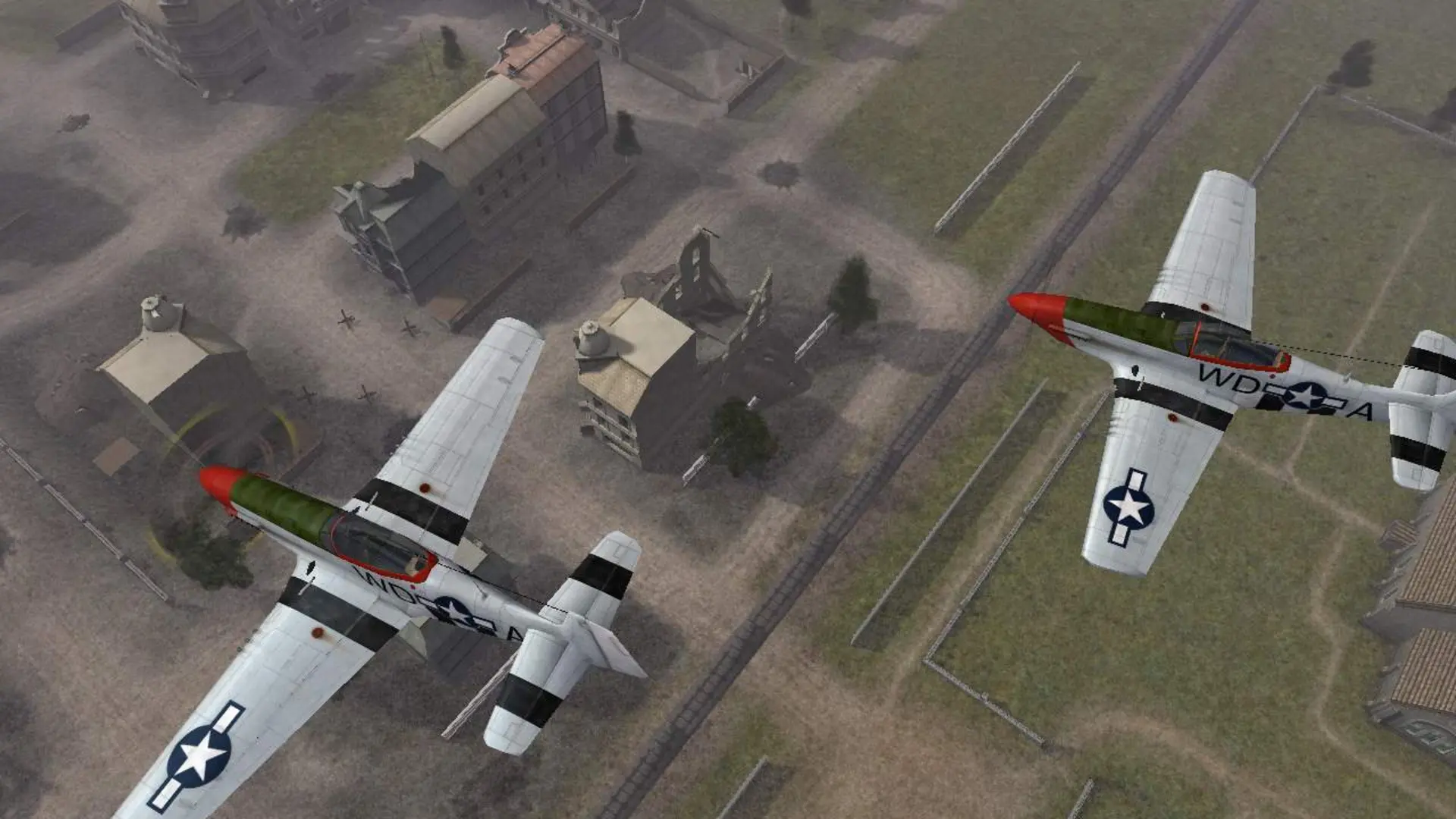
Your server has the maps from the base game and both expansions. The map pack decides which of them your server plays.
Choosing The Map Pack
- 1Log in to Bropanel and select your server.
- 2In the sidebar, go to
Settings. - 3Under
Gameplay, findMap Packand pick a pack from the dropdown. - 4Click
Save & Restartto apply your changes.
| Map Pack | Maps |
|---|---|
Battlefield 1942 | The 21 base game maps, such as Wake Island, Omaha Beach and El Alamein |
Road to Rome | The Italian campaign: Anzio, Baytown, Monte Cassino, Operation Husky, Salerno and Santo Croce |
Secret Weapons of WWII | Eagle's Nest, Essen, Gothic Line, Hellendoorn, Kbely Airfield, Mimoyecques, Peenemunde, Raid on Agheila and Telemark |
All | Every map from all three |
Note
Players need the expansion installed to join its maps. If your players only have the base game, keep Battlefield 1942.