
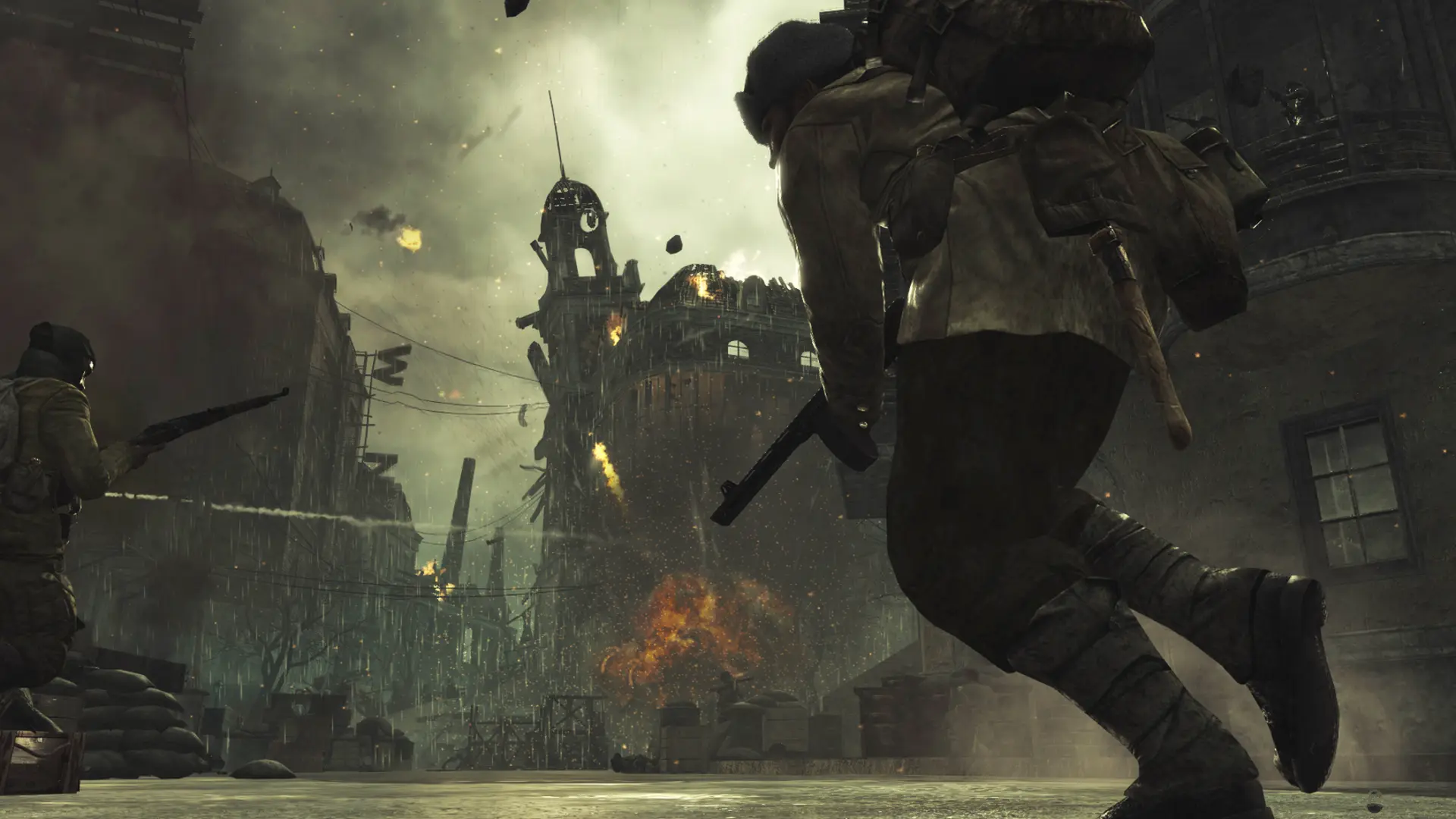
Your server can run World at War multiplayer or Nazi Zombies. You can switch between them at any time, and your settings for both are kept.
| Game Mode | What it is |
|---|---|
Multiplayer | Classic World at War multiplayer, up to 64 players |
Zombies | Co-op Nazi Zombies for up to 4 players |
Changing The Game Mode
- 1Log in to Bropanel and select your server.
- 2In the sidebar, go to
Settings. - 3Under
Basic, changeGame ModetoMultiplayerorZombies. - 4Click
Save & Restartto apply your changes.
In Zombies, your server plays the maps in Zombies Maps and always allows at most 4 players. Players join with World at War Zombies in the Plutonium launcher.