
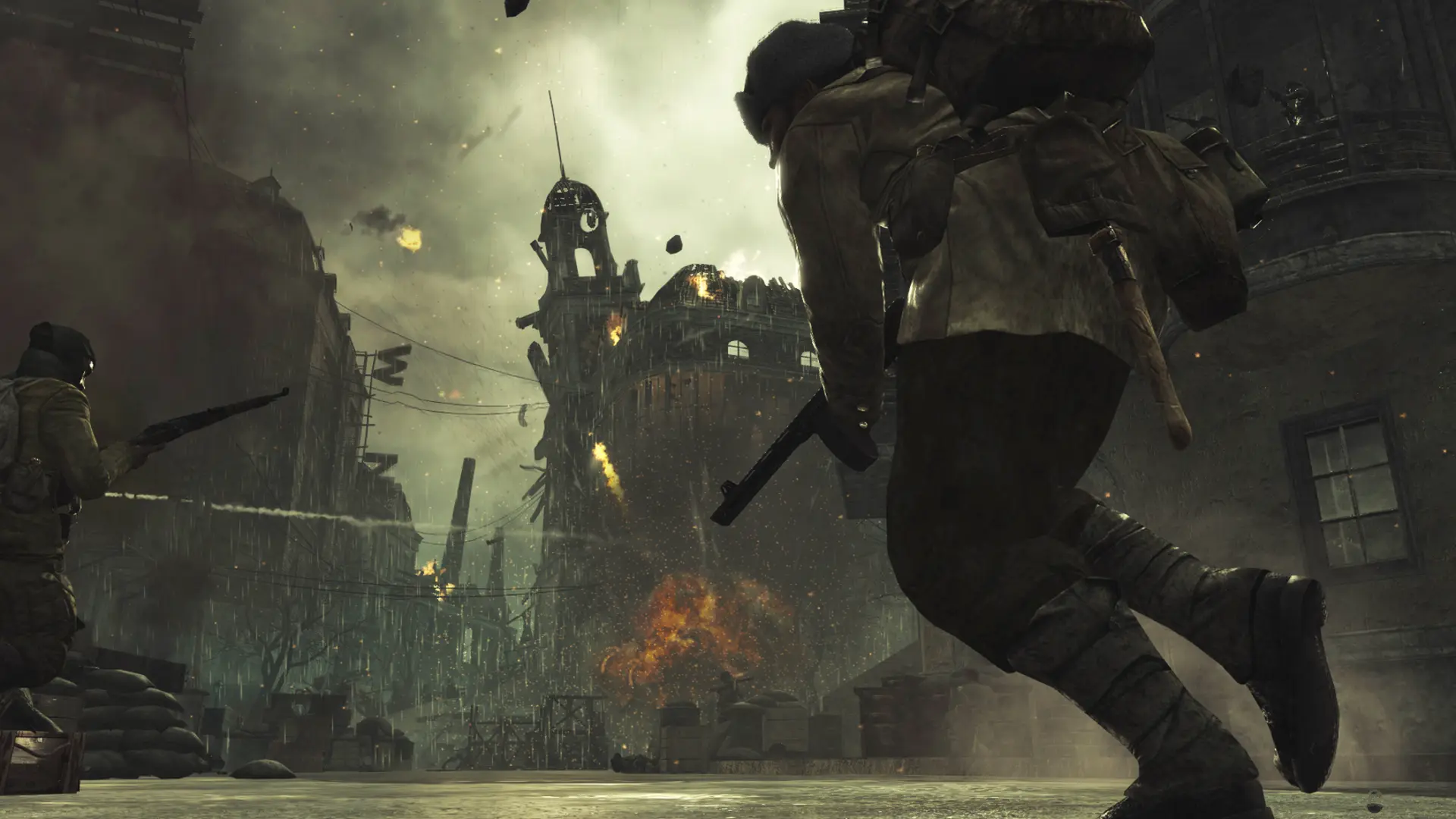
When your server runs Zombies, it plays the maps in Zombies Maps in order. By default it plays all four.
| Map | Name |
|---|---|
| Nacht der Untoten | nazi_zombie_prototype |
| Verruckt | nazi_zombie_asylum |
| Shi No Numa | nazi_zombie_sumpf |
| Der Riese | nazi_zombie_factory |
Changing The Zombies Maps
- 1Log in to Bropanel and select your server.
- 2In the sidebar, go to
Settings. - 3Under
Gameplay, findZombies Mapsand type the maps you want, separated by spaces, for examplenazi_zombie_factory. - 4Click
Save & Restartto apply your changes.
Clear Zombies Maps to go back to all four maps. Custom Zombies maps go in the list by their file name.