
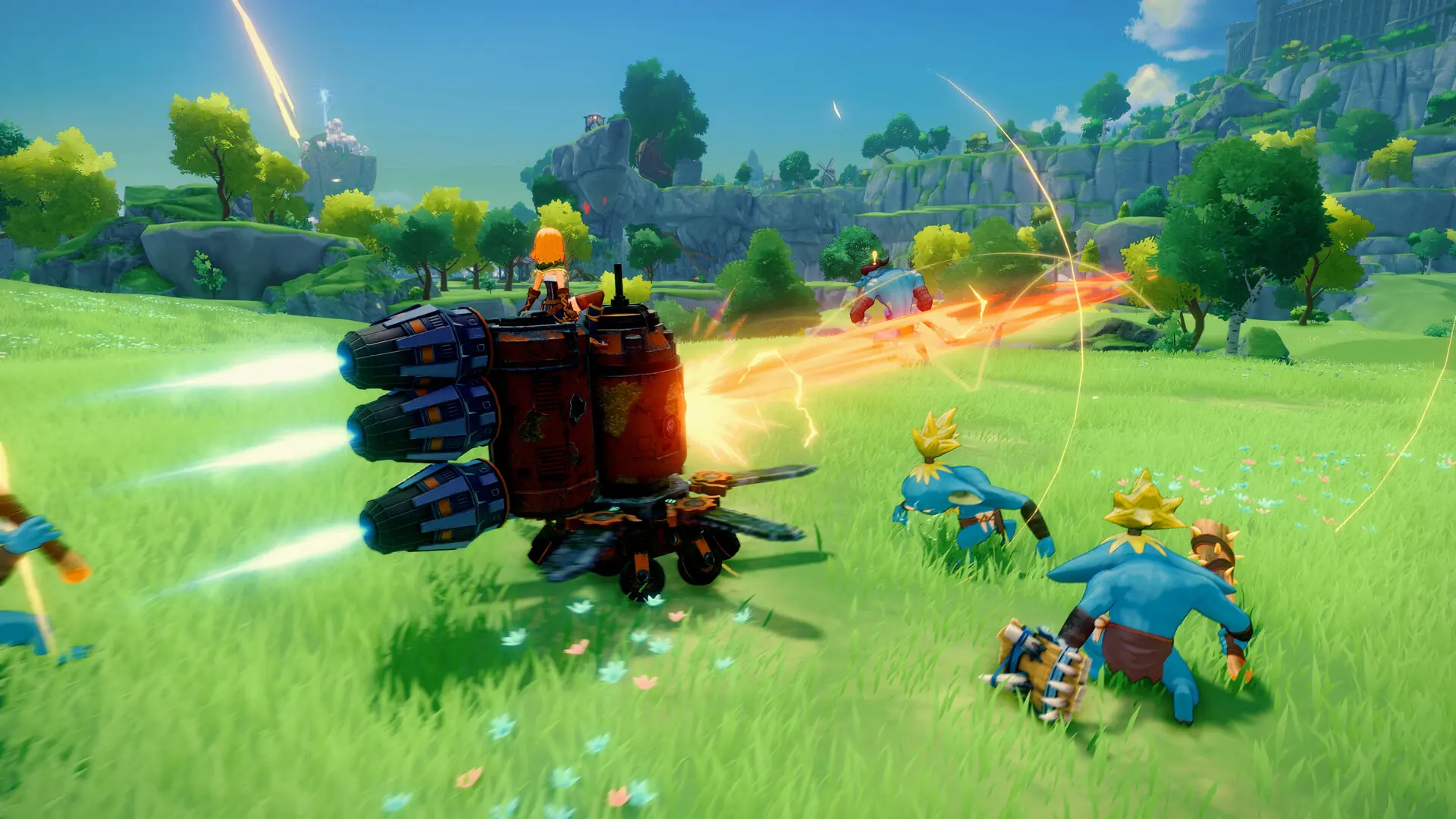
The difficulty setting controls how hard the game world is. Here's how to change the difficulty on your Craftopia server.
Changing Your Craftopia Difficulty
- 1Log in to Bropanel and select your server.
- 2In the sidebar, go to
Settings. - 3Under
Basic, setDifficultyto the difficulty you want. - 4Change
World Nameto generate a new world. - 5Click
Save & Restartto apply your changes.
The possible Craftopia difficulties are as listed here, and can also be set in the ServerSetting.ini file:
| Difficulty | Value |
|---|---|
| Easy | 0 |
| Normal | 1 |
| Hard | 2 |
| Very Hard | 3 |
| Hell | 4 |