
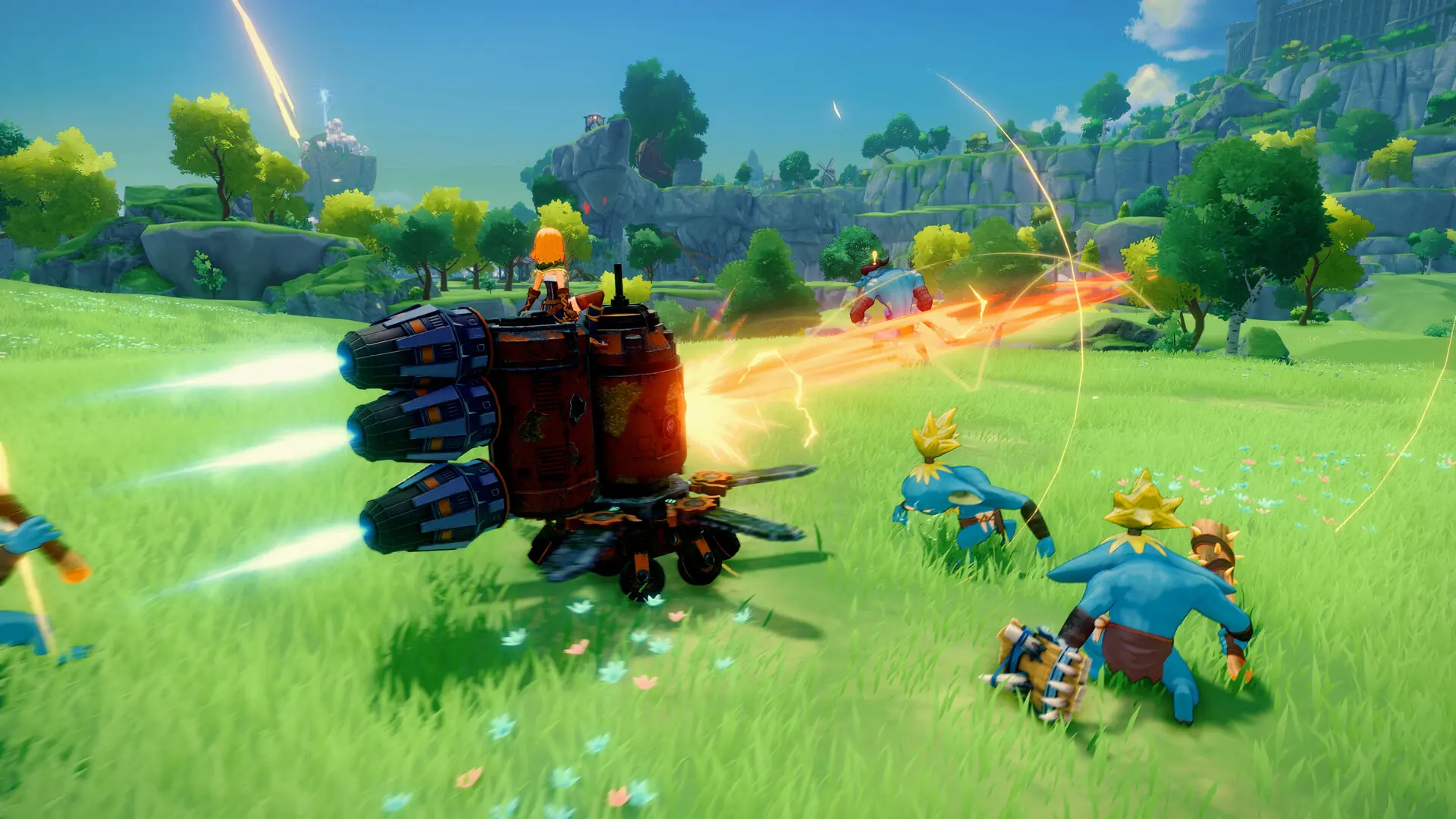
Here's how to create a new world on your Craftopia server.
Creating A New World
- 1Log in to Bropanel and select your server.
- 2In the sidebar, go to
Settings. - 3Under
Basic, changeWorld Nameto generate a new world. - 4Set
Game Modeto the mode you want your new world created in. - 5Click
Save & Restartto apply your changes.
When your server starts, a fresh world will generate under that name.