
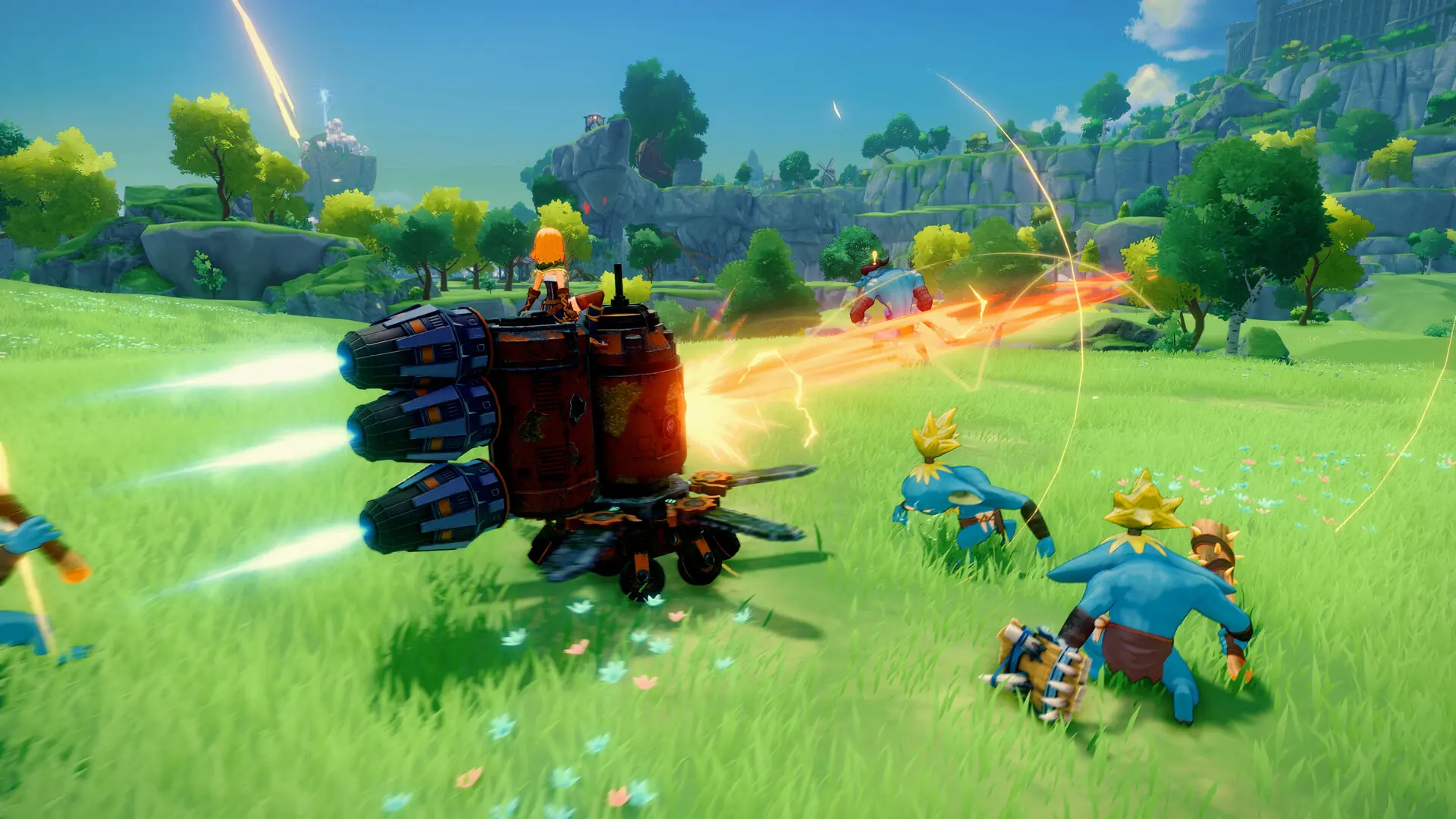
At Game Host Bros, we've integrated Craftopia settings directly into our game panel. Here's how to quickly and easily configure your new Craftopia server.
Configuring Your Craftopia Server
- 1Log in to Bropanel and select your server.
- 2In the sidebar, go to
Settings. - 3Edit the settings you'd like to change.
- 4Click
Save & Restartto apply your changes.
Note
Many Craftopia settings are only applied when a world is created, so changing them won't affect your current world. To apply those, generate a new world.
Craftopia Server Settings List
| Setting Name | Description |
|---|---|
| World Name | The world your server loads, matched against the worlds in DedicatedServerSave/Worlds. Setting a name that doesn't exist yet generates a fresh world. Default: Hosted By Game Host Bros |
| Difficulty | How hard the game world is. Pick from Easy, Normal, Hard, Very Hard and Hell. Default: Normal |
| Game Mode | Whether the world runs as a normal survival world or as a creative world. Swapping between Normal and Creative generates a new world, see our creative mode guide. Default: Normal World |
| Max Players | The maximum number of players that can join your server. Default: 7 |
| Use Password | Requires the server password below to join, see our password guide. Default: Disabled |
| Server Password | The PIN players enter when Use Password is enabled. Numbers only, up to 8 digits. Default: 00000000 |
| Enemy Pool Size | Multiplies how many charmed enemies and field enemies your world holds. Accepts a value from 1 to 10. Default: 1 |
| Server Max FPS | The frame rate cap for the server process. Higher values use more CPU. Default: 60 |
| Autosave Interval (seconds) | Seconds between automatic saves. Set it to -1 to turn autosaving off. Default: 300 |
| Hourly Autosave | Also keeps an automatic save every in-game hour. Default: Enabled |
| Auto Update | Updates your server to the latest version when it starts, see our update guide. Default: Enabled |
Craftopia Creative Mode Settings
These settings only take effect when Game Mode is set to one of the creative worlds.
| Setting Name | Description |
|---|---|
| Quick Craft | Crafting costs no items. Default: Enabled |
| Age Level | The age level of the world, which decides the crafting recipes available. Default: 9 |
| Island Level Override | Overrides monster and dungeon levels. Set it to -1 to turn the override off. Default: -1 |
| No Death | Player characters cannot die. Default: Enabled |
| No Damage | Player characters take no damage. Default: Enabled |
| No Hunger | Player characters never get hungry. Default: Enabled |
| Infinite Stamina | Player characters have unlimited stamina. Default: Enabled |
| Force Day Time | Locks the world to an in-game hour from 0 to 24. Set it to -1 to let time pass normally. Default: -1 |
| Invincible Buildings | Buildings take no damage. Default: Disabled |
| Disable Building | Players cannot place new buildings. Default: Disabled |
| Player Level Override | Overrides character level at the start of the game. Set it to 0 to turn the override off. Default: 0 |
| Player Health Override | Overrides character health at the start of the game. Set it to 0 to turn the override off. Default: 0 |
| Player Mana Override | Overrides character mana at the start of the game. Set it to 0 to turn the override off. Default: 0 |
| Player Stamina Override | Overrides character stamina at the start of the game. Set it to 0 to turn the override off. Default: 0 |
| Starting Money | The amount of money characters start with. Default: 1000 |
| Starting Skill Points | Skill points characters start with. Set it to 0 to turn it off. Default: 0 |
| Starting Enchant Points | Enchant points characters start with. Set it to 0 to turn it off. Default: 0 |