
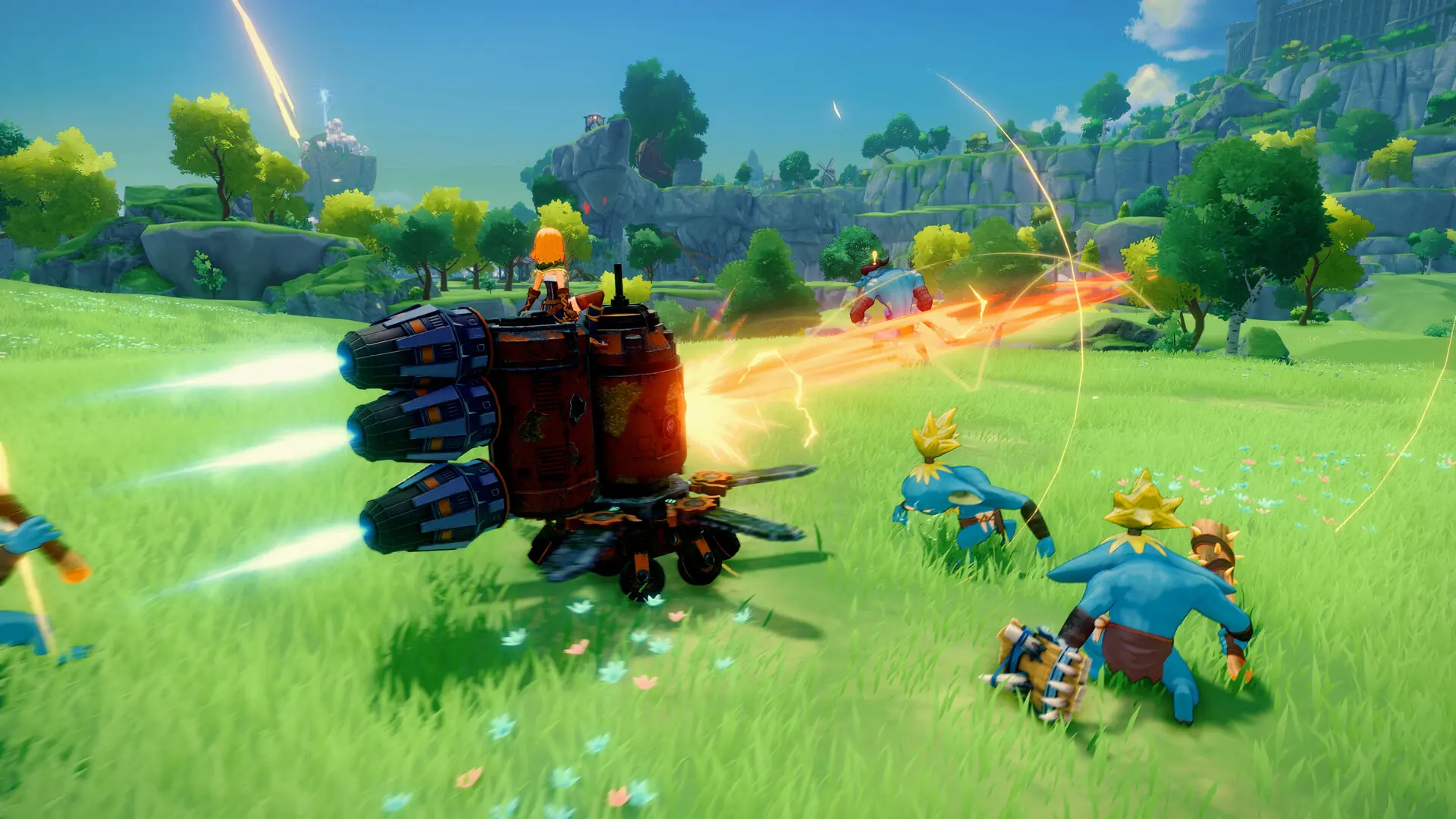
Creative mode unlocks free building and a set of extra options, like crafting without item costs and characters that can't die. Here's how to switch your Craftopia server over to it.
Enabling Creative Mode
Caution
Swapping Game Mode between Normal and Creative generates a new world, it doesn't convert your existing save.
- 1Log in to Bropanel and select your server.
- 2In the sidebar, go to
Settings. - 3Under
Basic, setGame ModetoCreative World (Build)orCreative World (Play). - 4Edit any of the
Creative Modesettings you'd like to change, see our configure guide for the full list. - 5Click
Save & Restartto apply your changes.
The Creative Mode settings only take effect while Game Mode is set to one of the creative worlds. You can also run the creative console command to have the server print tips for them.