
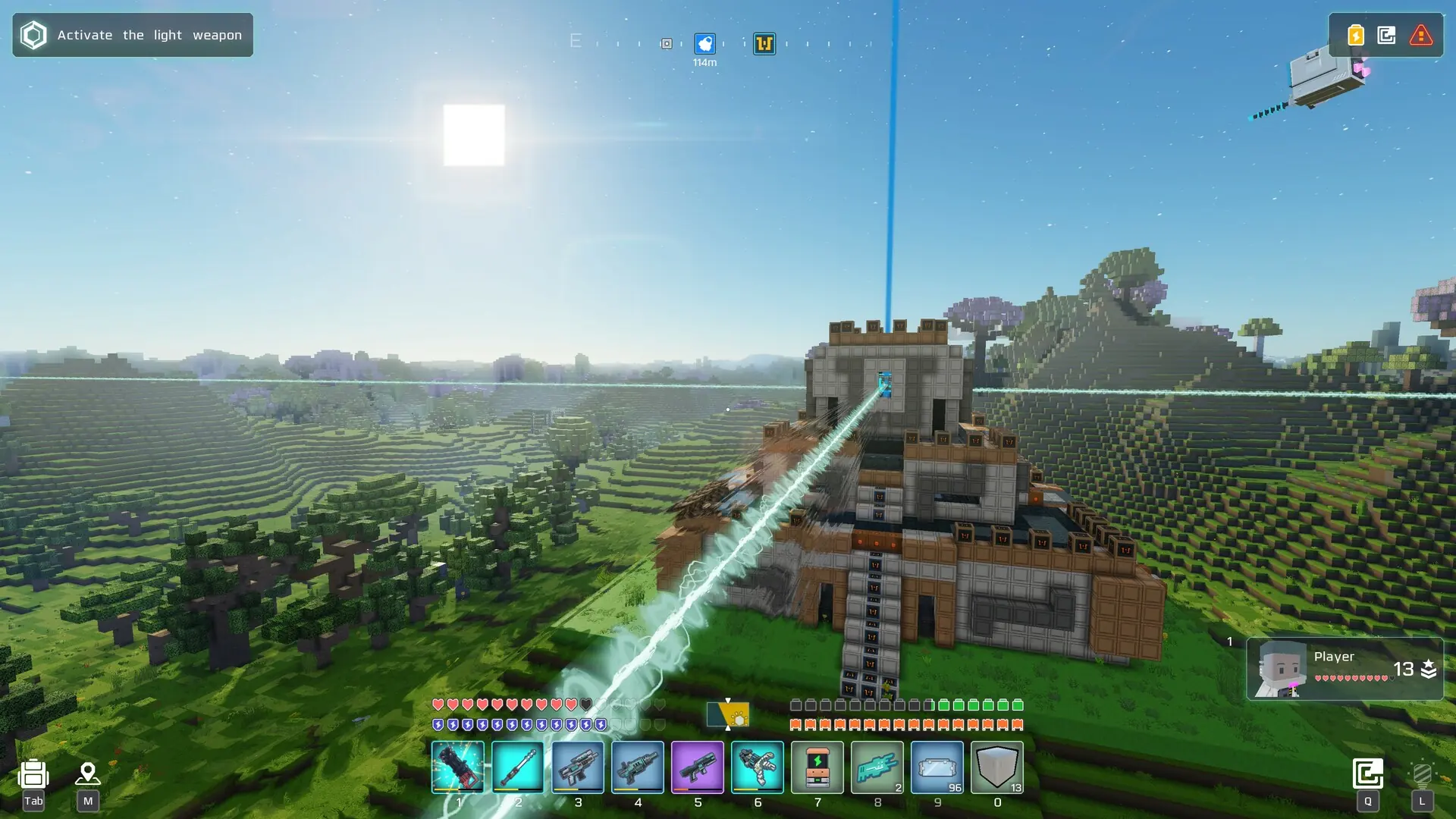
A private Cubic Odyssey server is hidden from the in-game Dedicated Servers list. Players can still join it with its lobby key.
Making Your Server Private
- 1Log in to Bropanel and select your server.
- 2In the sidebar, go to
Settings. - 3Under
Basic, setPrivate ServertoTRUE. - 4Click
Save & Restartto apply your changes.
Share the lobby key with your players. Our connect guide shows where to find it and how to join with it. For extra privacy, also set a password.
To list your server again, set Private Server back to FALSE and click Save & Restart.