
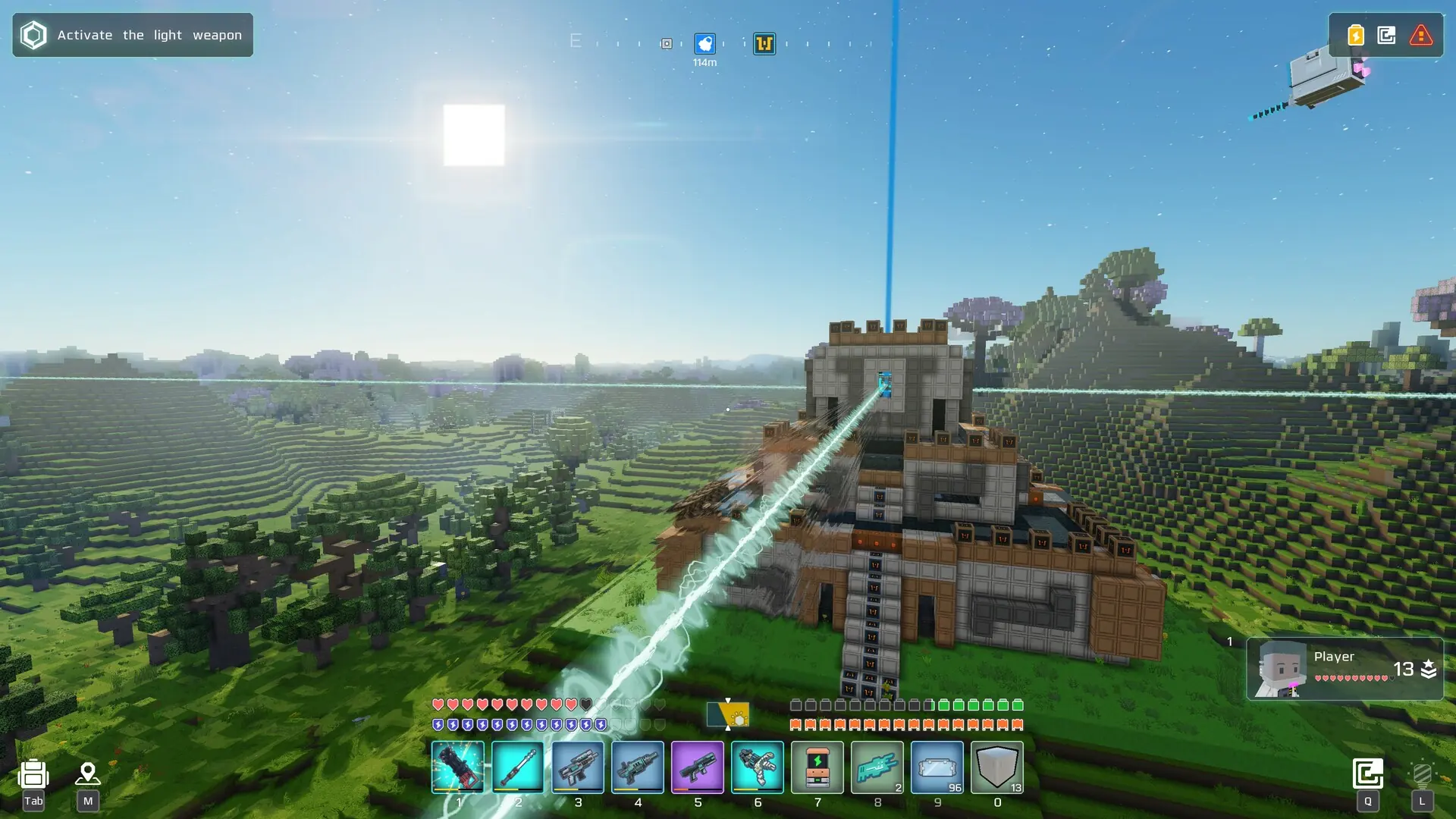
Cubic Odyssey servers run one of two game modes. adventure, the default, is the story-driven game: explore the galaxy, take on quests and save it from the Red Darkness. creative is a calm building mode, where every item is available and there are no dangers.
The game mode is chosen when your galaxy is created, so changing it means starting a new galaxy.
Danger
Starting a new galaxy deletes your current galaxy and everyone's progress in it. Create a backup first if you want to keep it.
Changing The Game Mode
- 1Log in to Bropanel and
Stopyour server. - 2In the sidebar, go to
Filesand delete thesave_serverfolder. - 3In the sidebar, go to
Settings. - 4Under
Gameplay, editGame Mode (Read Info)and chooseadventureorcreative. - 5Click
Save & Restartto apply your changes.
Your server creates a new galaxy in the new game mode when it starts. Each game mode needs its own character, so players set up a new one when they join. If you change Game Mode (Read Info) without deleting save_server, your server keeps its current galaxy and game mode, and says so in the console.